Google Translate is already on your phone, it’s free, and it translates speech in real time. So it’s a fair question: can it translate a phone call or a video call, too?
It has a live speech mode, so it looks like it should. But a live conversation and a live call are not the same thing — and that gap is what decides which tool you actually need.
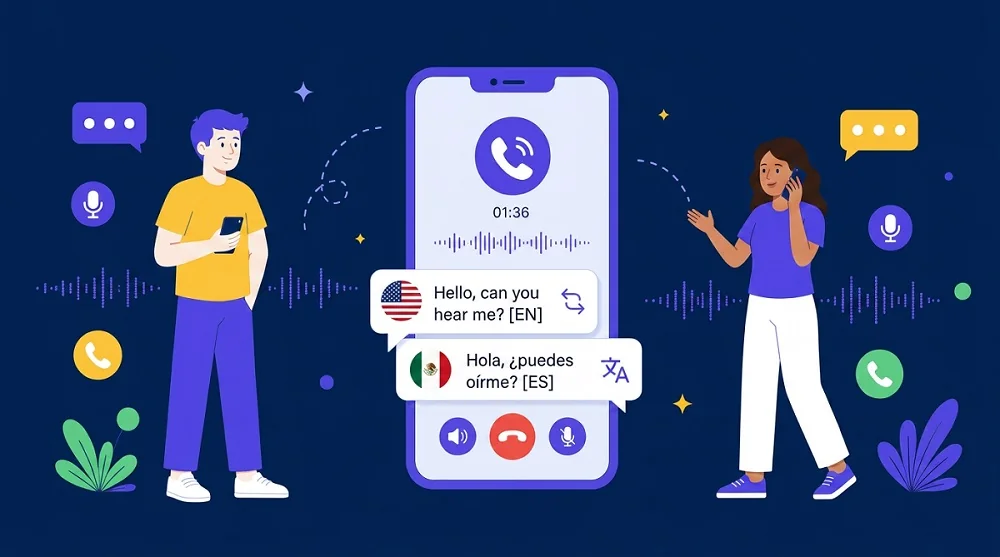
Quick Answer: No — Google Translate can’t translate a phone or video call. Its conversation mode is made for two people sharing one phone in person, and it never hears call audio. If you own a recent iPhone, Galaxy, or Pixel 10, use your phone’s built-in call translation; otherwise, a call translation app like AI Phone works on any phone.
Why Google Translate Can’t Join Your Call
Google Translate’s live speech feature has three modes: Listening, Conversation, and Text only. There is also a face-to-face view that splits the screen in two. In every mode, the app listens through your phone’s microphone and plays the translation through its speaker. Google’s own help page says the same: in Conversation mode, translations “play out loud on your phone speakers” while you “take turns speaking.”
That design is the problem for calls. The app cannot hear a phone call’s audio. There is no in-call button and no setup step for calls, and the help pages never mention phone or video calls. It translates conversations around the phone, not through it.
Some people try a workaround: put the call on speaker and hold a second phone running Google Translate next to it. It does not hold up. The app hears its own translations and tries to translate them back. Both sides talk over the playback, and each person has to wait for a translation to finish before they can speak. On a real call, where people interrupt and talk over each other, it falls apart within a minute.
The One Place Conversation Mode Does Work: In the Same Room
None of this makes Google Translate a bad tool. It is a good tool for a different situation. When you and the other person are in the same room, Conversation mode works well: you share one phone, take turns speaking, and hear the translation out loud. The face-to-face view splits the screen, so each of you reads your own language. It covers 70+ languages, and it is free.
Listening mode is for one-way listening. You hold the phone to your ear and hear what someone near you is saying, in your language. It helps at a lecture or on a tour. It is still not a call.
So in Google Translate, “live” means live in the room, with the phone between you: at a shop counter, a hotel desk, a parent-teacher meeting. Anywhere both people are there in person, it earns its place. A call is not that situation.
What About Video Calls on WhatsApp or Telegram?
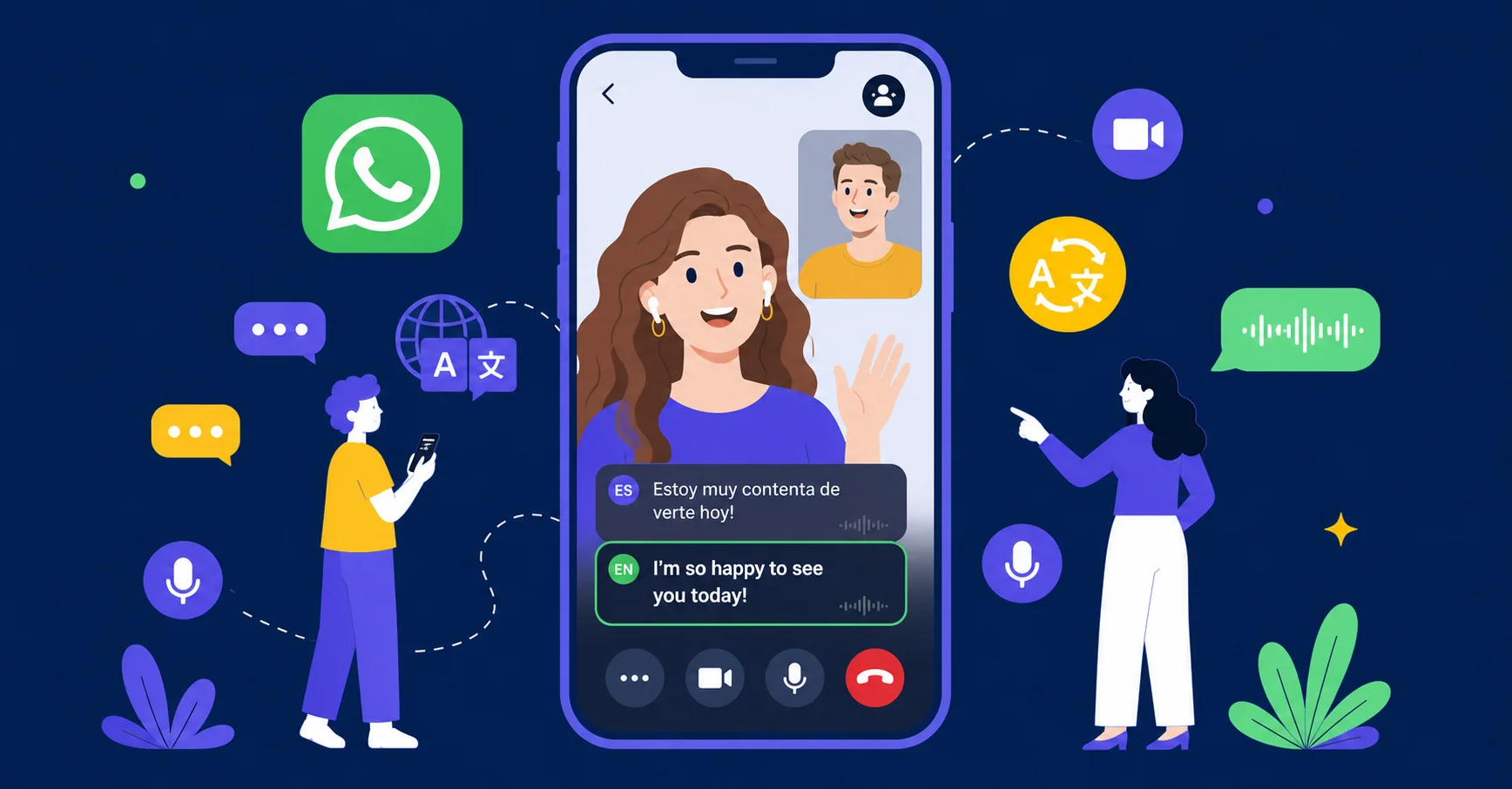
A video call on WhatsApp or Telegram runs inside that app, and Google Translate cannot join it. It cannot hear the other person’s voice, and it cannot speak into the call. The other person would hear nothing from the Translate app at all.
The speakerphone trick fails here too, and video makes it worse. You watch the call on one screen while a second phone listens to the room. Translations arrive late, out of order, or aimed at the wrong speaker. If the call matters — a job interview, a doctor’s follow-up, a family conversation — that is not a setup to rely on.
Call Translation That Actually Works
Phone makers and one carrier have built translation into the call itself. The built-in options work well, but each one only helps if you already qualify for it:
| Option | What it translates | Who can use it |
|---|---|---|
| AI Phone | Phone calls and video calls, in 150+ languages. For a video call, you share a link and the other person taps it to join; for a phone call, you dial from the app | Any iPhone or Android phone; the other person installs nothing |
| iPhone Live Translation | FaceTime video calls, one-on-one, plus regular calls in the Phone app, in 10 languages — Apple’s support page lists English, French, German, Italian, Portuguese, Spanish, Chinese, Japanese, and Korean | iPhone 15 Pro or newer with Apple Intelligence |
| Samsung Live Translate | Voice calls in the Phone app, and calls inside WhatsApp, Telegram, LINE, WeChat, and other named apps, in 20+ languages — see Samsung’s Live Translate guide | Select Galaxy phones (Android 14, One UI 6.1 or later) |
| Pixel Voice Translate | Phone calls in the Phone app, translated in a voice that sounds like yours; English paired with 10 languages — see Google’s Pixel help page | Pixel 10 and later only |
| T-Mobile’s Live Translation | Standard one-on-one phone calls, switched on by dialing *87*; not app video calls | Eligible T-Mobile customers |
Two notes before you pick one. On an iPhone, the older Live Captions feature only writes down speech in the same language. It does not translate, so it does not help across languages. The four built-in options share one pattern: free if you qualify, no help if you do not. An older phone, a language that is not on the list, a WhatsApp video call with family overseas — none of the four covers you there. AI Phone covers that gap, because it works on any phone.
How to Use AI Phone
- Download AI Phone. Install the app and set it up before the call you need it for.
- Pick your languages. Set the language you speak and the language the other person speaks.
- Start the call. For a video call, share the link and have the other person tap it; for a phone call, dial from the app.
- Talk in short turns, and confirm the important details before you hang up. For an exact name, number, or address, use Type to Speak: you type it instead of saying it, and the app speaks it to the other person, so it is not misheard.
Final Thoughts
Google Translate cannot translate your calls. It was never built to touch call audio. It was built for two people sharing one phone in the same room, and it does that job well. If you need translation inside the call itself, check your phone’s built-in feature first: iPhone, Galaxy, Pixel, and T-Mobile each cover part of the ground. And if your phone, your language, or your app is not on any of those lists, a call translation app is the option that does not ask you to qualify first.
Need a translated call that works on any phone?
AI Phone translates phone and video calls live — nothing for the other person to install.