“Video call translator” is a phrase that covers very different things. Some tools speak the translation out loud. Some only put subtitles on screen. Some only work if everyone joins the same scheduled meeting on the same platform. Picking from a search-result headline without knowing which kind you are getting is how you end up discovering mid-call that the other person hears nothing translated at all.
So this is a practical comparison, not a spec sheet. Seven options that cover most of what people actually need in 2026.
Quick Answer: The best video call translator depends on who you are calling. For scheduled work meetings, use whatever your company already runs — Google Meet, Zoom, or Microsoft Teams all translate well inside their own walls. For personal video calls across languages, where the other person will not install anything, AI Phone lets them join through a single link — no app, no account. LiveLingo is the closest browser-based alternative, with a free 3-minutes-a-day tier. All of them handle clear audio well; none is perfect with names, numbers, or heavy accents.
- At a Glance: The 7 Tools Compared
- AI Phone: Video Calls Translated Through a Single Link
- LiveLingo: The Browser-Native Alternative
- Google Meet: Speech Translation for Workspace Companies
- Zoom: Translated Captions for Meetings
- Microsoft Teams: The Enterprise Interpreter
- Apple FaceTime (iOS 26): Free Captions, iPhone Only
- Samsung Galaxy AI: System-Level Translation for Galaxy Owners
- How to Pick the Right One
- A Note on Accuracy
- Final Thoughts
At a Glance: The 7 Tools Compared
Short on time? Here is the landscape in one glance:
| App | How it translates | Best for | The catch |
|---|---|---|---|
| AI Phone | Spoken translation + bilingual subtitles, join via a link | Personal calls across languages | Small calls, not webinars |
| LiveLingo | Browser room, spoken translation | Zero-install browser calls | 3 free minutes a day |
| Google Meet | Spoken translation inside meetings | Workspace companies | Meetings only; one language pair at a time |
| Zoom | Translated captions; spoken in 5 languages | Multilingual work meetings | Meetings only; captions are not voice |
| Microsoft Teams | Speech-to-speech with voice simulation | Teams-heavy companies | Needs a $30/month Copilot license |
| Apple FaceTime (iOS 26) | Translated captions only | iPhone-to-iPhone calls | 5 languages, iPhone 15 Pro+, one-to-one |
| Samsung Galaxy AI | Spoken translation at system level | Samsung owners calling anyone | Samsung phones only |
AI Phone: Video Calls Translated Through a Single Link
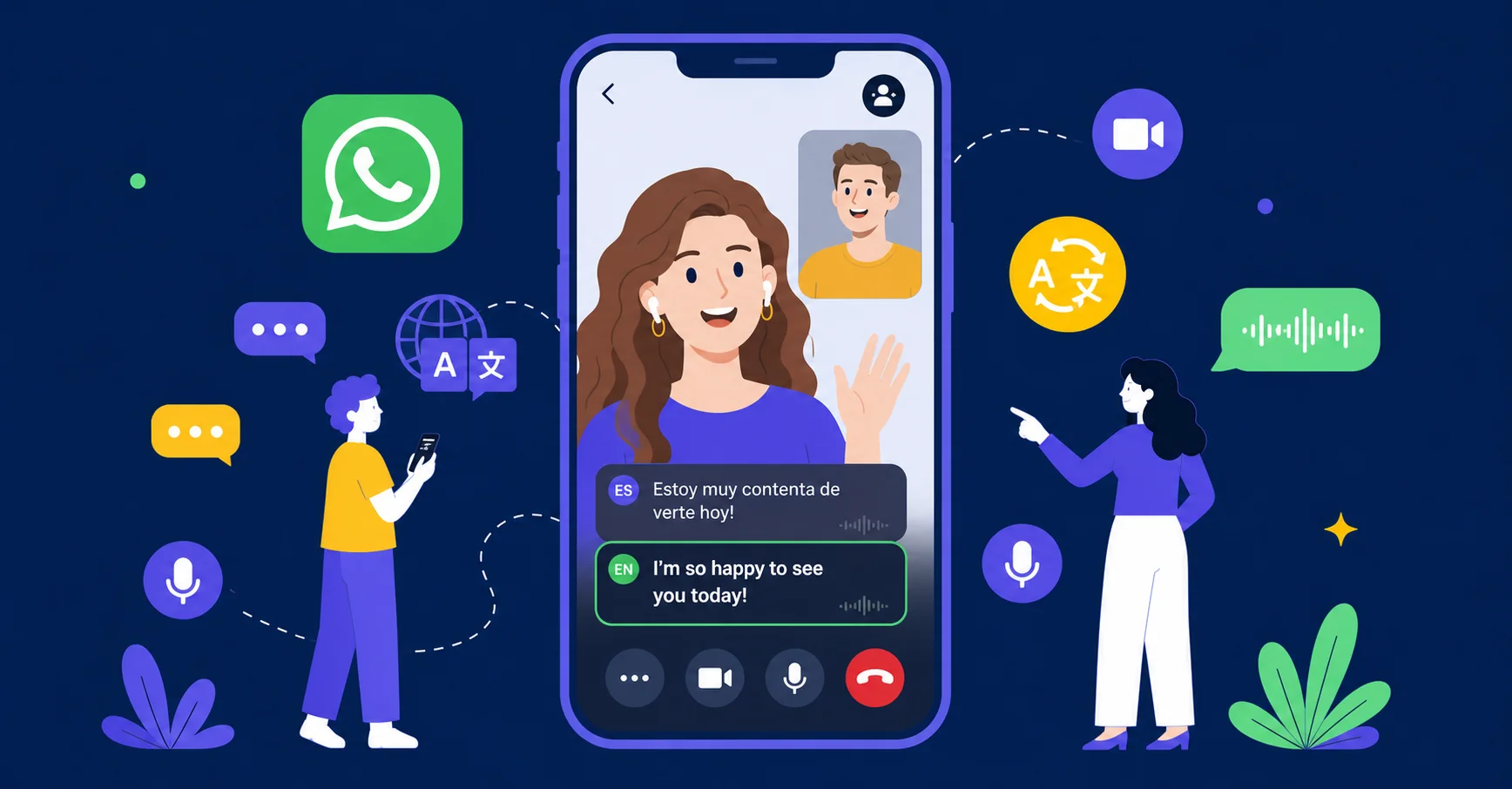
AI Phone is a translator built specifically for phone calls and video calls. On a translated video call, the other person hears your voice translated in real time — not just subtitles on a screen — with the translation running in both directions and bilingual subtitles throughout, across 150+ languages and accents. The other person does not need to download AI Phone, and there is no complicated setup on your side either: share an invite link, they tap it, and the video call starts.
Best for:
- Personal video calls across languages — couples, family, friends abroad
- Informal business calls where the other side would never install a meeting app for you
- If your contacts are scattered across different chat apps, or you need more languages than the handful the built-in options cover, this is the one built for that
What you get:
- Real-time spoken translation in both directions, plus bilingual subtitles on screen
- 150+ languages and accents
- The other person never has to download AI Phone — no install, no account; they just tap the link and talk
- It works with WhatsApp, Telegram, LINE, WeChat, Messenger, and other messaging apps
Watch out for:
- It is made for one-to-one and small calls, not 50-person webinars
- Large scheduled meetings with slides and breakout rooms are what Meet, Zoom, and Teams are for — and they do that job well
LiveLingo: The Browser-Native Alternative
A browser-based translator that runs alongside — or instead of — your meeting app. You get a room link, the other person opens it, and the translated conversation runs in their browser. No app installs on either end. The mechanism will sound familiar: it is the closest thing to AI Phone’s approach on this list.
Best for:
- People who live in a browser and want a free way to test the concept
- The free tier gives 3 minutes of translation a day with no account required
What you get:
- Continuous spoken translation across 35 languages
- It can sit in a tab next to Zoom, Teams, or Meet, translating the meeting audio
- Pro ($19.99/month) adds translated calls to real phone numbers, 300 minutes a month, and AI meeting memos
Watch out for:
- Three free minutes is a test drive, not a plan
- 35 languages is a fraction of what the bigger engines cover
Google Meet: Speech Translation for Workspace Companies
Google’s built-in speech-to-speech translation inside Meet. It plays a translated voice over the speaker while keeping their tone and pace, so a two-language conversation sounds closer to normal speech than reading subtitles.
Best for:
- Teams already paying for Google Workspace
- If your company runs on Gmail and Calendar, this is the path of least resistance
What you get:
- Currently, English paired with six languages — Spanish, French, German, Portuguese, Italian, and Hindi
- One pair per meeting, capped at 90 minutes per meeting
- Google has announced Gemini 3.5 Live Translate to expand Meet to 70+ languages and over 2,000 language combinations, but as of October 2026 that upgrade is in private preview for select Workspace customers
Watch out for:
- Everyone has to be inside a Meet call — Google accounts, the Meet app or a browser, a scheduled meeting
- It needs Google AI Pro/Ultra or an eligible Workspace edition
- It does not help when grandma calls on WhatsApp
Zoom: Translated Captions for Meetings
Zoom’s real-time translated captions, which put translated subtitles under everyone’s video. In July 2026 Zoom also launched a Voice Translator that speaks the translation — but so far only in five languages: English, Chinese, French, Japanese, and Spanish.
Best for:
- Multilingual work meetings where everyone is already on Zoom and mostly needs to follow along rather than converse
What you get:
- Captions in 36–46 languages depending on the plan, included with Workplace Business Plus and up (or a roughly $5/user/month add-on)
- The Voice Translator is consecutive, not simultaneous — it waits for the speaker to pause before translating, so there is a beat between each turn
Watch out for:
- Captions are reading, not hearing
- Everything stays inside your Zoom meeting
- It is no use for calling someone who is not a Zoom user — or for any call outside a scheduled meeting
Microsoft Teams: The Enterprise Interpreter
Microsoft’s meeting feature that translates speech to speech in near real time, with an option to simulate the speaker’s own voice so the translation sounds like them.
Best for:
- Companies already standardized on Teams and Copilot, running regular multilingual meetings
What you get:
- 9–10 languages (Chinese, English, French, German, Italian, Japanese, Korean, Portuguese, Spanish)
- Translated live captions in 50+
- 20 hours of interpreter time a month bundled into a Microsoft 365 Copilot license — $30/user/month on top of the Microsoft 365 subscription
Watch out for:
- Guests and anonymous joiners cannot use the Interpreter
- Everything has to happen inside Teams — 1:1 Teams calls and meetings, not large Teams events
- For a family call, it is irrelevant
Apple FaceTime (iOS 26): Free Captions, iPhone Only
iOS 26’s live translation inside FaceTime. It is captions only — you still hear the other person’s original voice, and the translation appears as subtitles on screen.
Best for:
- iPhone-to-iPhone calls where captions are enough and both callers speak one of those five languages
What you get:
- Five languages (English US/UK, French, German, Portuguese Brazil, Spanish Spain)
- Free, no subscription
- It is genuinely useful for the narrow case it covers
Watch out for:
- You need an iPhone 15 Pro or newer (Apple Intelligence hardware)
- The feature hides in Settings → Accessibility → Live Captions
- It is one-to-one calls only
- Both sides need capable devices for two-way translation
Samsung Galaxy AI: System-Level Translation for Galaxy Owners
Samsung’s system-level live translation that works during calls made from Galaxy phones — including voice calls inside third-party apps like WhatsApp, Messenger, LINE, Telegram, Signal, WeChat, and KakaoTalk. It translates the audio and can mute the original voice so you hear only the translation.
Best for:
- Samsung Galaxy owners who want translation wherever they call, without opening a separate app
What you get:
- 22 languages (growing to 24), free
- Working across apps because it operates at the phone level rather than inside one app
Watch out for:
- Only Samsung Galaxy phones (S series, Z Fold/Flip, One UI 6.1+)
- Samsung documents it for voice calls; video-call behavior inside third-party apps is not officially confirmed
- The other person is still just a voice on the line — there is no shared caption view or meeting interface
How to Pick the Right One
One question decides most of it: who are you calling, and what will they tolerate?
- Work meetings where everyone already uses one platform → stick with that platform’s built-in translation. Meet, Zoom, and Teams each do this competently inside their own walls.
- A personal call across languages, and the other person will not install anything → AI Phone. The single-link join is the whole point: they tap, you talk.
- A personal call and you are both comfortable in a browser → LiveLingo’s free tier is worth trying first; AI Phone when you need more than 3 minutes a day.
- You are both on iPhones, five languages is enough, captions suffice → FaceTime’s built-in translation costs nothing.
- You call from a Samsung and want it working across every app → Galaxy AI.
The honest summary: the platform tools only work when everyone is inside the same app, meeting, or device ecosystem. That is fine for scheduled work. Real life — calling your mother-in-law on WhatsApp, video-chatting a client who does not use your company’s tools — does not happen inside one ecosystem. That is the gap AI Phone and LiveLingo were built for.
A Note on Accuracy
Every tool on this list, including AI Phone, is machine translation. On clear audio and common languages it is good — good enough for real conversation. The weak spots are consistent across vendors: names, numbers, addresses, heavy accents, and people talking over each other.
For anything where a misunderstanding has consequences — medical instructions, legal documents, large money movements — use a professional human interpreter. The translation apps are for conversation, not contracts.
Final Thoughts
- Work meetings in one ecosystem → use whatever your company already pays for (Meet, Zoom, or Teams).
- Personal video calls across languages → AI Phone. Nothing else lets the other person join with zero setup and hear a real translated voice.
- Phone calls, not video → AI Phone is the only option on this list that translates regular phone calls to mobiles and landlines too.
- Just curious, and a browser tab is fine → LiveLingo’s 3 free minutes a day.
Most people end up needing two tools: one for work meetings, one for everything else. Pick the “everything else” one by who you are actually calling — because the best translator is the one the other person will actually use.
The video call translator the other person never has to set up
Share a link. They tap it, and you are talking — AI Phone translates both ways, live.