A phone call can feel much longer when you are trying to follow it in a language you do not speak confidently. A simple question about a delivery can turn into repeated names, numbers, and “Could you say that again?” Medical appointments and customer service calls can be even harder because you need to understand the answer and respond quickly.
In this guide, we’ll explore several methods for translating phone calls in real-time. These solutions will help you break down language barriers, ensuring that no matter the conversation, you can understand and be understood.
Quick Answer: The easiest way to translate a phone call is usually a dedicated real-time translation app. It can translate both sides of the conversation without requiring the other person to install the same app. Built-in call translation is convenient if your phone supports the language pair you need, while Over-the-Phone Interpretation is a better choice for medical, legal, financial, or other sensitive calls. For a short and simple exchange, a general voice translation app may be enough. If you need a written record instead of live help, you can record the call and translate it afterward.
Use a Real-Time Phone Call Translator App
A dedicated phone call translator app like AI Phone is often the easiest option for regular multilingual calls. Instead of translating short phrases one at a time, it processes the conversation in both directions while you speak.
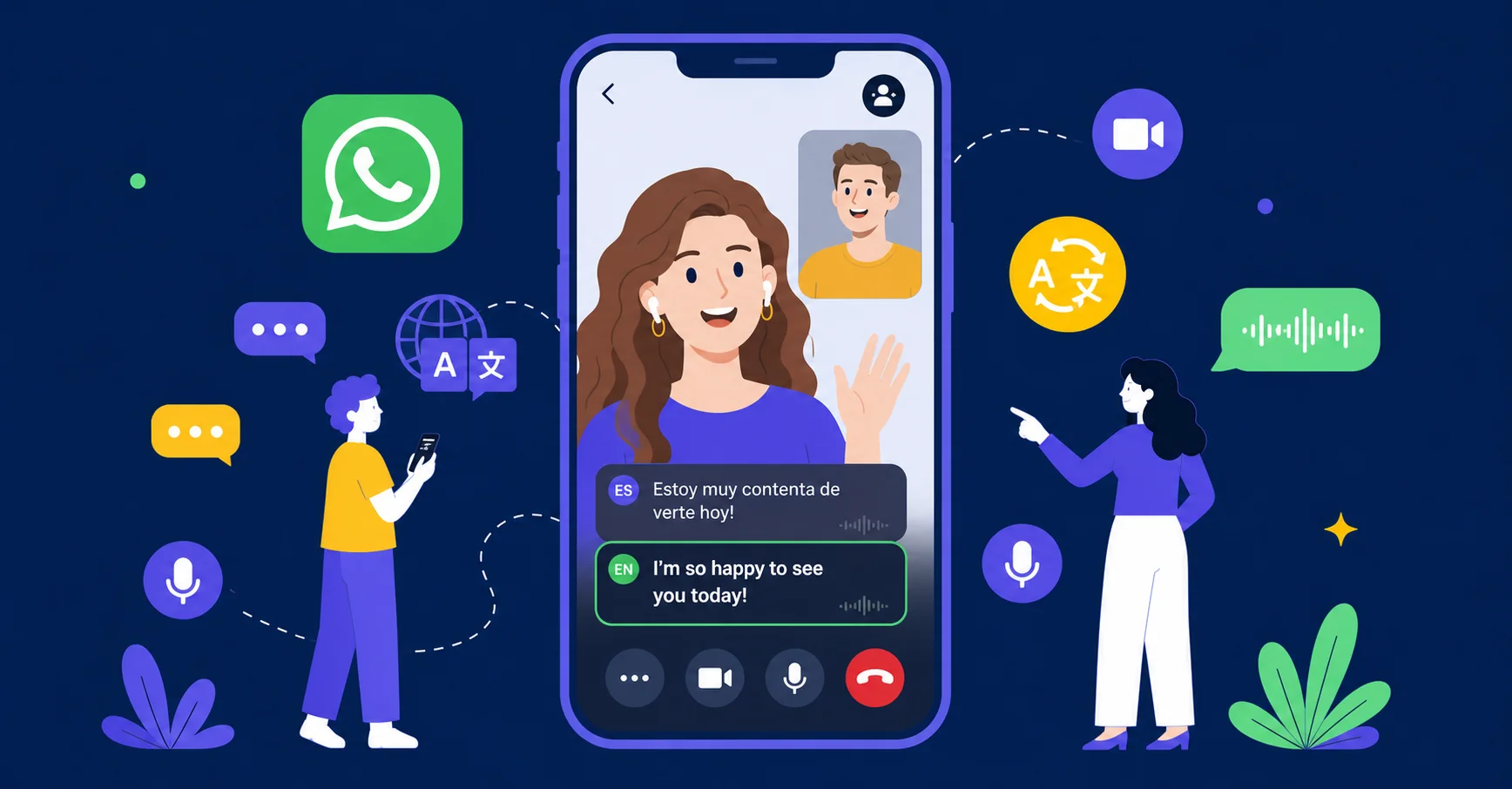
The app recognizes what one person says, translates it, and plays the result for the other person. Some apps also show captions, which are useful when a caller gives an address, spells a name, or mentions a number.
AI Phone is one example. It supports translated calls to mobile numbers and landlines, and the other person does not need to install the app. You can speak in your own language while AI Phone translates the conversation for both sides. It also offers bilingual captions, Type-to-Speak replies, call transcripts, and AI summaries.
What works well
- The app is designed for live calls
- Many services support a large number of languages
- The other caller usually does not need to install the same app
- Captions can make names and numbers easier to verify
- Some apps allow text replies when speaking is inconvenient
What to expect
- The call may be placed through the translation service instead of the phone’s normal call screen
- A stable internet connection is usually required
- Paid plans may use subscriptions, credits, or per-minute charges
- Fast speech, interruptions, slang, and technical terms can affect the result
For most everyday situations, a dedicated app offers the best balance of convenience and functionality.
Turn On Built-In Translation on a Supported Phone
Some smartphones can translate regular phone calls directly inside the native phone app. This is convenient because you do not need to install another service or ask the other person to download anything.
Samsung Galaxy phones with supported Galaxy AI features include Live Translate for regular calls. During a call, open Call Assist, choose Live Translate, and select the two languages. The phone translates the conversation and can show the translated text on screen.
Supported Google Pixel phones offer Voice Translate, while compatible iPhones with Apple Intelligence can use Apple’s Live Translation features. The exact models, software versions, regions, and language pairs vary.
These features are designed for calls made through the phone’s native calling app. They do not automatically translate calls made through WhatsApp, Messenger, FaceTime, or other third-party calling apps.
What works well
- Translation is built into the phone
- The other caller usually does not need a special device
- Some phones display translated text as well as spoken output
- Supported language packs may allow limited offline use
What to expect
- The feature may not be available on older models
- Language support differs between Samsung, Google, and Apple
- Names, jokes, idioms, accents, and specialized vocabulary can be difficult
Best for
- People who already own a compatible phone
- Short calls and simple conversations
- Reservations, directions, and customer service
- Users who want minimal setup
Built-in translation is the most convenient choice when your phone supports the languages you need.
Use a Carrier-Based Translation Service
A carrier-based service handles translation through the mobile network rather than through a separate app or accessory.
T-Mobile Live Translation is one example. Eligible customers can use it for two-way translation across many languages, and only one person on the call may need to use the supported carrier.
The appeal is simple: you make a normal phone call, and the network handles the translation. There is no translator app to open and no extra device to pair.
What works well
- No separate translator app is required
- The other caller may not need to set anything up
- The service works through the regular phone network
- Some carrier services support both smartphones and basic phones
What to expect
- Availability depends on the carrier, region, and account
- Some services may still have limited access
Best for
- Customers whose carrier offers live call translation
- Users who want a normal phone call experience
- People who do not want to install an app
Carrier translation is convenient when it is available, but it is not an option for every caller.
Use Over-the-Phone Interpretation (OPI)
Over-the-phone interpretation connects you with a professional interpreter during a live phone call. You call an interpretation provider, choose the language you need, and either add the interpreter to an existing call or let the service connect all parties.
Unlike an AI translation app, OPI uses a human interpreter who can ask for clarification, handle specialized vocabulary, and follow the context of the conversation. Many services offer on-demand access, while others require an account or advance scheduling.
What works well
- Professional interpreters can clarify unclear statements
- Better suited to specialized or sensitive conversations
- Useful when accuracy is more important than speed
What to expect
- Professional interpretation can be expensive
- An interpreter may need to be scheduled in advance
- The interpreter adds another person to the conversation
- Availability and costs may vary by language and time of day
- The conversation may take longer because each speaker waits for the interpretation
Best for
- Medical appointments and health insurance calls
- Legal and government services
- Financial and insurance conversations
- Customer support and business calls
- Languages that are not well supported by translation apps
OPI is usually the safer choice when a misunderstanding could affect someone’s health, legal rights, money, or access to public services.
Use a General Voice Translation App
Google Translate, Microsoft Translator, and Papago can help with short spoken exchanges. They are not full phone call translation services, but they can be useful when you only need to communicate a few sentences.
One person puts the call on speakerphone while another device runs the translation app’s conversation mode. Each speaker talks in turn, waits for the translation, and then responds.
What works well
- Many general translation apps are free
- They are available on most smartphones
- The same app can translate text, images, and face-to-face conversations
- They can be useful when a dedicated call translator is unavailable
What to expect
- The process is slow for a full conversation
- Speakerphone may expose private information
- Background noise can affect recognition
- Both people need to take turns carefully
- The translated audio may not be delivered directly to the other caller
Best for
- Short and simple calls
- Occasional translation needs
- Users who do not want to pay for a dedicated service
This is a useful backup, but it is not as smooth as an app designed specifically for phone calls.
Use a Translation Device
Translation hardware gives you another way to handle multilingual calls. Translation earbuds capture speech through built-in microphones and play the translated audio directly into your ears. A companion phone app usually processes the translation.
The Timekettle W4 Pro is designed for phone calls and face-to-face conversations. Standalone products such as the Vasco Translator Q1 combine translation software with their own microphones, speaker, and cellular connection.
This method is most useful for frequent travelers and people who need hands-free translation. It costs more than an app, but dedicated microphones can be helpful in noisy surroundings.
What works well
- You can listen without holding the phone
- Dedicated microphones may improve audio pickup
- The same device can support phone calls and in-person conversations
What to expect
- Hardware costs more than an app
- Earbuds usually require a smartphone and companion app
- Online translation still depends on an internet connection
- Pairing, battery life, and audio routing can affect the call
- Some devices support outgoing translated calls but not incoming calls
Best for
- Frequent travelers
- Hands-free conversations
- Users who translate calls regularly
- People who also need face-to-face translation
Translation hardware makes sense for frequent use. For one or two calls, a mobile app is usually more practical.
Final Thoughts
There are several ways to translate a phone call, and each one solves a slightly different problem.
A dedicated app is usually the most practical choice for everyday two-way conversations. Built-in phone features reduce setup when you have a compatible device. Carrier services can make translation feel almost invisible, but access depends on your mobile provider. Human interpreters remain the strongest option for sensitive calls, while recording tools are better when you need a translated record after the conversation.
Choose the method based on the call itself, the languages involved, and the consequences of a translation mistake.