
AI Voice Translator for Real Conversations
Translate spoken conversations in real time with AI Phone. Communicate across languages wherever you go, from everyday conversations to travel and meetings.
How to Translate a Conversation with AI Phone
Pick a mode, choose your languages, and let AI Phone handle the translation.
 01
01Pick a Mode
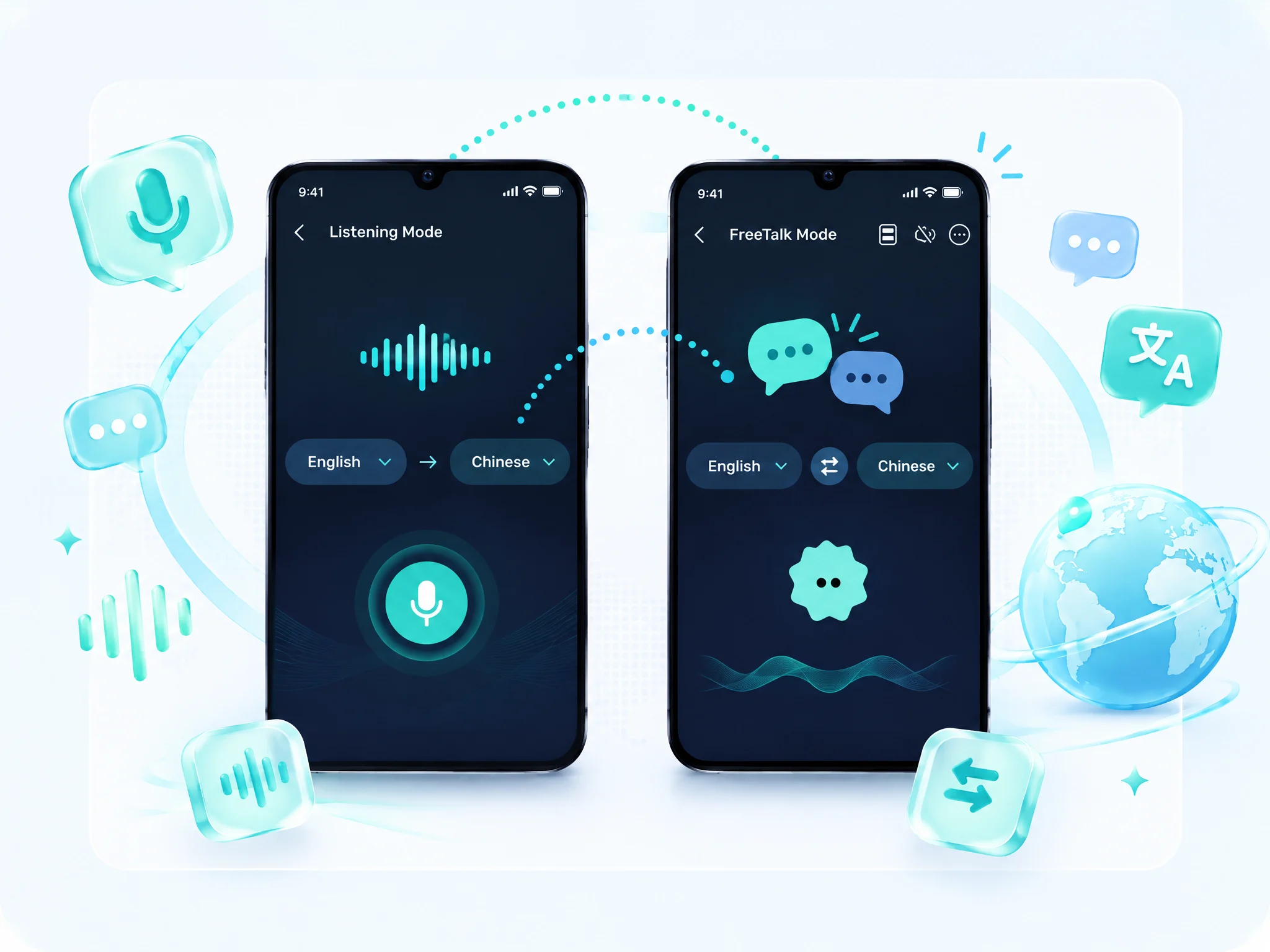
Use Talk Mode for two-way chats, or Listening Mode to follow a class.
 02
02Choose Your Languages
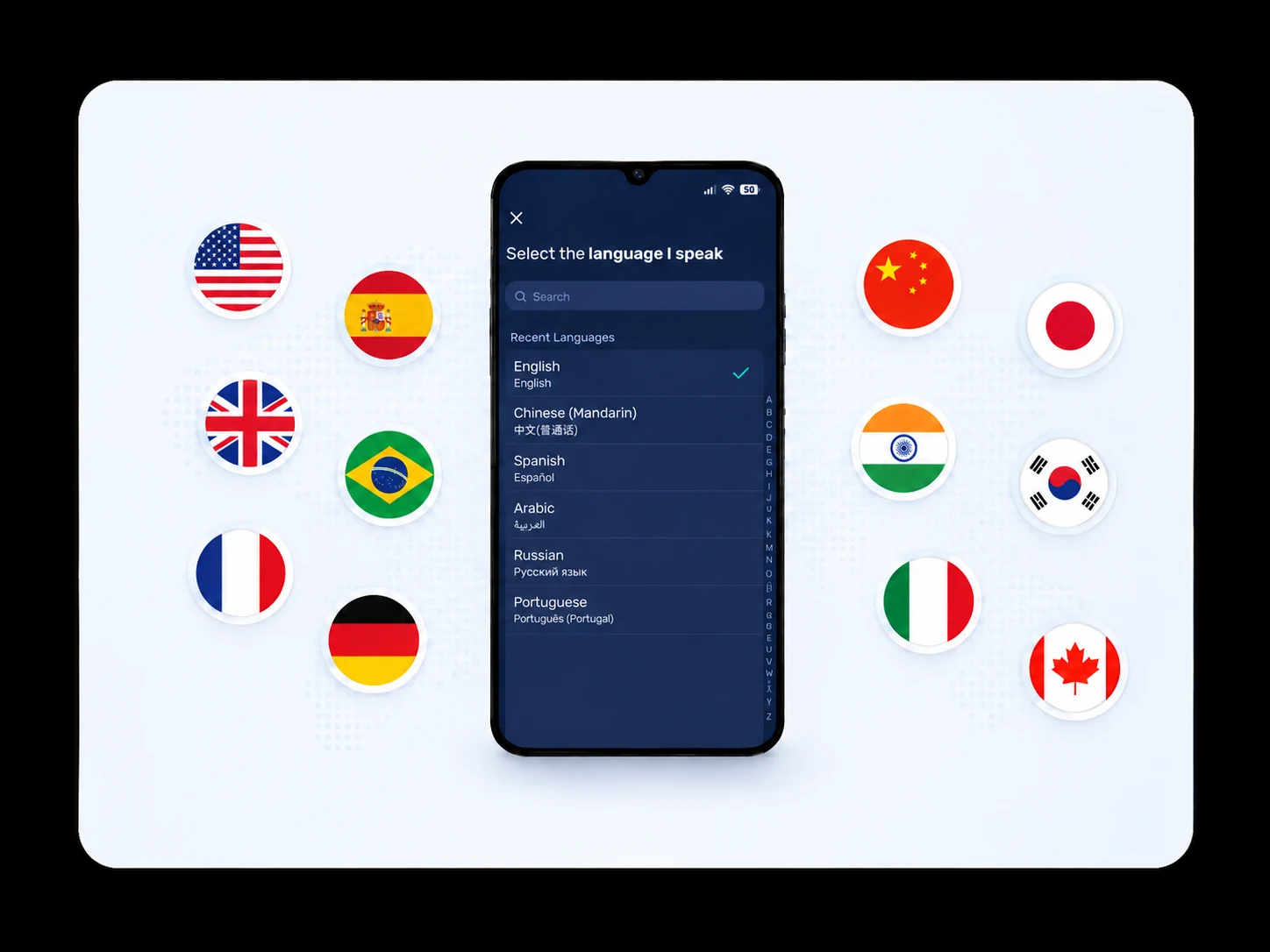
Select the languages for your conversation before you begin.
 03
03Start Translating
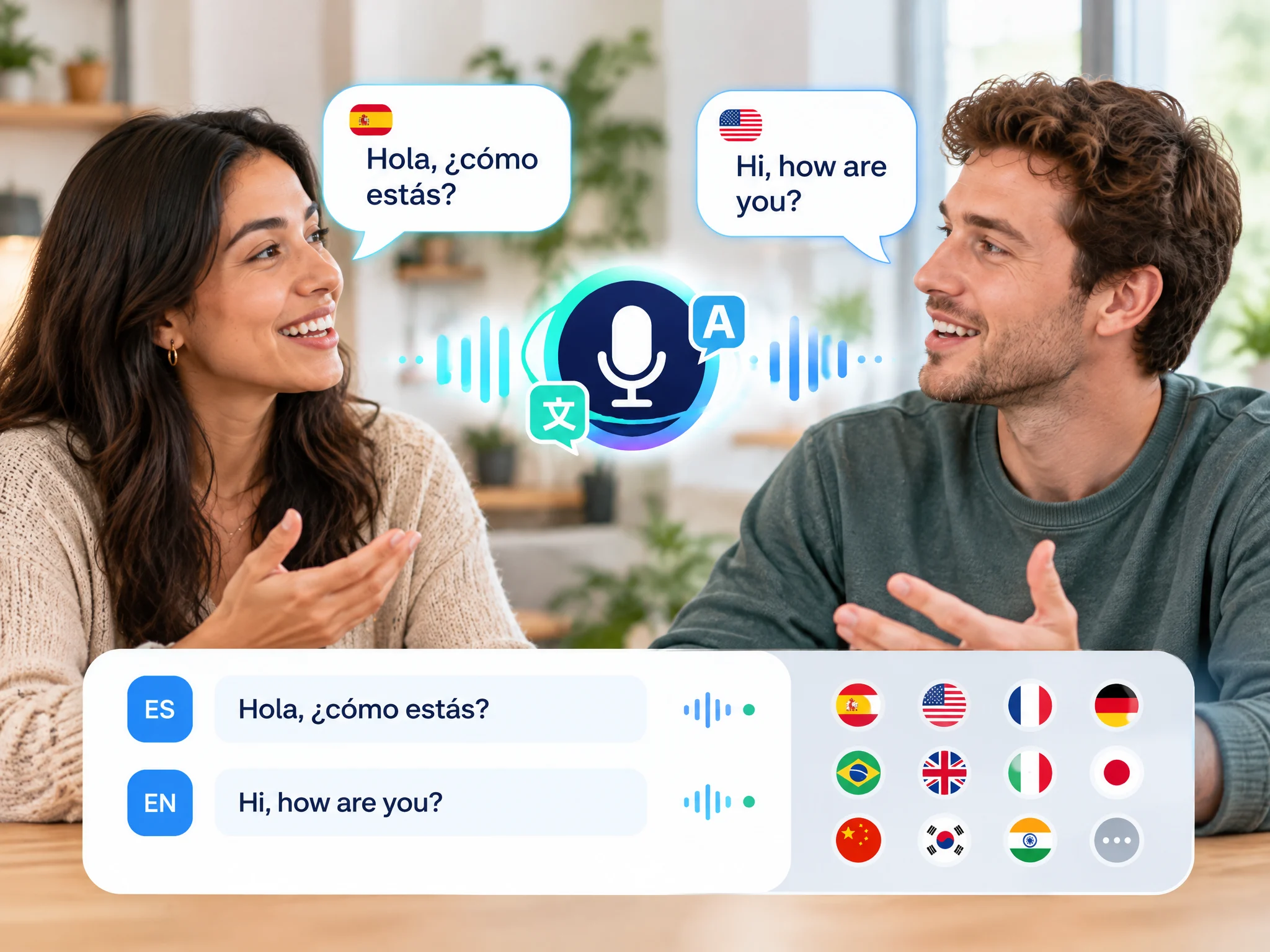
Start speaking or listening, and AI Phone translates in real time with voice and on-screen text.
Voice Translation Built for Real Conversations
Voice-to-Voice Translation
Speak in your language and hear the translation spoken aloud in theirs, in real time.
Speech-to-Text Translation
See what's said transcribed and translated on screen as it happens.
Talk Mode
Have a back-and-forth conversation with real-time translation while traveling, shopping, or at the doctor's.
Listening Mode
Listen to a speaker and follow the translation on your screen in classes, seminars, and meetings.

Split Screen View
View both languages side by side, so everyone can follow along at a glance.
Custom Voice Output
Speak with your own voice or pick a natural-sounding AI voice.
Translation History
Every conversation is saved to your translation history for later review.

Wide Language Support
Translate across 150+ languages and accents, from everyday travel to business meetings.
Languages supported, from Spanish and Mandarin to Swahili and Vietnamese.
Who Is a Real-Time Voice Translation For?
Feel more confident connecting with people in the moments that matter.




Face-to-Face Translation FAQs
What is a real-time voice translator?
A real-time voice translator translates speech as it is spoken. AI Phone can speak the translation aloud and show it as text on screen, so people who speak different languages can understand each other.
What is the difference between Talk Mode and Listening Mode?
Talk Mode is for two-way conversations, such as travel, shopping, hospital visits, or chatting with new friends. Listening Mode is for following one-way speech, such as a class, seminar, presentation, or meeting.
How do I translate a conversation with AI Phone?
Choose the languages you want to use, open Talk Mode, and take turns speaking into your phone. AI Phone translates the conversation so both people can follow along.
Can I translate a class or presentation?
Listening Mode is designed to help you follow one-way speech, such as a class, seminar, presentation, meeting, or public event.
How many languages does AI Phone support?
AI Phone supports 150+ languages and accents across its translation features. Availability may vary by feature and language pair.
Can I use my own voice for translations?
Yes. You can clone and use your own voice for translated speech.
Can I use AI Phone with headphones or Bluetooth devices?
Yes. AI Phone can play translated speech through wired or Bluetooth headphones. Compatibility may vary by device.
Does AI Phone's voice translator work without internet?
Voice translation currently requires an internet connection.
Is AI Phone's voice translator free to use?
AI Phone's voice translation requires a subscription. You can see the current plans and any available offers in the app.
Can I review translated conversations later?
AI Phone may save conversation text and translated content in the app for later review. You can manage or delete saved records in the app.
Ready to Speak Without Language Barriers?
Get an AI interpreter in your pocket, with real-time voice translation in 150+ languages and accents.
For creator partnerships, business inquiries, or discounted plans: marketing@aiphone.ai