A foreign-language video may have no subtitles, a podcast may move too quickly to follow, and a live stream may not provide a translation at all. Pausing to search for every unfamiliar phrase can make the content difficult to enjoy.
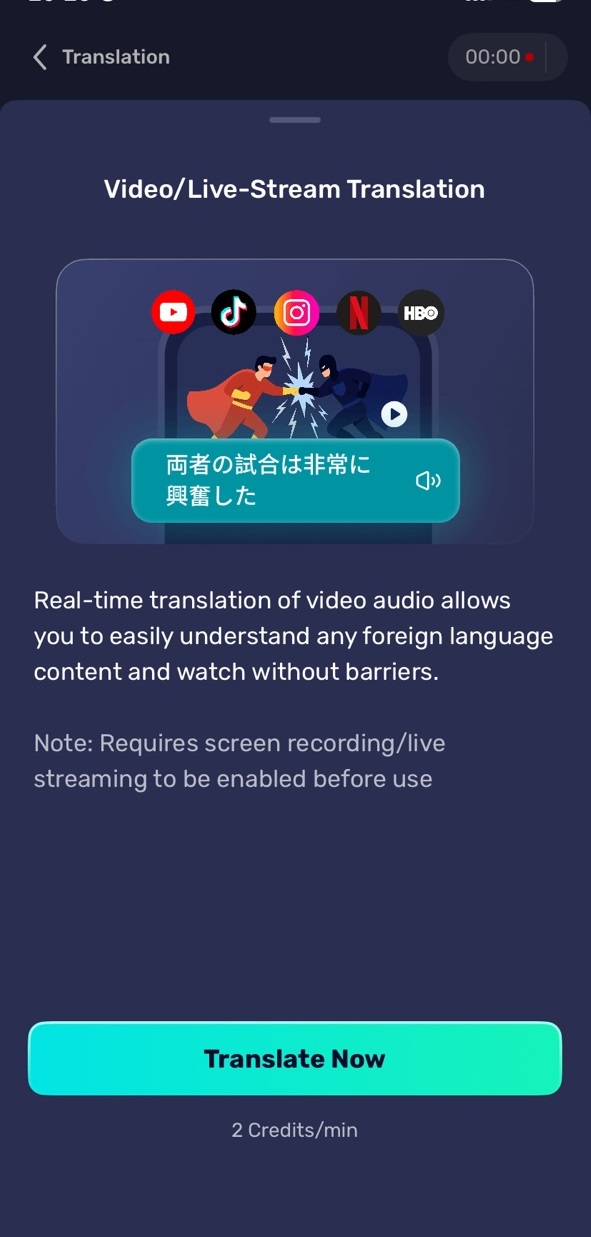
AI Phone can translate audio playing on your phone, including videos, podcasts, online courses, interviews, and live streams. Here is how to set up Audio, Video, and Stream Translation in AI Phone.
Start Audio, Video, and Stream Translation in AI Phone
- Open AI Phone.
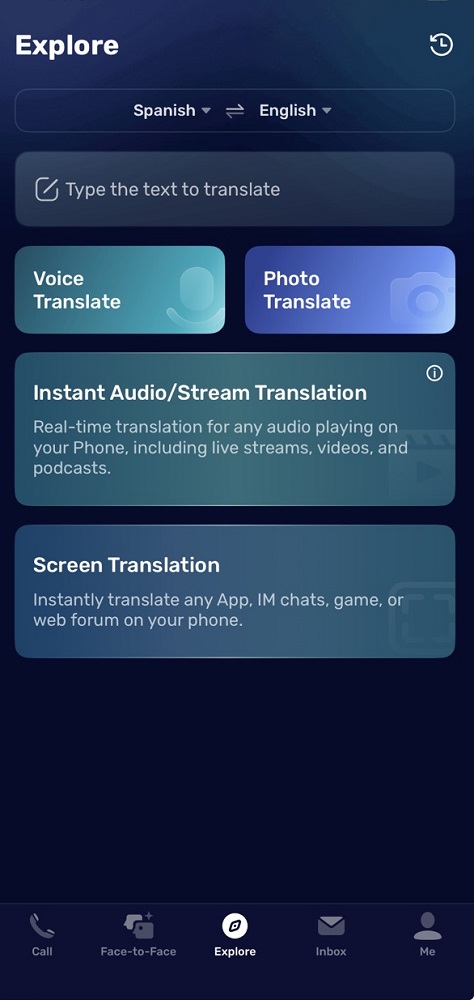
- Tap Explore at the bottom of the screen.
- Tap Instant Audio/Stream Translation.
- Choose the language of the content under Source.
- Choose the language you want to understand under Target.
- Tap Start.
- Minimize AI Phone.
- Open the video, audio, podcast, course, or live stream you want to translate.
AI Phone listens to the content playing on your phone and translates it while it plays.
Choose the Source and Target Languages
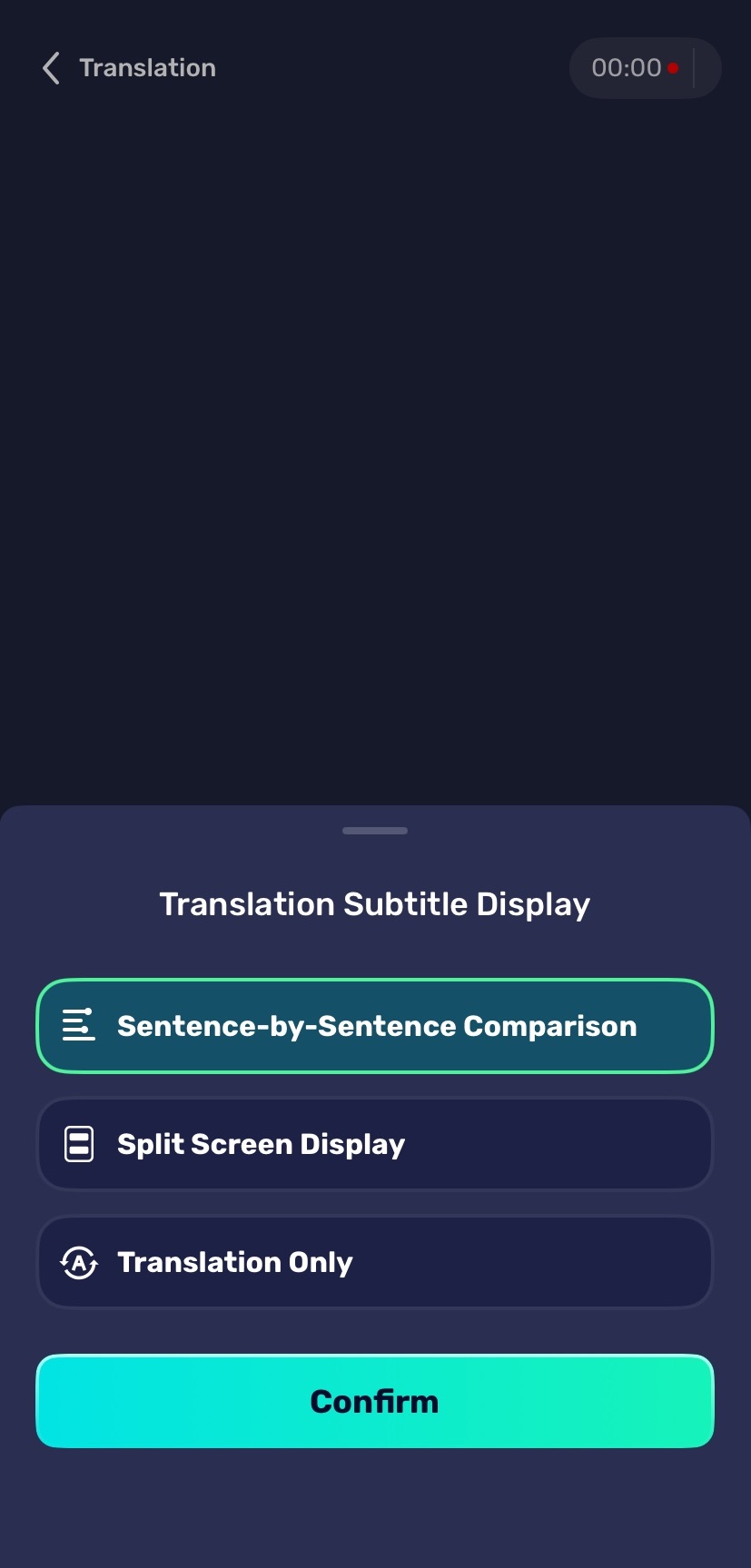
Before starting playback, select the language used in the audio or video and the language you want to hear or read.
For example, choose English as the source language and Spanish as the target language when watching an English-language video. If you switch to content in another language, update the source language before starting a new translation.
Choosing the correct language pair helps AI Phone interpret the speech more accurately, especially when the content includes accents, names, or technical terms.
View Audio and Video Translation History
AI Phone saves previous audio and video translations in Translation History, so you can review important content after playback.
- Open AI Phone.
- Tap Explore.
- Tap the History icon in the top-right corner.
- Open Translation History.
- Tap Video/Live Stream to view previous audio and video translations.
You can use Translation History to review translated lectures, interviews, podcasts, live streams, and other media content.
What Can AI Phone Translate?
Audio, Video, and Stream Translation can be used with different types of content playing on your phone, including:
- Online videos
- Podcasts
- Live streams
- Online courses
- Interviews
- Recorded lectures
- Presentations
- News and media content
It is useful when captions are missing, unavailable in your language, or too difficult to follow while the content is playing.
Best Use Cases
- Follow a foreign-language online class or lecture.
- Understand an interview or podcast.
- Watch videos without relying on translated subtitles.
- Follow a live stream in another language.
- Listen to international news or media.
- Understand recorded training or presentation content.
For text that appears inside an app, website, or game, use Screen Translation instead. For an in-person spoken conversation, Voice Translation is a better fit. For a video call, try our Video Call Translation feature.
FAQs
Can AI Phone translate live streams?
Yes. Start Instant Audio/Stream Translation before opening the live stream, then choose the source and target languages.
Can AI Phone translate podcasts and recorded audio?
Yes. It can translate podcasts, interviews, lectures, courses, and other audio playing on your phone.
Do I need to keep AI Phone open while watching a video?
No. After starting the translation, you can minimize AI Phone and play the audio or video on your phone.
Can AI Phone translate videos without subtitles?
Yes. The translation is based on the audio in the video, so subtitles are not required.