
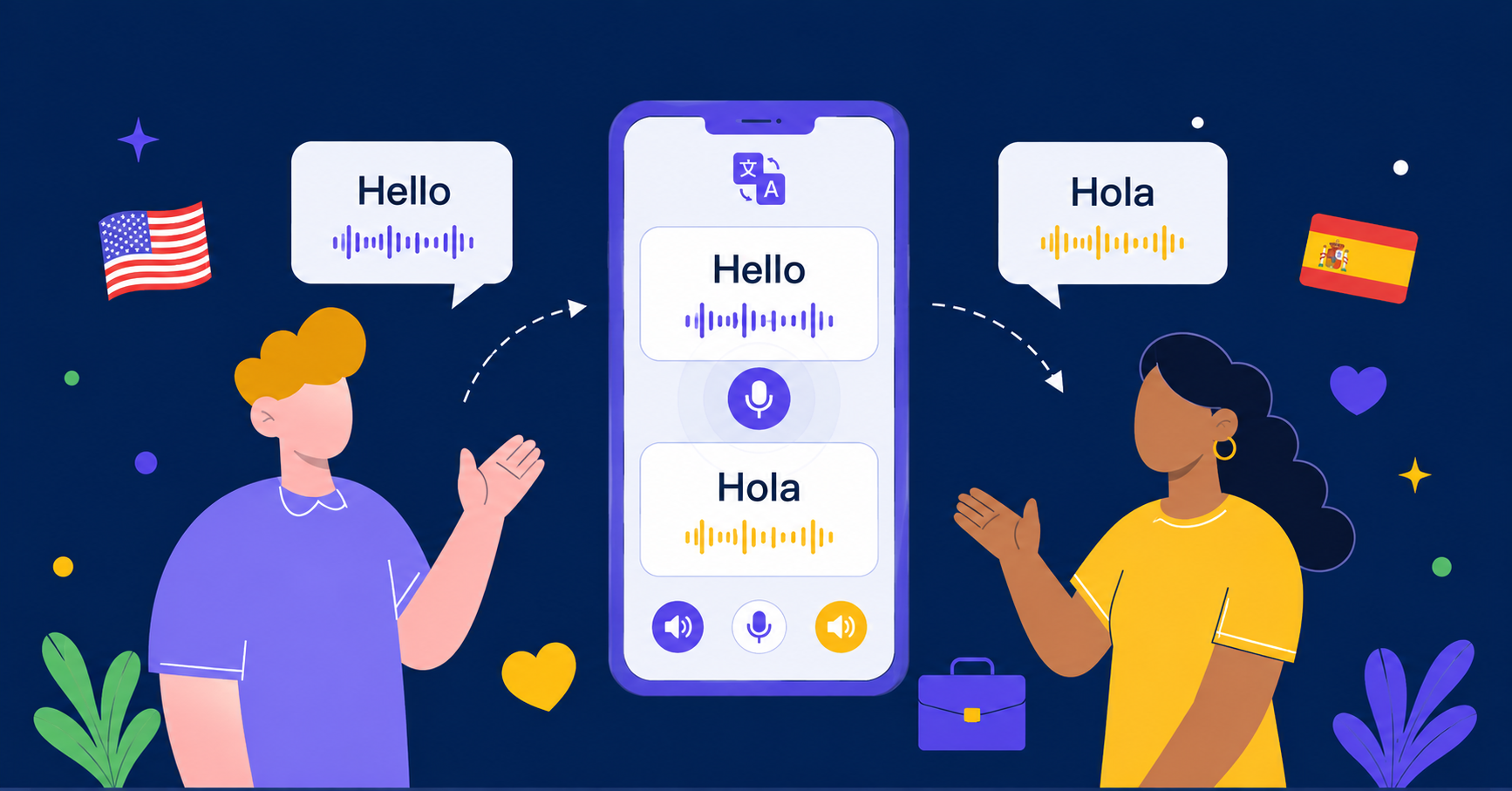
How to Use Face-to-Face Voice Translation with AI Phone
Understand and respond in live conversations across languages. See how AI Phone helps with face-to-face voice translation, captions, Listening Mode, and Talk Mode.
Understand and respond in live conversations across languages. See how AI Phone helps with face-to-face voice translation, captions, Listening Mode, and Talk Mode.
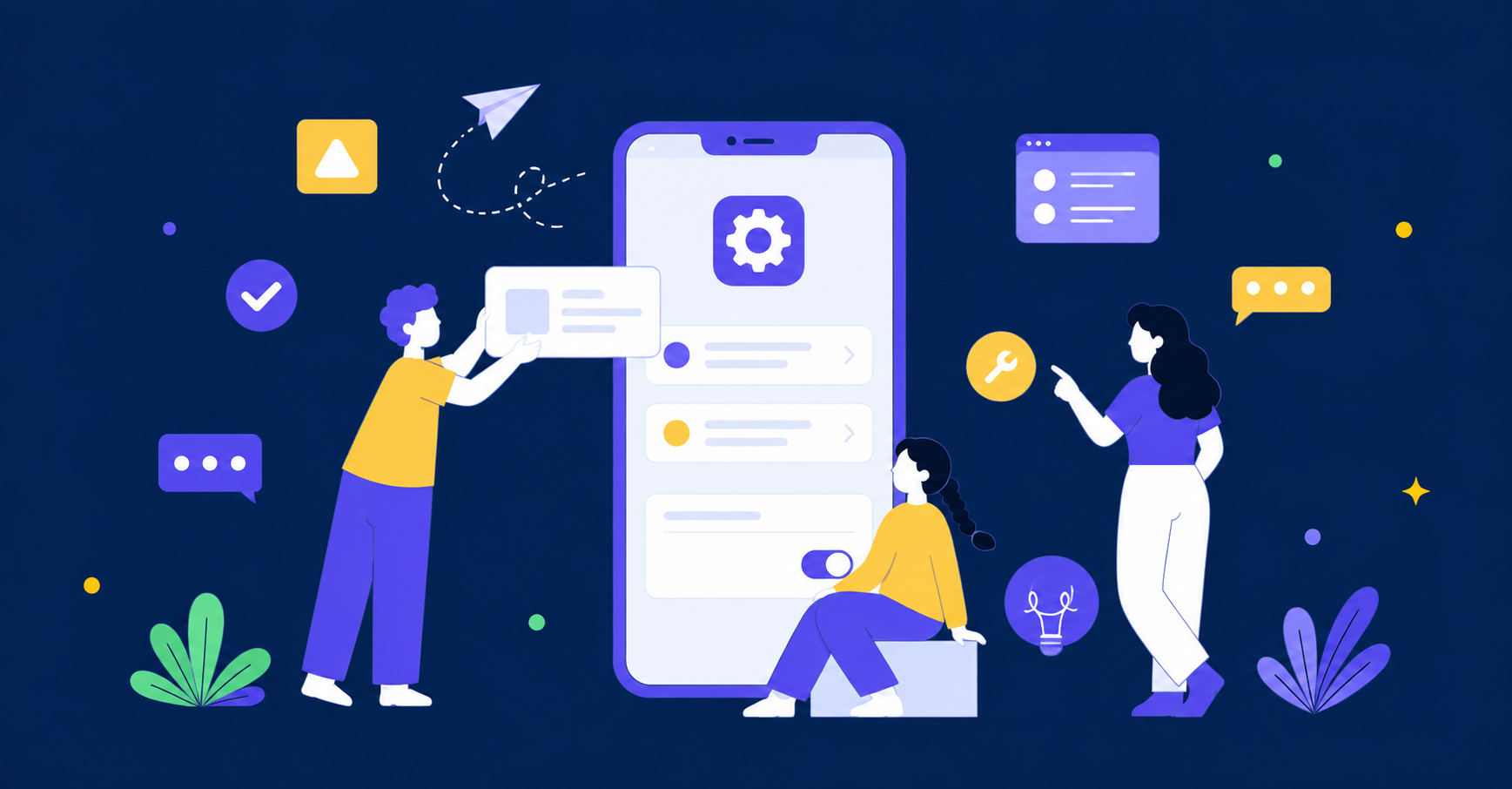
Set up AI Phone, use its main translation features, customize app settings, and manage your Second Number from one complete guide.
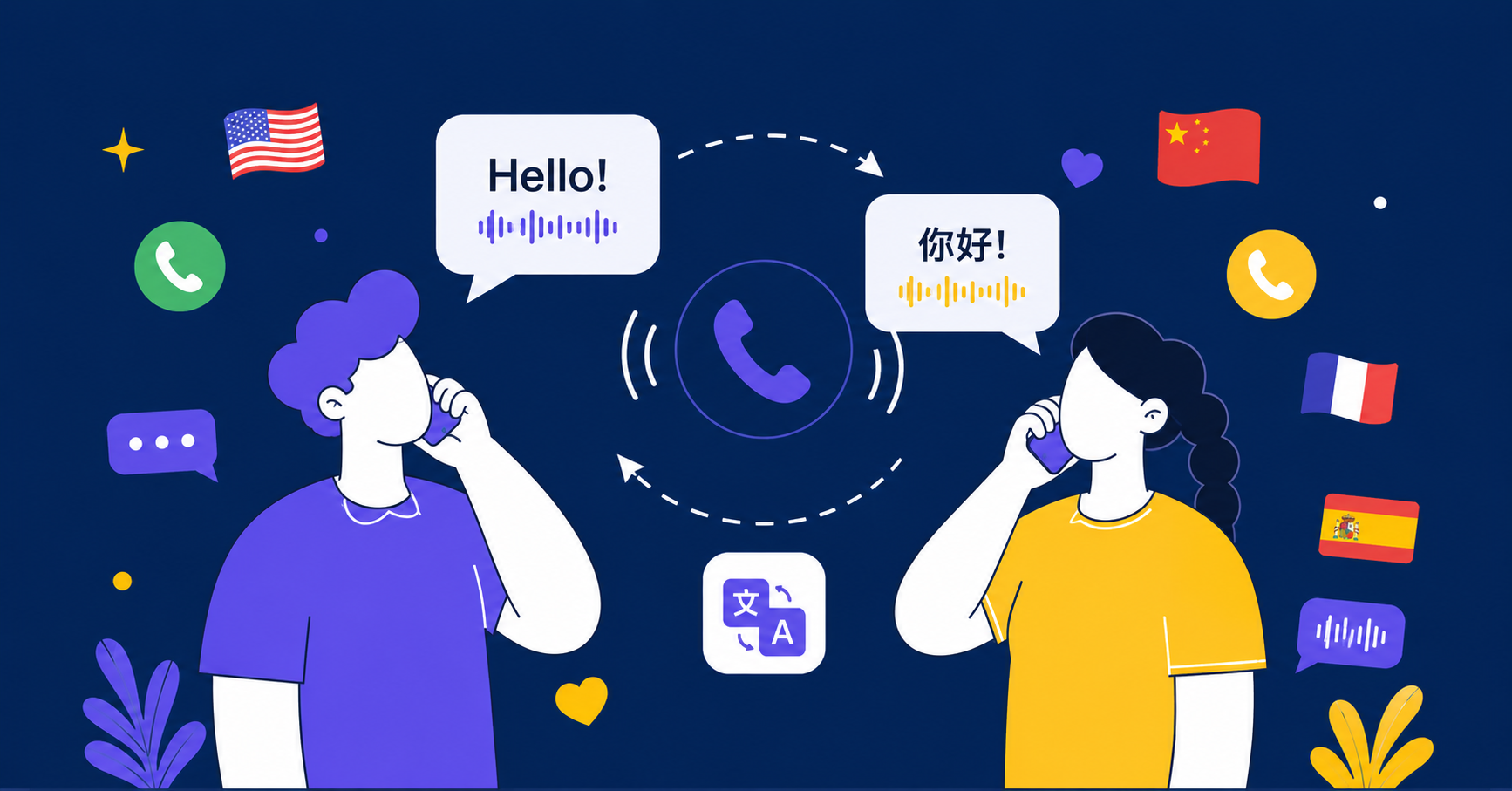
Learn how to translate phone calls in real time with AI Phone. Follow the setup steps, choose languages and voices, use Type-to-Speak, and review call transcripts.
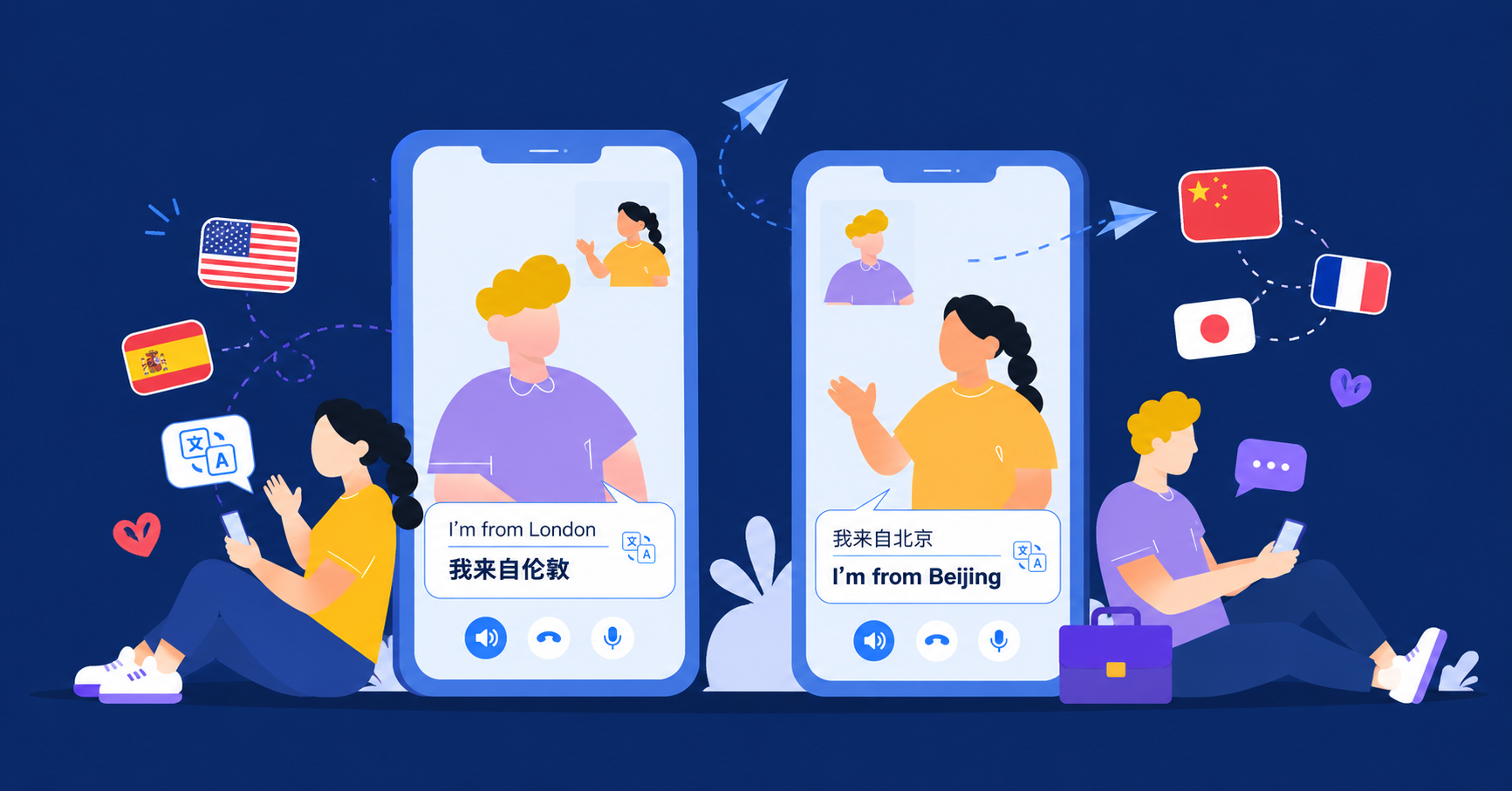
Make video calls easier across languages. See how AI Phone helps you translate live video calls with voice translation, captions, and a simple call link.
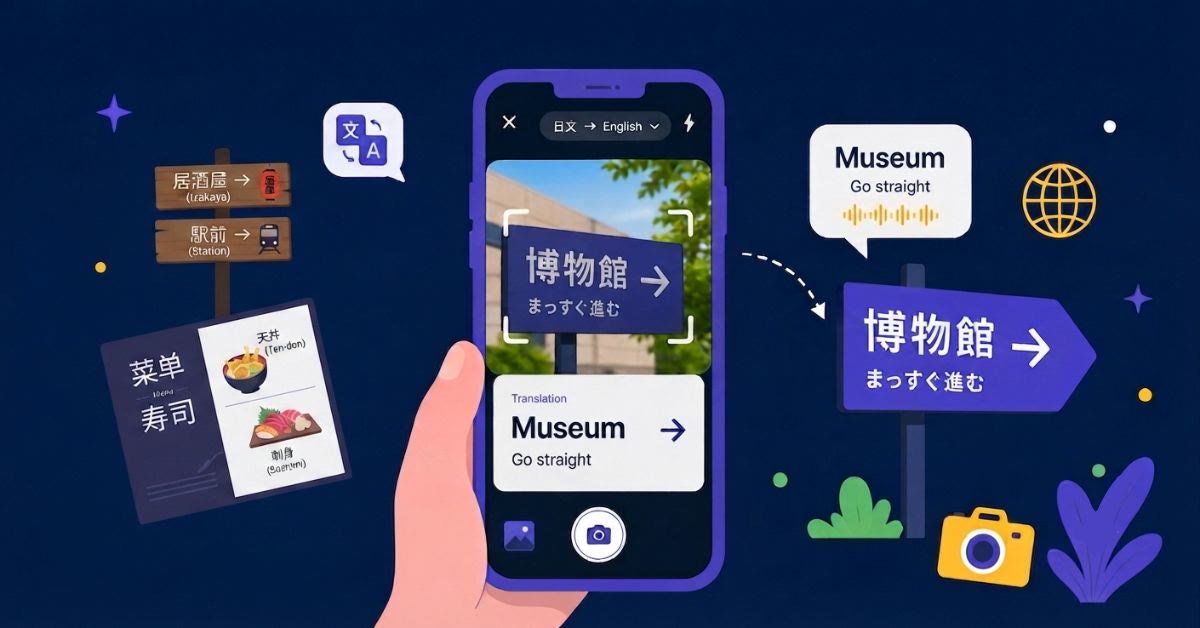
Translate text in photos, screenshots, menus, signs, and documents with AI Phone. Use your camera or upload an existing image to get the meaning quickly.
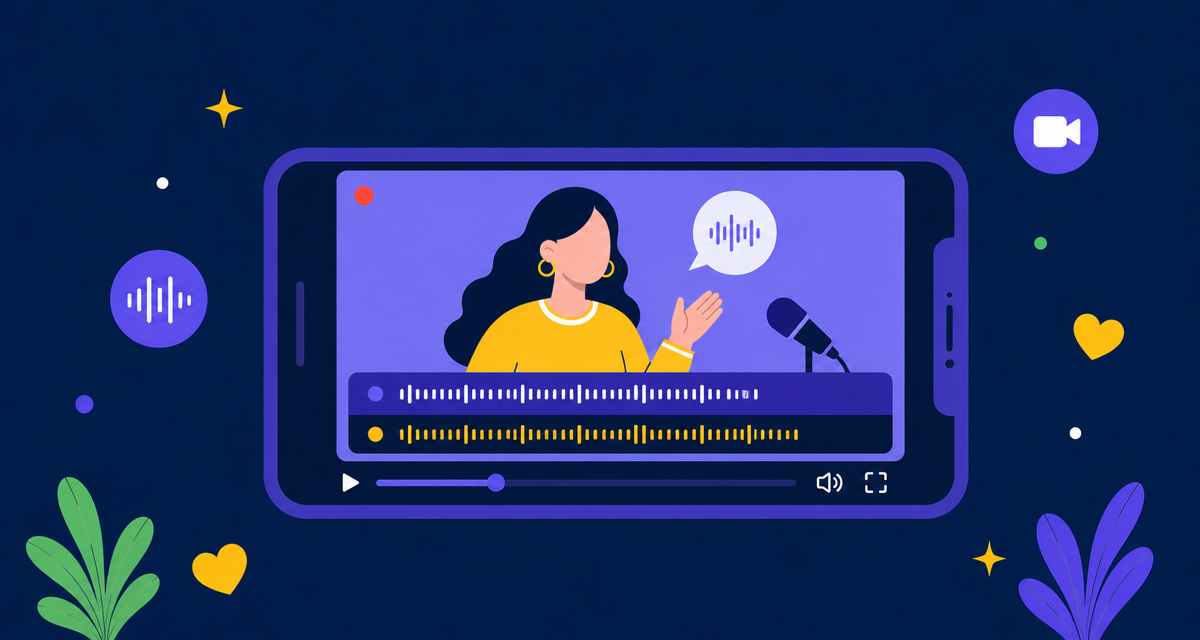
Foreign-language videos, podcasts, and live streams are easier to follow with AI Phone. Set up audio, video, and stream translation in a few steps.
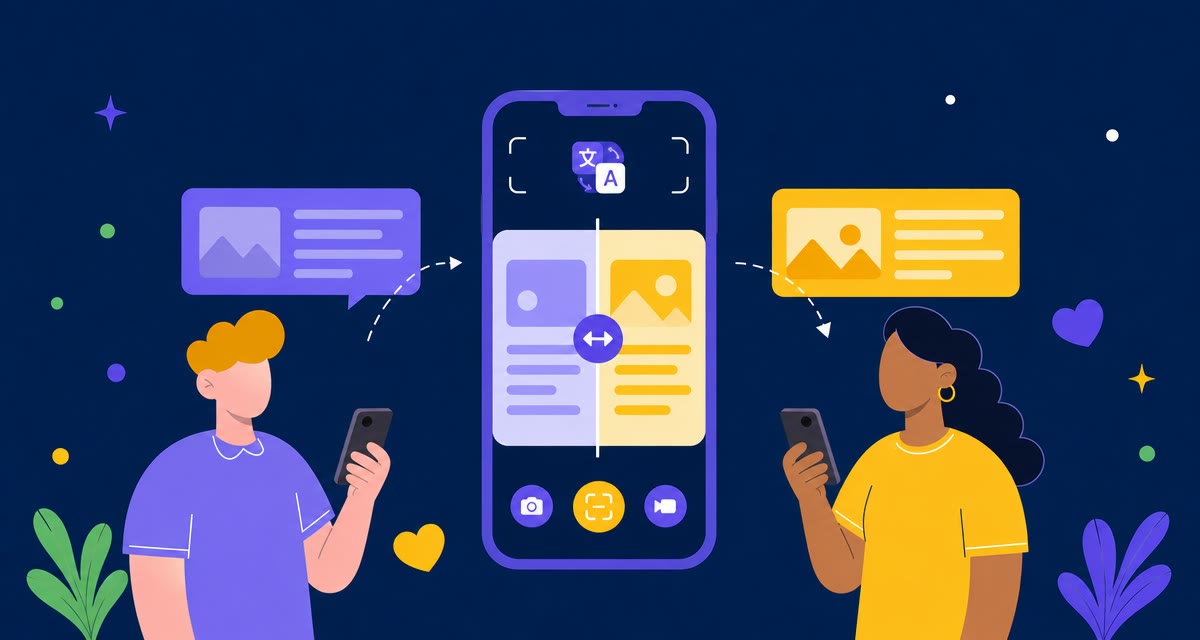
Need to understand a foreign-language app, message, game, or webpage? Set up AI Phone Screen Translation and translate what is on your screen in seconds.
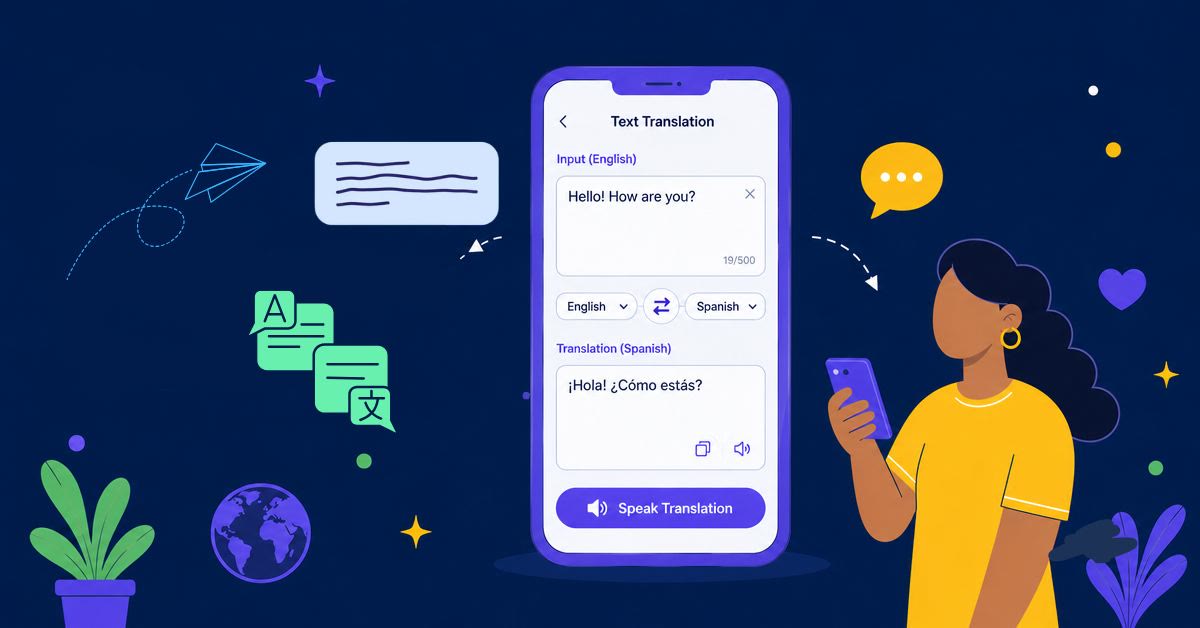
Need to translate a message, note, address, or short reply? See how to use AI Phone to translate typed or pasted text in a few quick steps.