
Telegram Video Call Translator
The people you message on Telegram don’t all speak your language. AI Phone translates your video calls live — each of you speaks your own language and hears the other translated. Your contact just taps the invite link, with no app to download.
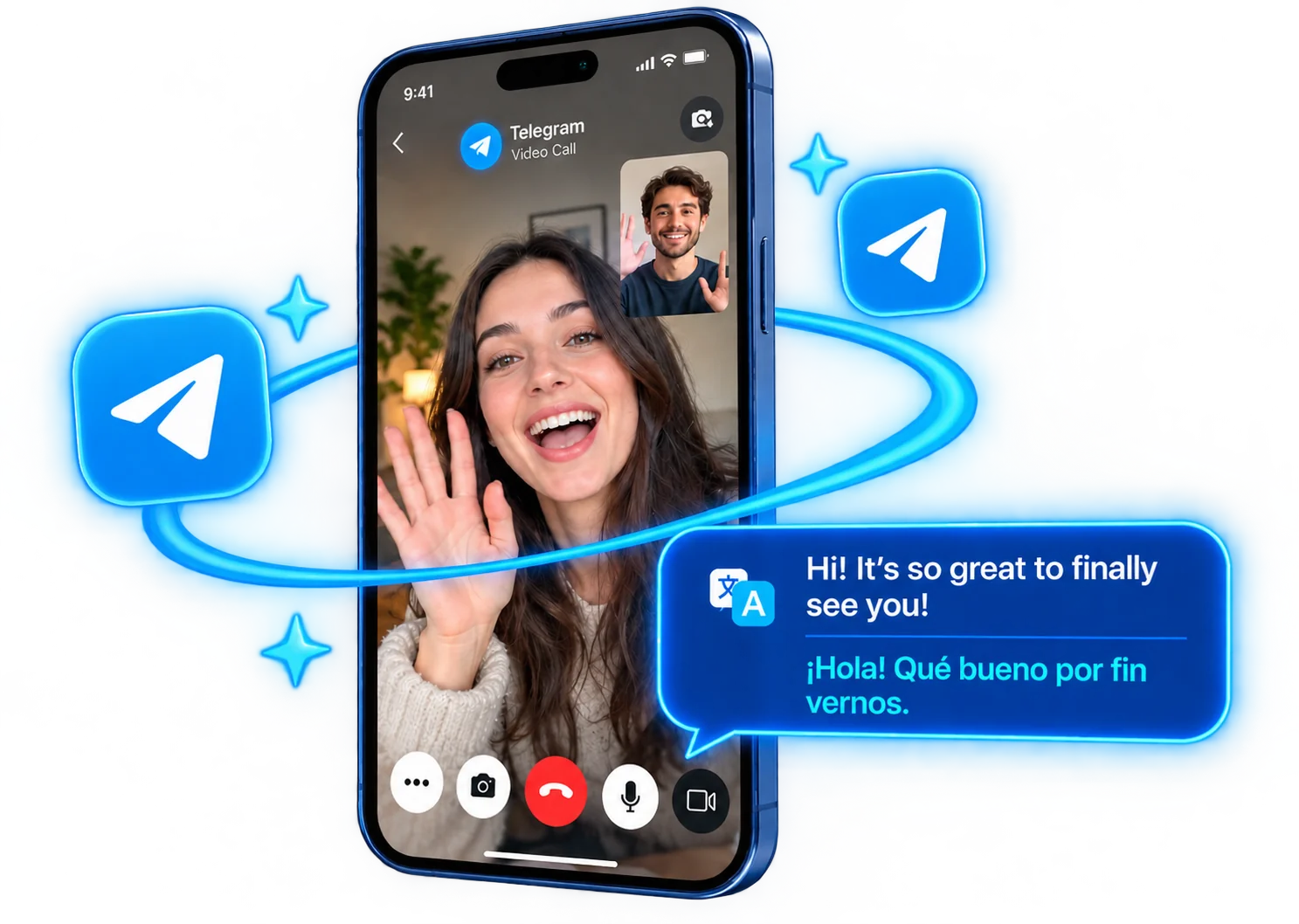
From a Telegram Chat to a Translated Call
Texting only goes so far — sooner or later you want to actually talk, and a different language shouldn’t stop you. Start the call in AI Phone and send the invite link in the Telegram chat. Your contact taps it, and you’re talking — with the translation handled live.
Three Steps to a Translated Telegram Call
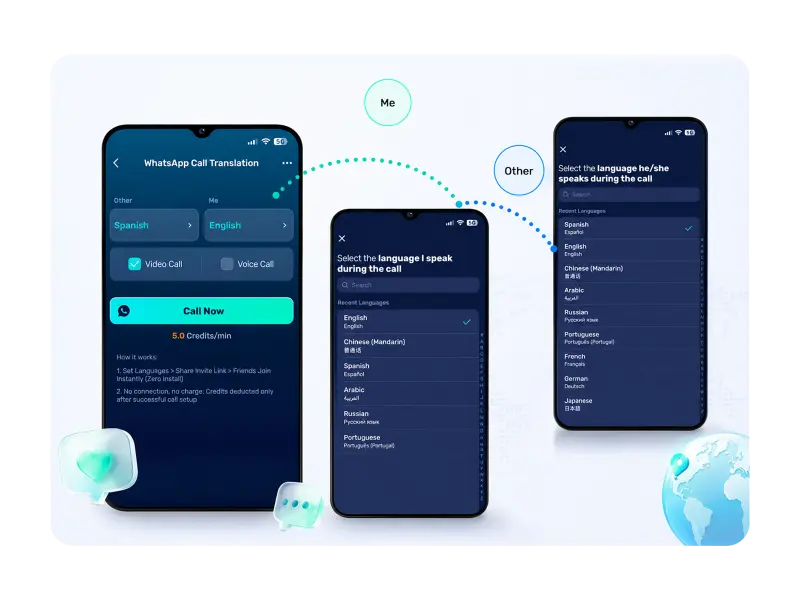 01
01Set Up the Call in AI Phone
Open Telegram Call Translation in AI Phone and choose the two languages — yours and your contact’s.
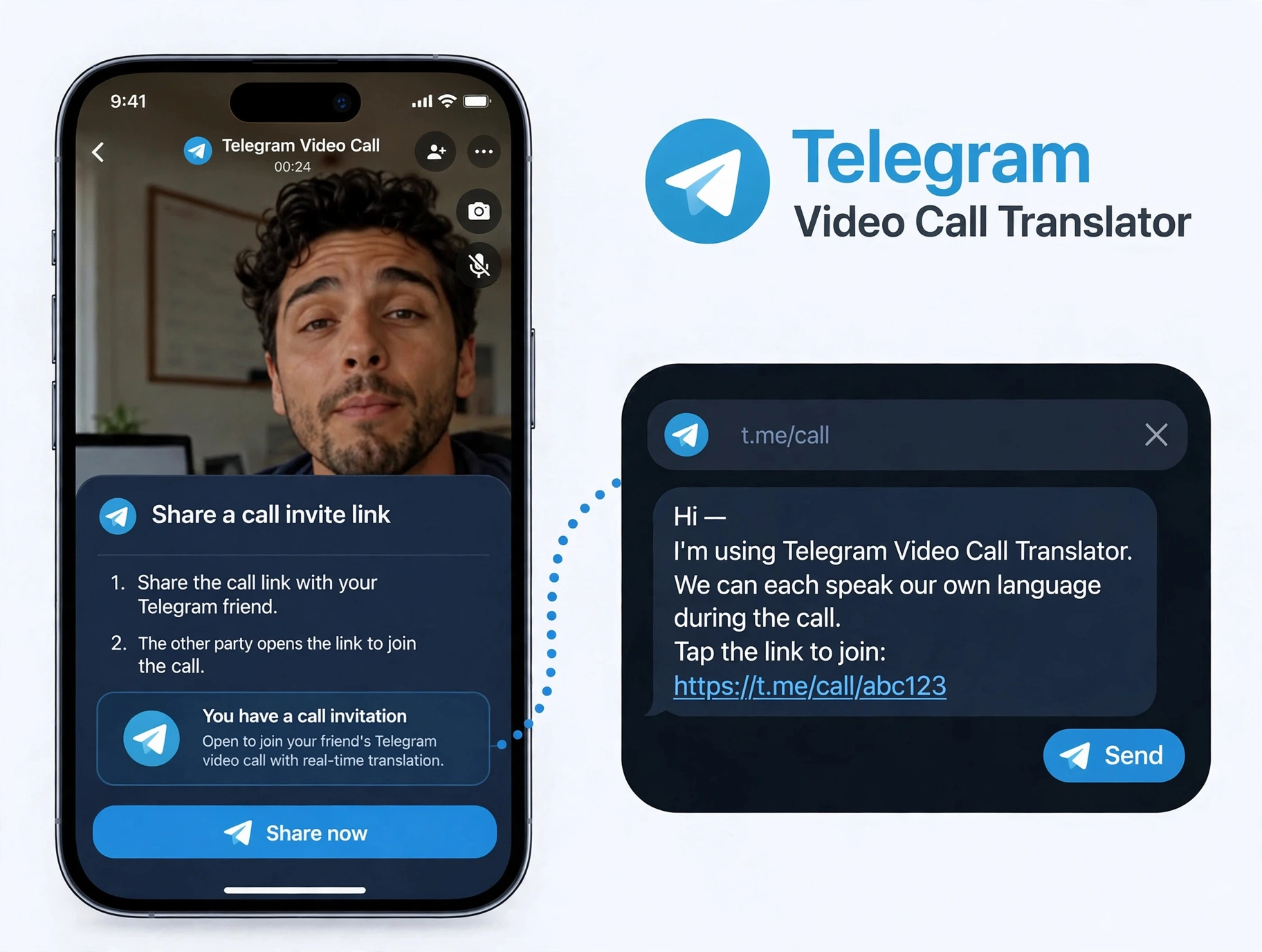 02
02Send the Invite Link in Telegram
Share the invite link right in your Telegram chat — that’s all your contact needs from you.
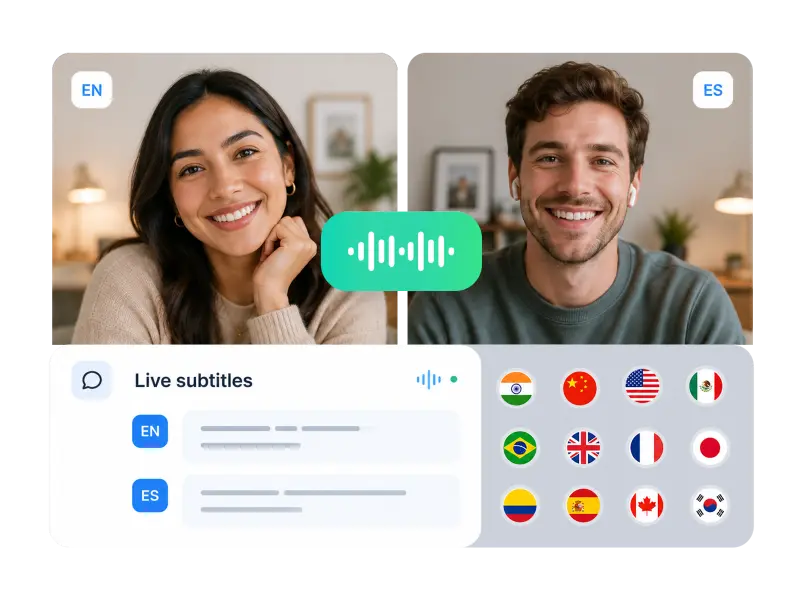 03
03One Tap and You’re Talking
Your contact taps the link and joins right away — nothing for them to install. You both speak your own language and hear each other translated, with subtitles in both languages.
Telegram Call Translation Features
Real-Time Two-Way Translation
Nobody has to struggle through a second language. Each of you speaks your own, and AI Phone translates both directions as you talk.

Nothing for Your Contact to Install
No AI Phone account, no download, no setup on their side. The invite link is enough — they tap it and they’re in the call.
Bilingual Subtitles
Live subtitles run in both languages at the same time, so names, numbers, and details don’t get lost while you talk.

150+ Languages and Accents
Your contacts come from everywhere — and so do their languages. AI Phone covers more than 150 languages and accents, from Russian and Ukrainian to Spanish, Portuguese, and Indonesian.
Made for the Way You Use Telegram
The people you talk to come from everywhere — group members, study partners, fellow hobbyists, family on other continents — and many of them speak a different language than you. AI Phone translates your video calls live, so that difference never gets in the way of the conversation.




FAQs
How do I translate a video call with someone on Telegram?
Start the call in AI Phone: open Telegram Call Translation, choose the two languages, and send the invite link to your contact in Telegram. They tap the link to join, and AI Phone translates the call live — translated voice and bilingual subtitles on both sides.
Does Telegram translate video calls by itself?
No. Telegram doesn’t offer built-in real-time translation for video calls. AI Phone adds it: start the translated call in AI Phone, share the invite link through Telegram, and the conversation is translated live while you talk.
Does the person I’m calling need to install AI Phone?
No. They don’t need AI Phone or any other app. You send the invite link in Telegram, they tap it, and they’re in the translated call — everything is set up from your side.
I met someone in a Telegram group. Can we talk one-to-one with translation?
Yes. Open a private chat with that person, start a translated call in AI Phone, and send the invite link there. They tap it and join — each of you speaks your own language, with live translation both ways.
Can AI Phone translate Telegram voice calls as well as video calls?
Yes. If you’d rather talk without video, start a voice-style call in AI Phone and share the invite link over Telegram the same way. Your contact taps to join, and the conversation is translated live.
Will I see subtitles during a Telegram video call?
Yes. Alongside the translated voice, AI Phone shows live bilingual subtitles on both ends of the call — useful for catching names, addresses, and numbers.
Which languages can I use on a Telegram video call?
AI Phone covers 150+ languages and accents, which takes care of most Telegram conversations. Pick your language and your contact’s when you start the call, and pick a different pair whenever you talk to someone new.
Start Your Next Telegram Call with AI Phone
Whoever you’re talking to — a friend, a client, someone you met in a group — start the call in AI Phone and speak your own language. Your contact just taps the link — nothing to install or set up.
For creator partnerships, business inquiries, or discounted plans: marketing@aiphone.ai