
WhatsApp Video Call Translator
Break language barriers on WhatsApp video calls with AI Phone. Two-way voice translation and bilingual subtitles — no download needed for the other person.
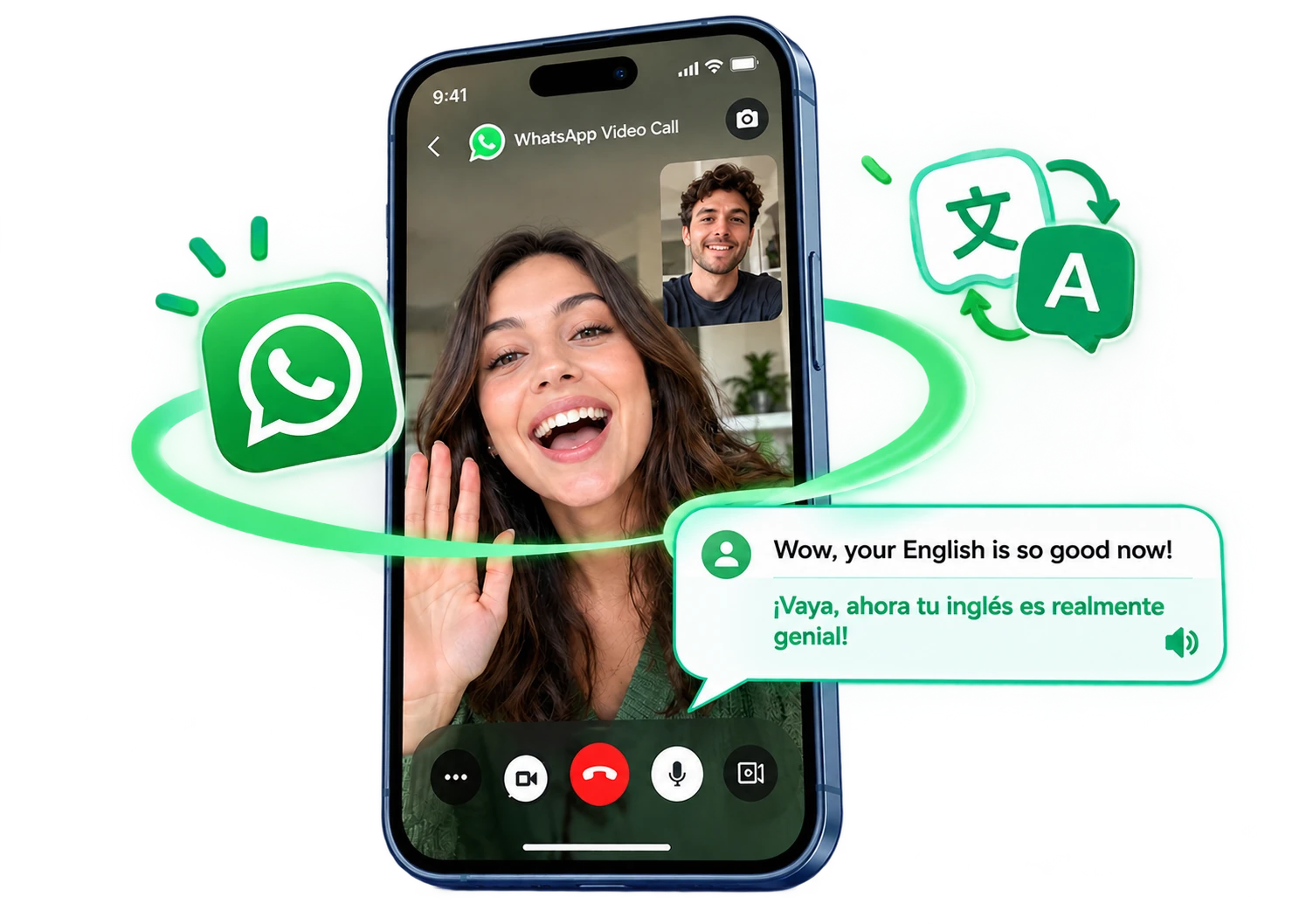
How WhatsApp Call Translation Works
Enjoy WhatsApp video calls without language barriers. Simply share an invite link to start a video call with real-time AI translation — no app download required for the other person.
Translate a WhatsApp Call in 3 Steps
 01
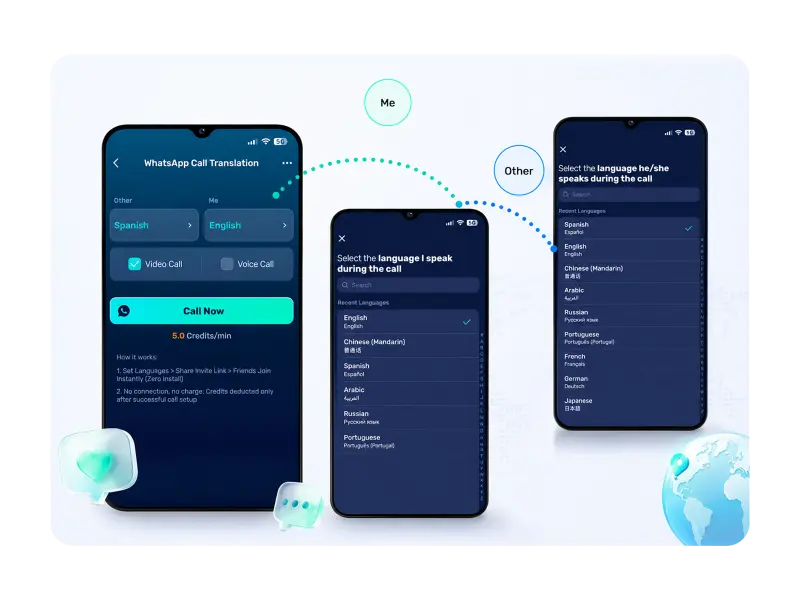
01Start a WhatsApp Video Call
Tap WhatsApp Call Translation in AI Phone, set both languages, and start the video call.
 02
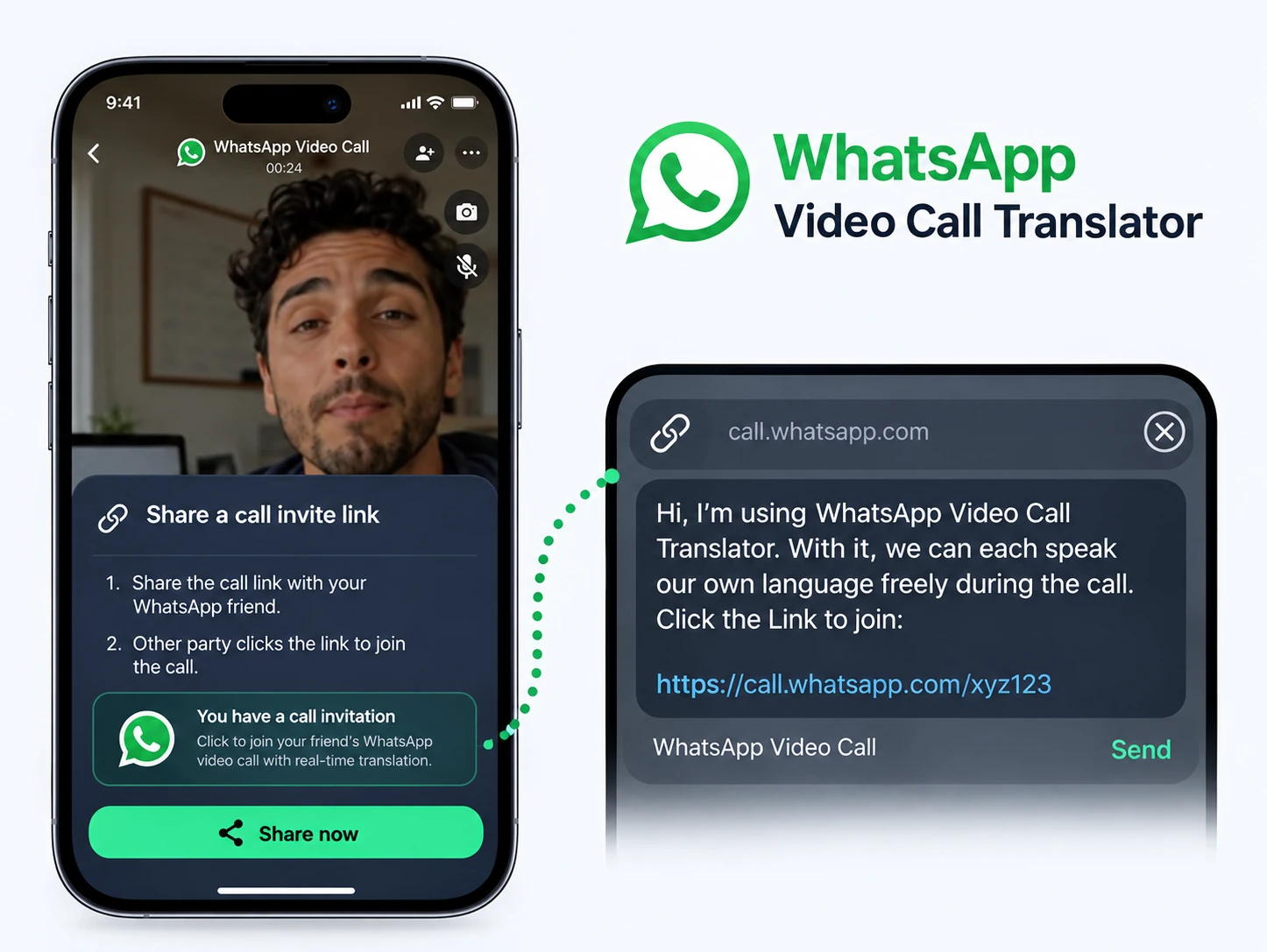
02Share the Link on WhatsApp
Send the invite link in any WhatsApp chat.
 03
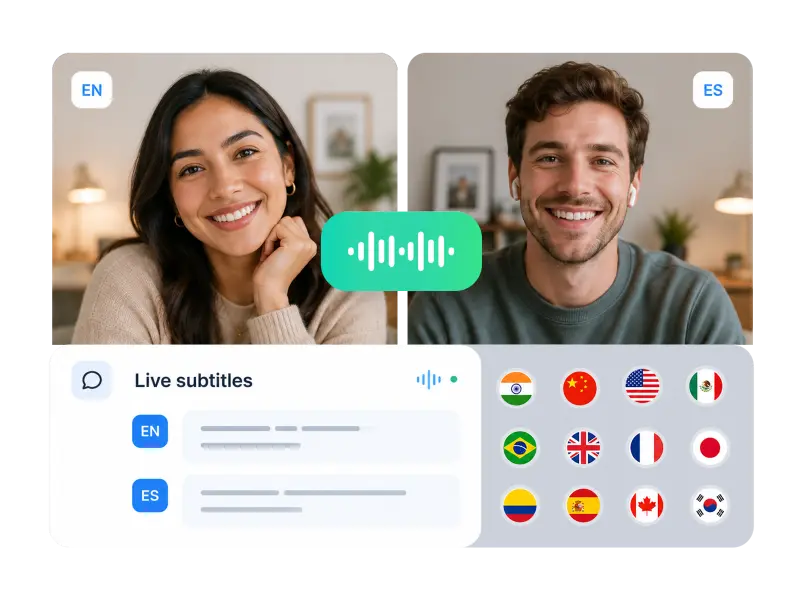
03They Tap, You Talk
The other person taps the link to join — no download. Speak naturally with live translated voice and bilingual subtitles.
WhatsApp Video Call Translation Features

Two-Way Voice Translation
Both sides speak their own language and hear it translated — a real two-way conversation.

No Download Needed for the Other Person
The other person just taps the invite link to join. No install, no account, no friction.
Bilingual Subtitles
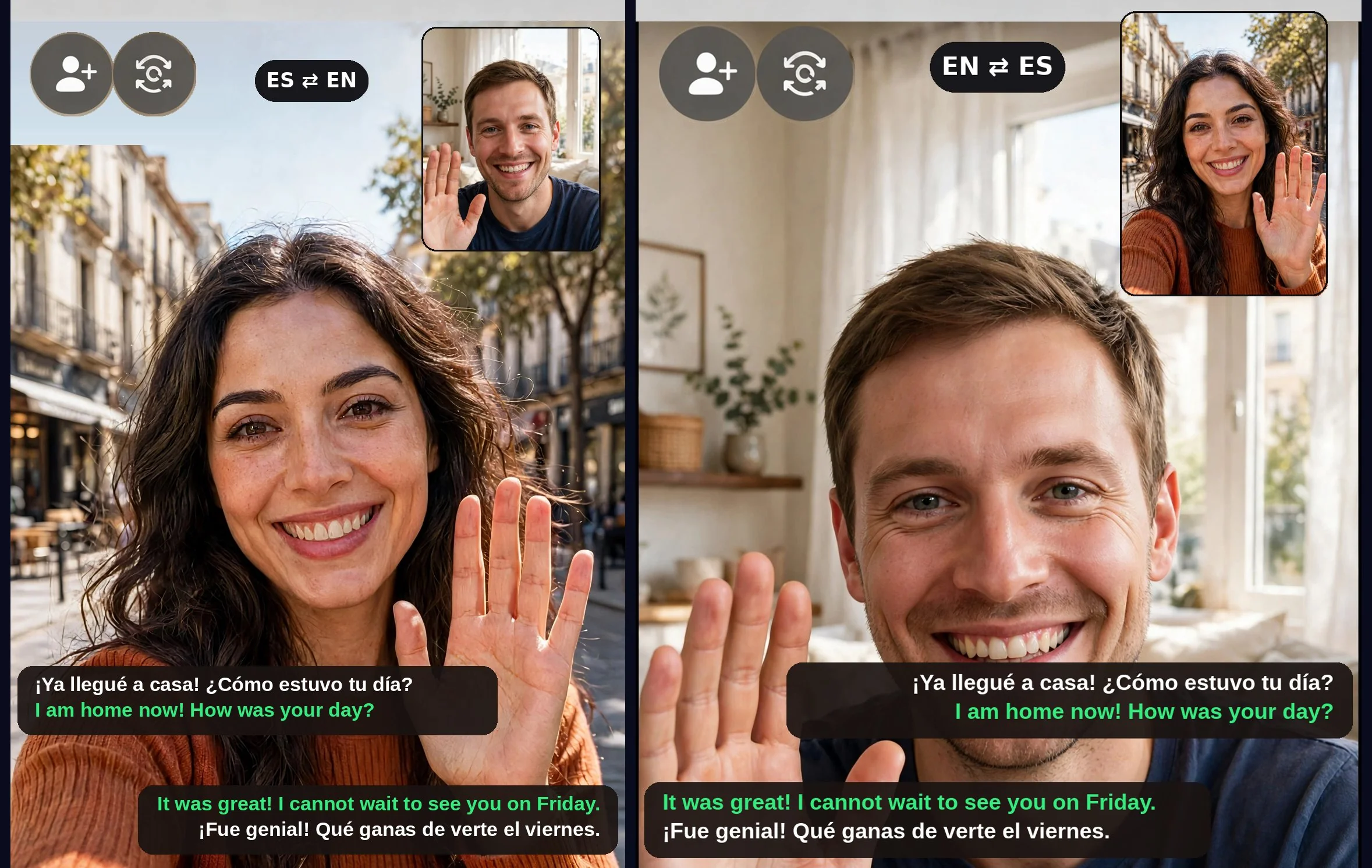
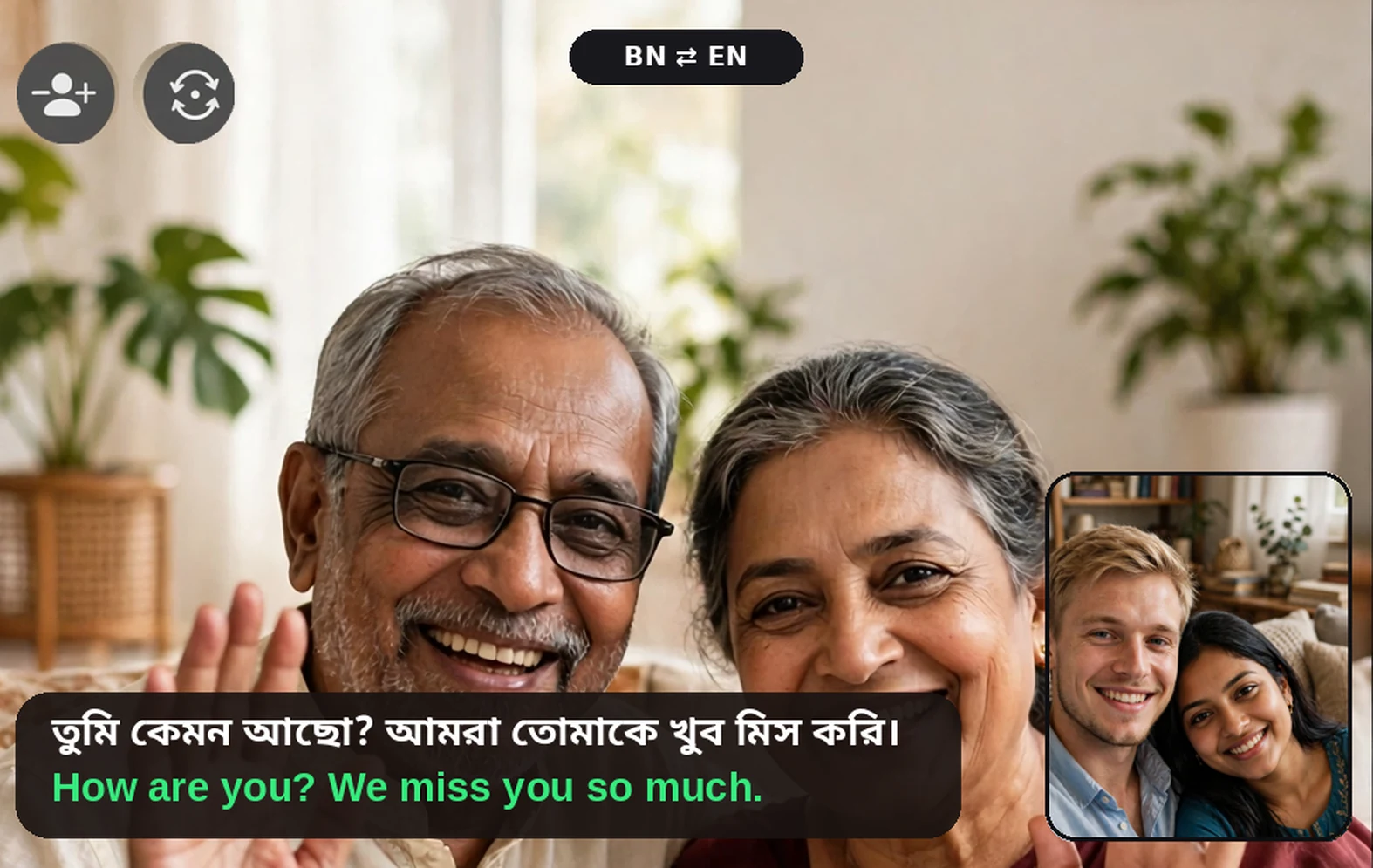
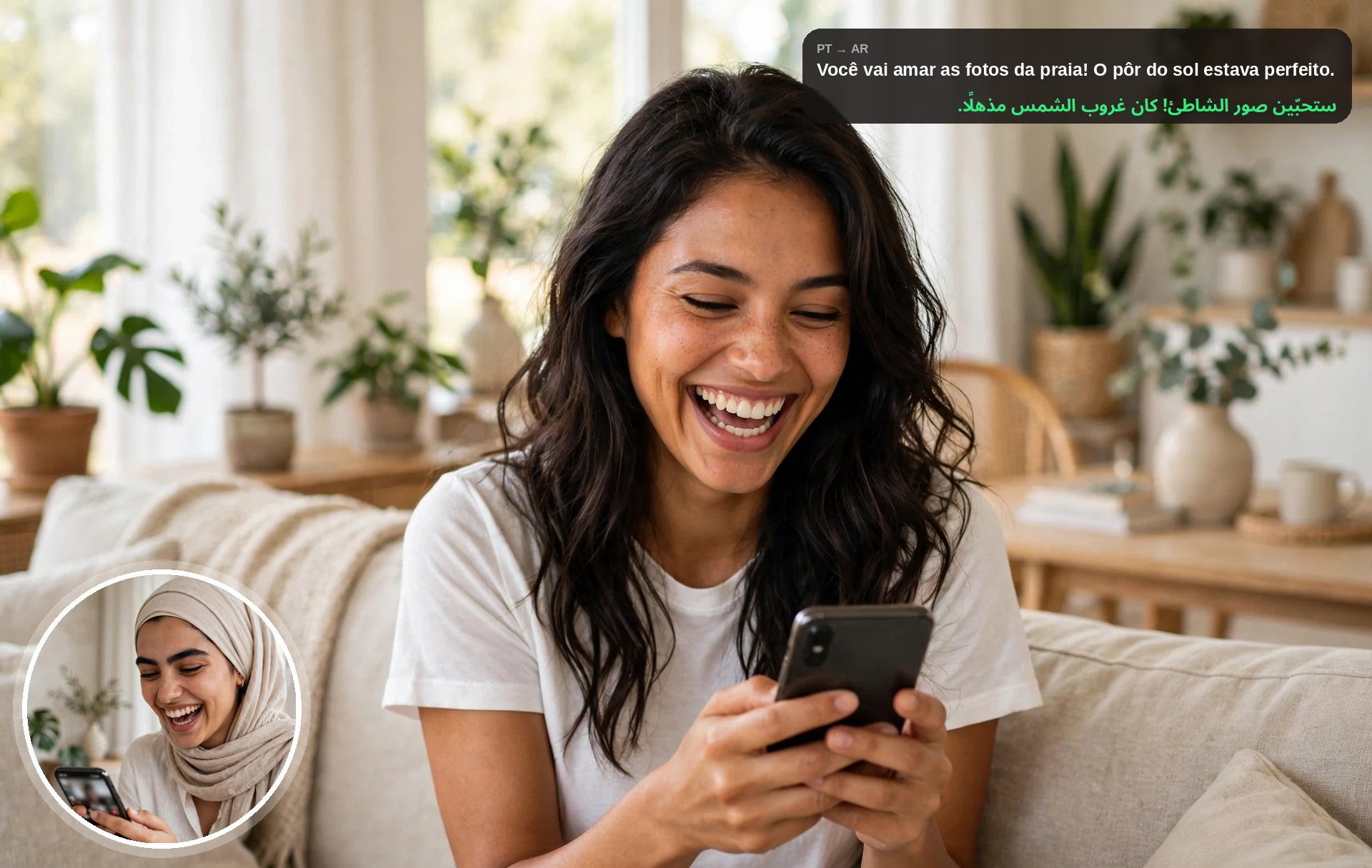
Live subtitles in both languages, so you catch every word even on a noisy call.

150+ Languages and Accents
From Spanish to Tagalog — pick the languages and accents that match the people talking.
Bring Your Worlds Closer on WhatsApp
When the people who matter don’t share your language, share an invite link over WhatsApp and talk — AI Phone translates the rest.

See Translation in Action
Watch real people talking across languages with AI Phone’s real-time video call translation.
FAQs
What is a WhatsApp video call translator?
A WhatsApp video call translator helps people speak across languages: you share an AI Phone invite link over WhatsApp, and both sides talk with live translated voice and bilingual subtitles. WhatsApp itself doesn’t translate calls — AI Phone handles the translation for you. The other person just taps the link to join, no download needed.
Can AI Phone translate WhatsApp video calls in real time?
Yes. Share an AI Phone invite link over WhatsApp — the other person taps to join without installing anything, and AI Phone translates the conversation in real time with two-way voice translation and live bilingual subtitles.
Can AI Phone translate WhatsApp voice calls too?
Yes — for voice-style conversations, start the translated call in AI Phone and share the invite link over WhatsApp. The other person taps the link to join and you talk naturally across languages, no app install needed on their side.
Can WhatsApp translate video calls by itself?
No. WhatsApp does not provide built-in real-time video call translation. With AI Phone, you share an invite link over WhatsApp and AI Phone translates the conversation live, with two-way translated voice and live bilingual subtitles.
How does AI Phone translate WhatsApp video calls?
Tap WhatsApp Call Translation in AI Phone and choose your languages. Share the invite link over WhatsApp — the other person taps it to join, no download. AI Phone then translates each speaker in real time, with translated voice and live bilingual subtitles.
Does the other person need to install AI Phone?
No. The other person does not need to install AI Phone. You share a secure link and they join the translated call directly from it.
Does AI Phone show subtitles during WhatsApp video calls?
Yes. AI Phone provides live bilingual subtitles during the translated call on both ends.
Translate Your Next WhatsApp Video Call
Connect across languages on WhatsApp video calls. Speak naturally in your own language while AI translates your conversation in real time.
For creator partnerships, business inquiries, or discounted plans: marketing@aiphone.ai