
LINE Video Call Translator
Translate video conversations on LINE in real time with AI Phone. Share an invite link to start a multilingual conversation and communicate across languages more easily.
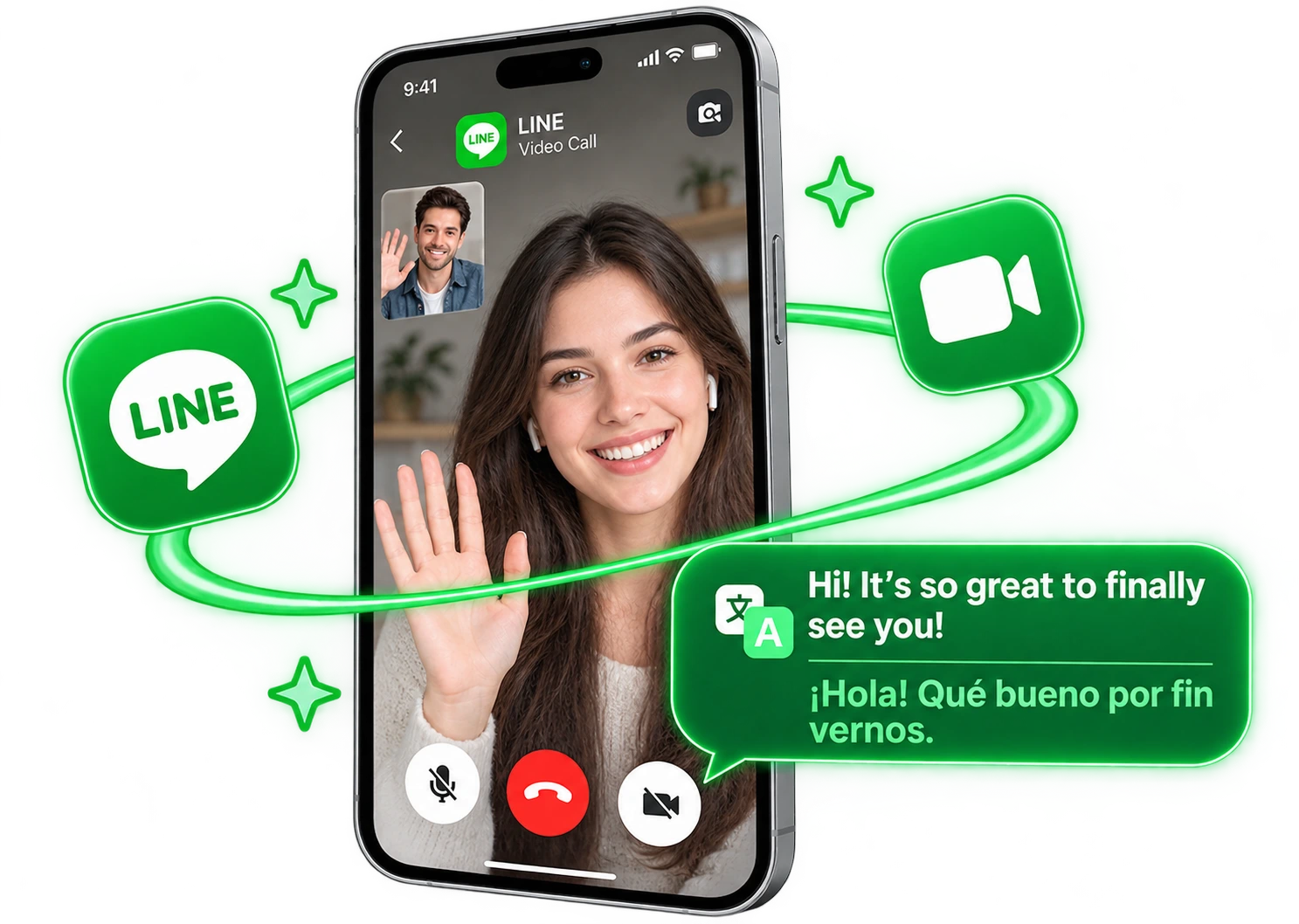
From a LINE Chat to a Translated Video Call
Want to video chat on LINE with someone who speaks another language? Start a translated call with AI Phone, share the invite link, and talk naturally with real-time translation.
Three Steps to Your First Translated Call
 01
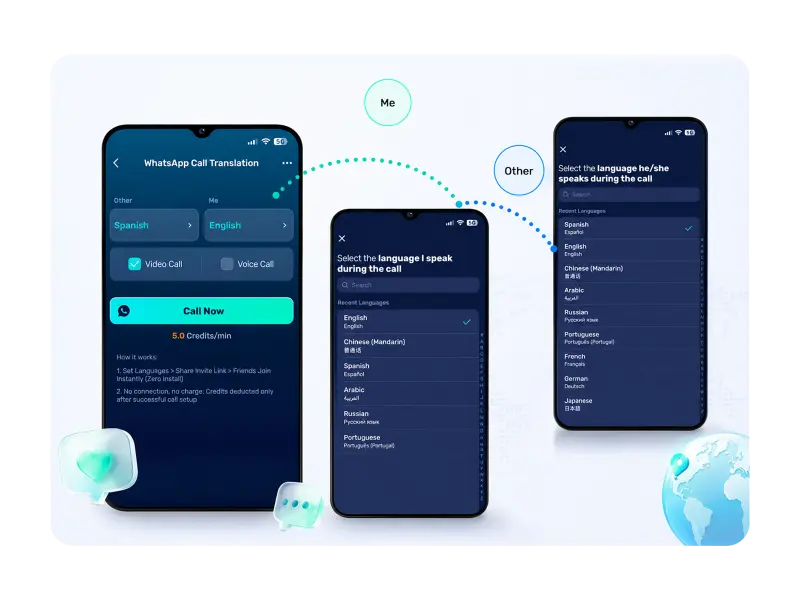
01Choose Your Languages
Download AI Phone, open LINE Call Translation, and pick the two languages.
 02
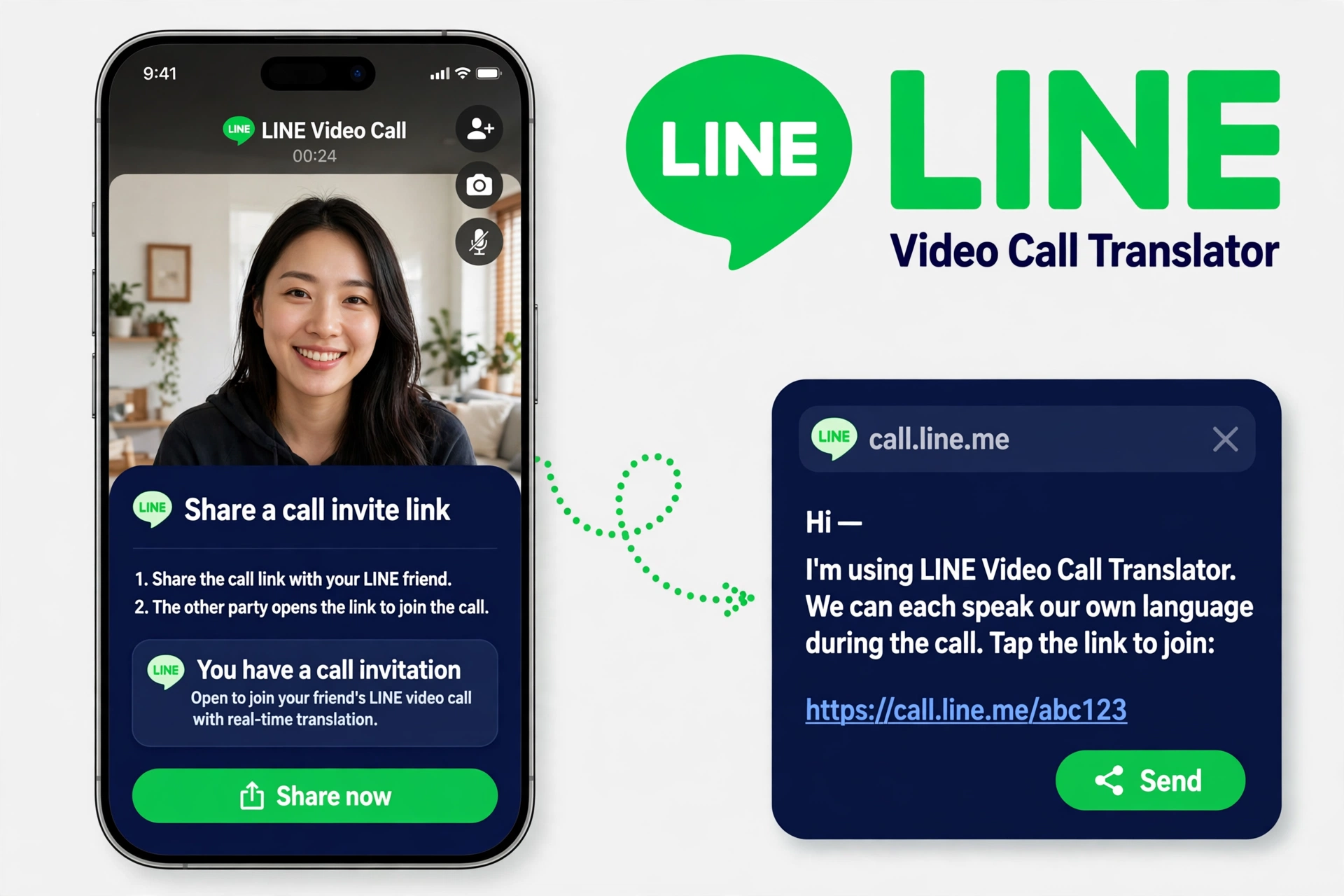
02Share an Invite Link
AI Phone creates an invite link — paste it into your LINE chat with that person.
 03
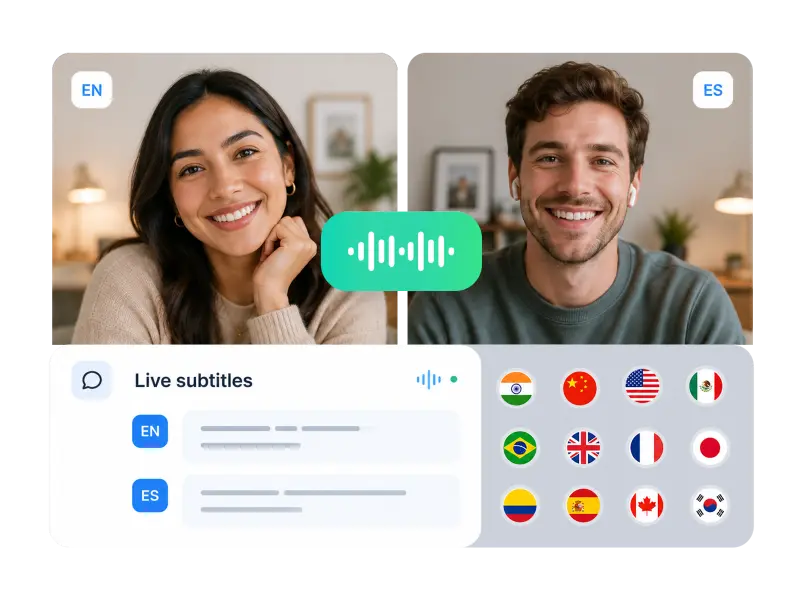
03Start Talking Naturally
They tap the link and the call starts. Just speak naturally — AI Phone translates both ways.
What AI Phone Adds to a LINE Video Call

Two-Way Voice Translation
AI Phone translates both sides of your call as you talk. Each of you speaks your own language — no typing messages mid-call, no interpreter.

Join Without Downloading AI Phone
The person you call needs no account, no download, and no new settings. They tap the invite link in LINE and join the call.
On-Screen Bilingual Subtitles
Subtitles in both languages run under the conversation, so you can follow every word and important details do not get misheard.

Broad Language Support
AI Phone translates calls in 150+ languages and accents, so you can talk with contacts almost anywhere in the world.
Connect Beyond Language Barriers on LINE
From catching up with loved ones to sharing ideas with people around the world, AI Phone helps you connect through LINE video calls, even when you speak different languages.




FAQs
How do I translate a video call with someone on LINE?
Download AI Phone and open LINE Call Translation. Pick the two languages, send the invite link in your LINE chat, and they tap it to start — translated voice, bilingual subtitles.
Does LINE translate video calls by itself?
No — LINE’s video calls have effects, filters, and screen sharing, but no translation. AI Phone adds it: start the call in AI Phone, share the invite link through LINE, and each side hears the other in their own language.
Does the person I’m calling need to install AI Phone?
No: no AI Phone, no account, no settings to change — you send the invite link in LINE, they tap it, and they are in. It is how people talk with their partner’s parents, who only ever use LINE.
Can AI Phone translate a video call with the whole family at once?
No — a LINE video call with many people at once, up to 500, stays inside LINE, and LINE does not translate it. AI Phone translates one-to-one calls: send the invite link in a private chat with one person, and talk one-to-one, each in your own language.
Can AI Phone translate LINE voice calls as well as video calls?
Yes — start a voice call in AI Phone and share the invite link over LINE the same way. Translation works in both directions.
Will I see subtitles during a LINE video call?
Yes. Subtitles in both languages run on screen during the call — handy for names, dates, times, and prices.
Which languages can I use on a LINE video call?
150+ languages and accents, including Japanese, Thai, Traditional Chinese, Korean, Indonesian, and Vietnamese. Pick the pair each time — one pair for your partner’s parents in Osaka, another for a friend in Bangkok.
Ready for a Translated LINE Video Call?
Send the invite link in the LINE chat you already have — AI Phone handles the languages.
For creator partnerships, business inquiries, or discounted plans: marketing@aiphone.ai