
Instant Screen Translator
Translate text on your phone screen instantly — chats, games, social posts, and shopping pages — without copying a word or leaving the app.
 English日本語
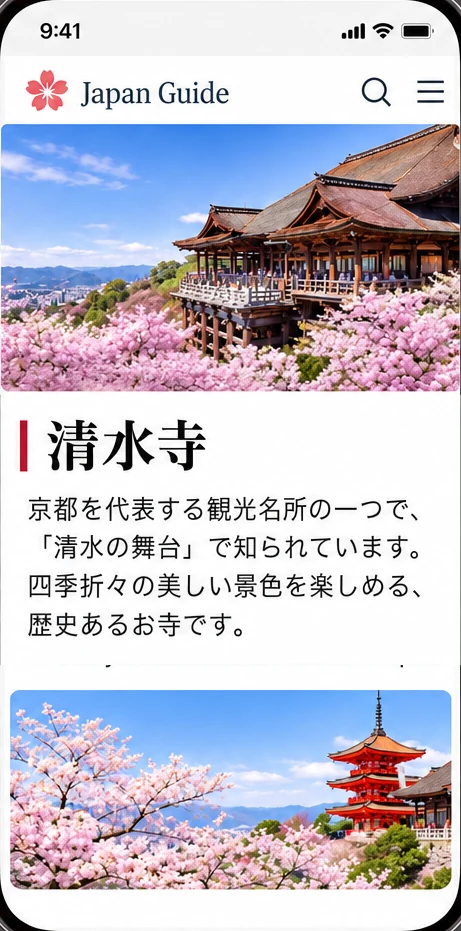
Read Any Screen in Your Language
Screen Translation is for live text on your phone: messages, posts, game dialogue, and pages you cannot copy or select.
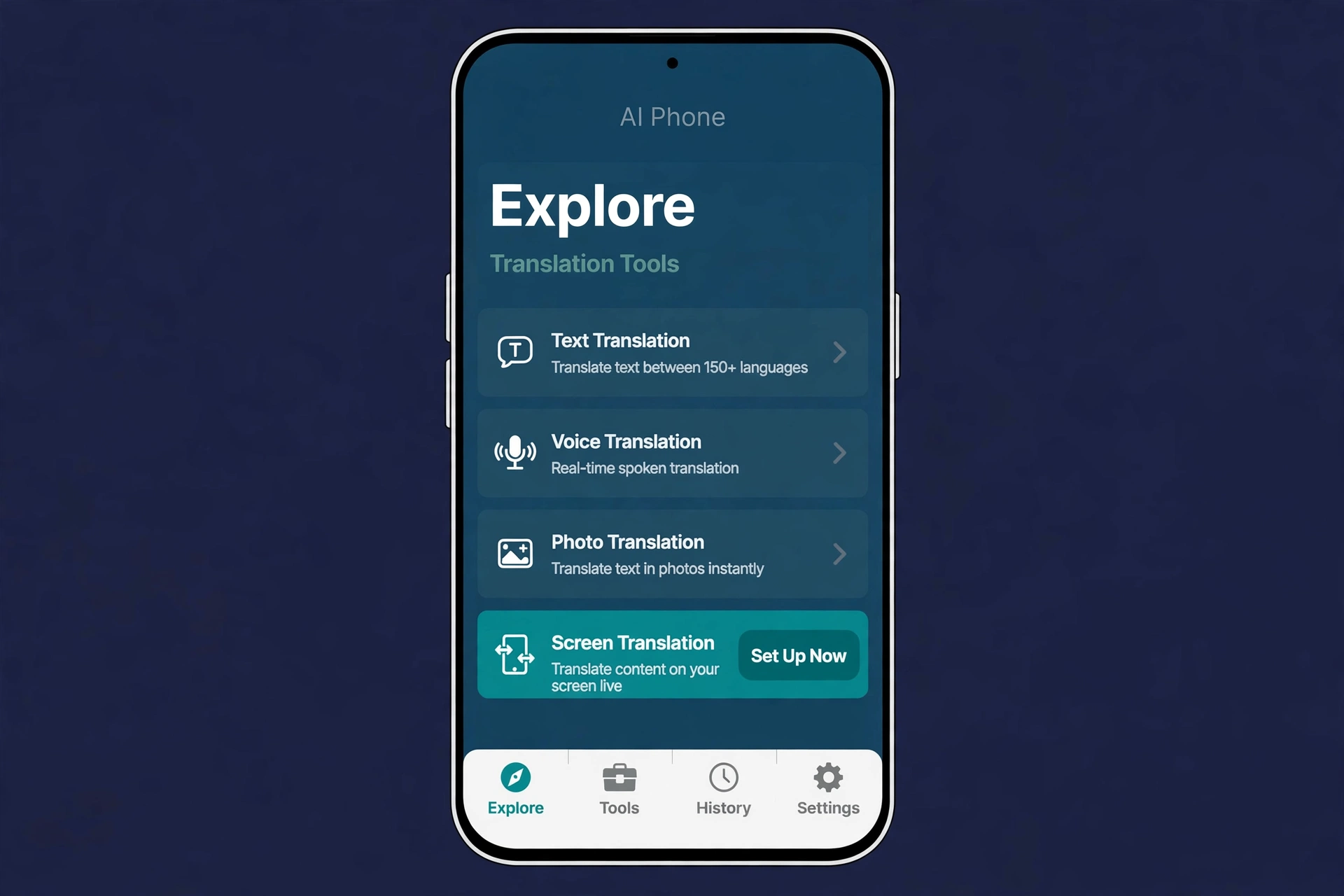 01
Download AI Phone
Download AI Phone and open Screen Translation in Explore.
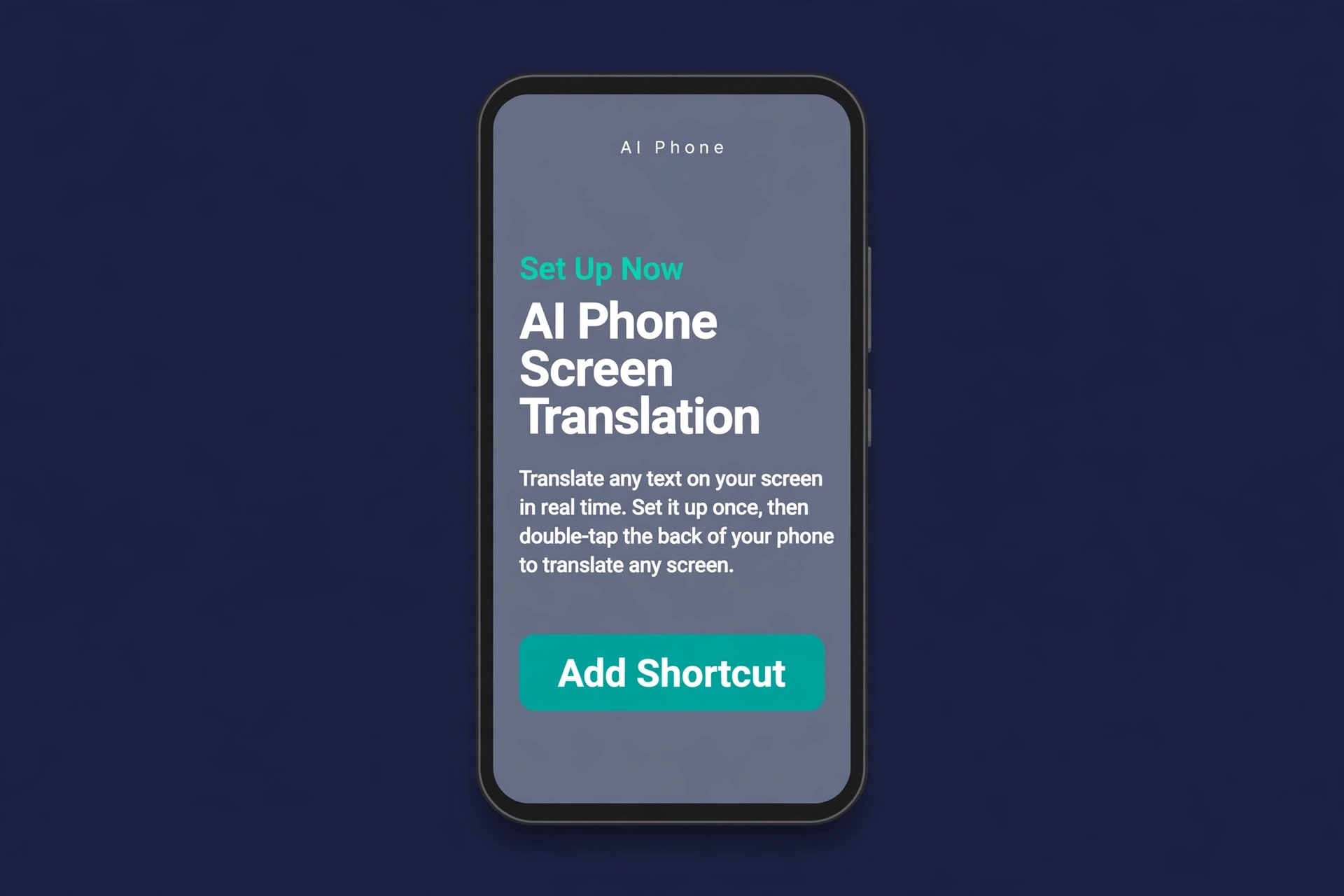 02
Set It Up Once
Tap Set Up Now and install the AI Phone Screen Translation shortcut, then assign it to Double Tap.
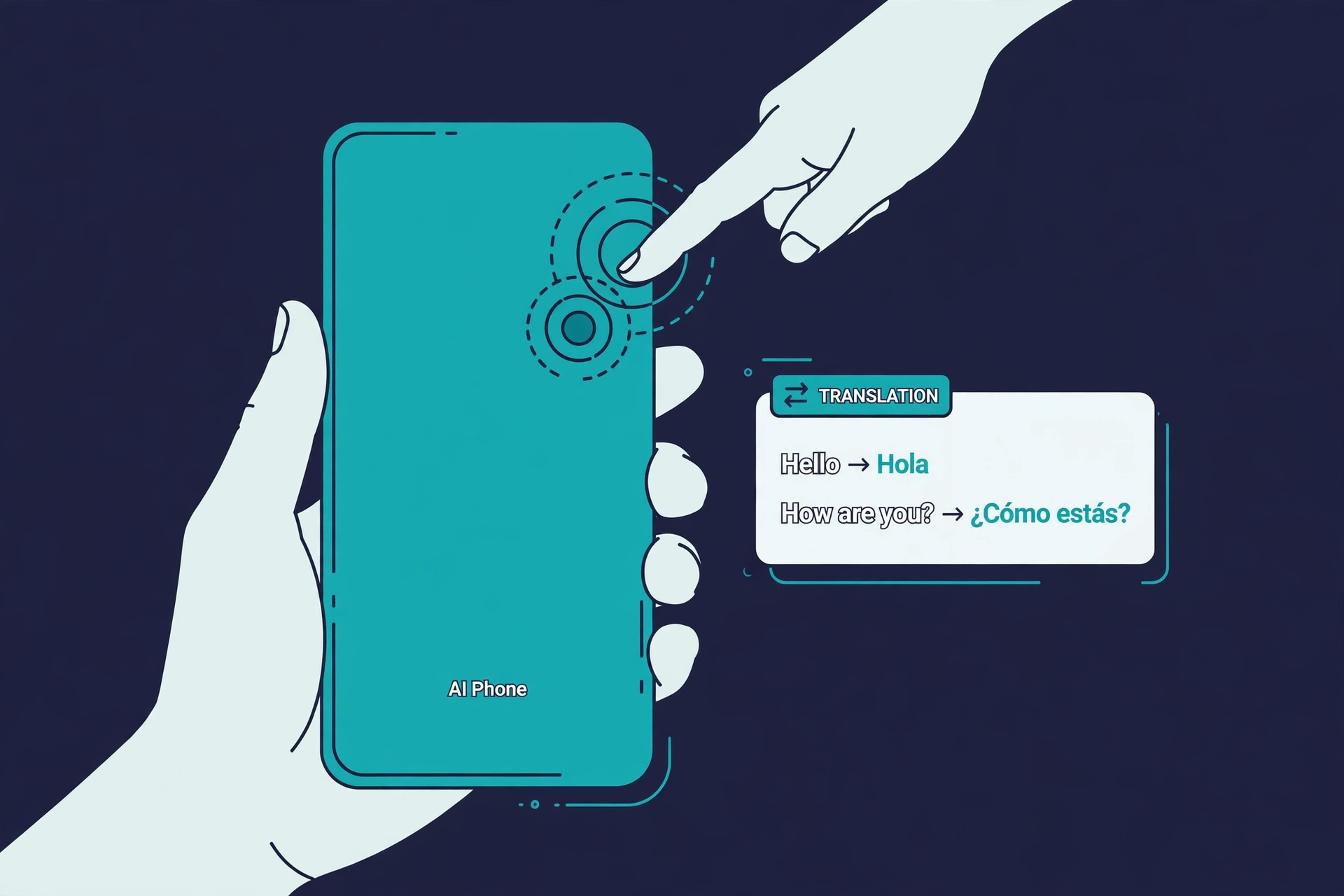 03
Double-Tap to Translate
Open any app, chat, or game, then double-tap the back of your phone — AI Phone captures the screen and translates the text.
Features
Translate Any App Screen
Translate text inside chats, games, social apps, and web pages — right where it appears.
No Copying or Typing
Screen Translation is made for text you cannot select or copy. Just double-tap and read the translation.
Set Up Once, Use Anywhere
Install the shortcut once and assign it to Double Tap. Then translate any screen in two taps.
150+ Languages and Accents
Translate screens in 150+ languages and accents.
Translate Anything on Your Screen
Messages, posts, game dialogue, shopping pages — if it is on your screen, you can read it in your language.
Made for Every Screen You Read
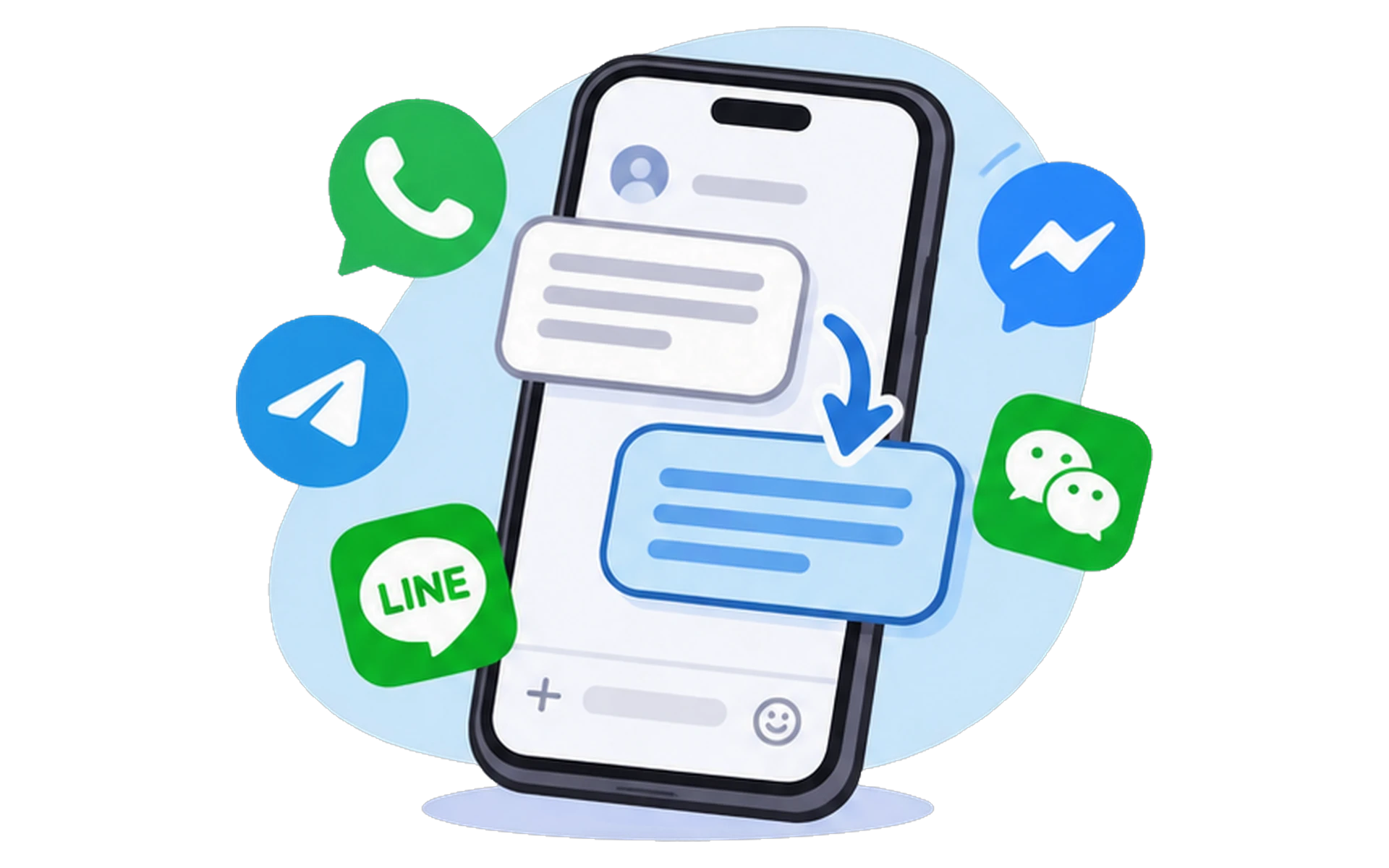
Chats and Messages
Understand messages in another language without leaving the chat.
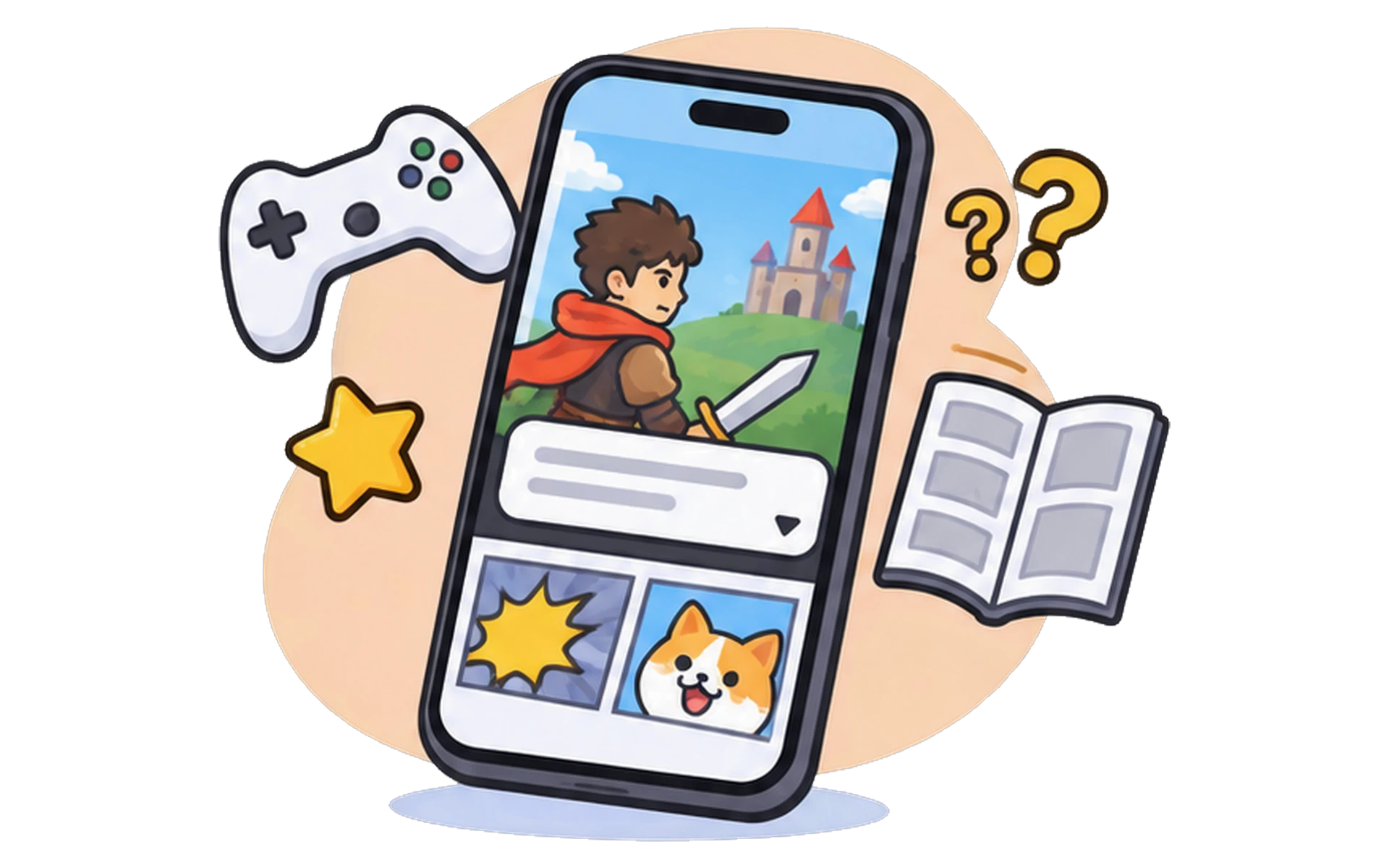
Games and Comics
Follow game dialogue, menus, and instructions, and read comics in your language.
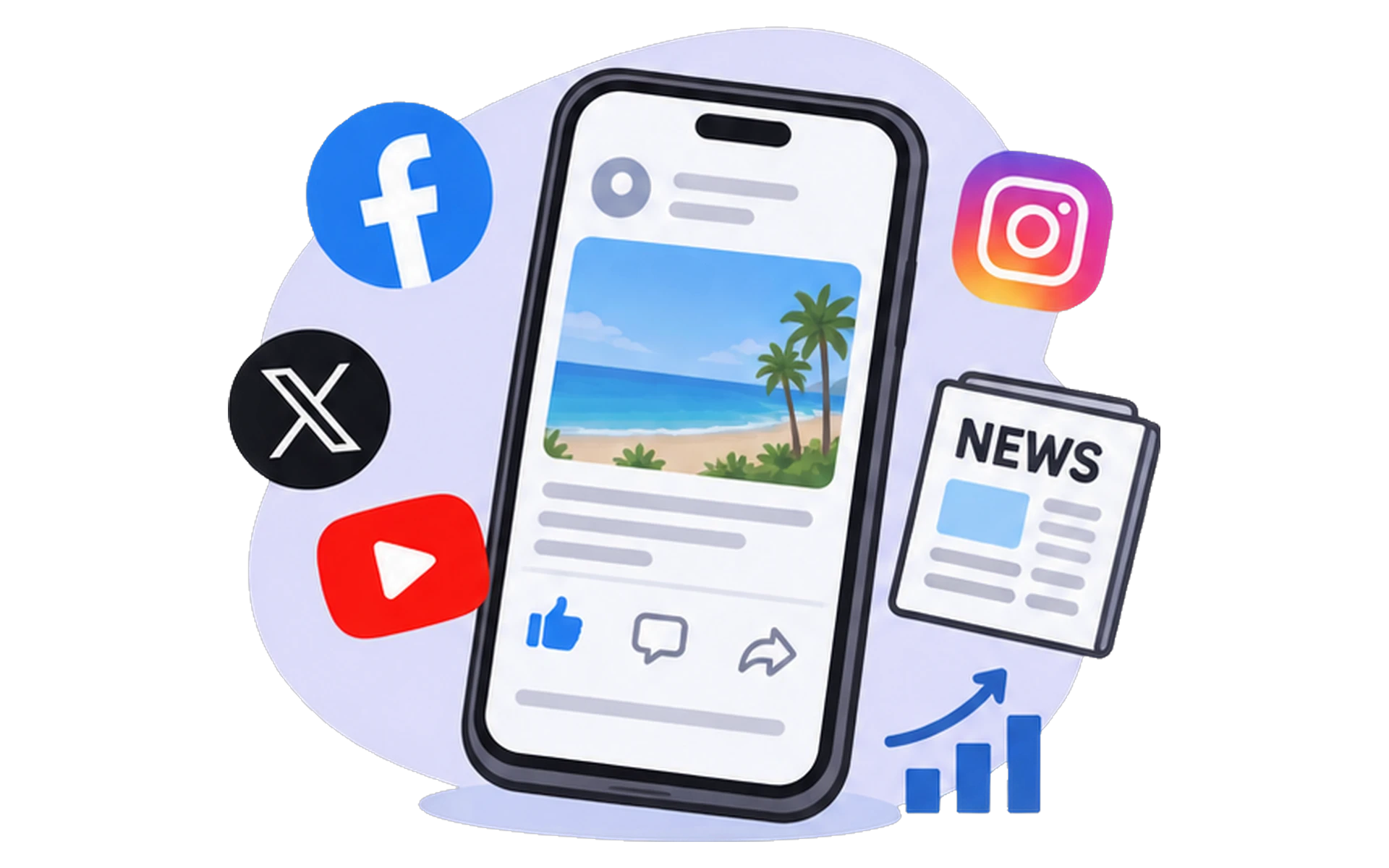
Social Media and News
Read posts, comments, and articles from around the world.

Shopping and Everyday Apps
Read product pages, reviews, and app screens before you buy.
FAQs
What can AI Phone Screen Translation translate?
It can translate text shown inside apps, chats, games, websites, and other screen content — messages, social media posts, news articles, game dialogue, shopping pages, app interfaces, digital comics, and online forums.
How do I set up Screen Translation?
Open AI Phone, tap Explore, then Screen Translation, then Set Up Now, and install the AI Phone Screen Translation shortcut. Then assign it to Double Tap in your iPhone Settings under Accessibility, Touch, Back Tap.
How do I trigger Screen Translation?
After setup, double-tap the back of your iPhone to trigger the AI Phone Screen Translation shortcut. AI Phone captures the screen and translates the text.
Do I need to copy the text first?
No. Screen Translation is made for on-screen text that can be hard or impossible to select and copy.
Can I use Screen Translation in games?
Yes. It can help translate game dialogue, menus, instructions, and other in-game text.
What is the difference between Screen Translation and Photo Translation?
Screen Translation translates live text on your phone screen, as you use other apps. Photo Translation works on saved images and screenshots — text you photograph or upload.
Does Screen Translation work offline?
No. Screen Translation needs an active internet connection to translate the text on your screen.
What if the shortcut does not respond?
Check that the AI Phone Screen Translation shortcut is installed and assigned to Double Tap, tap the back of your phone firmly twice, and restart AI Phone if needed.
Translate Any Screen into Your Language
Make foreign-language content easier to understand with AI Phone's Screen Translation.
For creator partnerships, business inquiries, or discounted plans: marketing@aiphone.ai