
Instant Camera & Photo Translator
Translate any text in photos instantly. Just snap or upload an image and read it in your language.
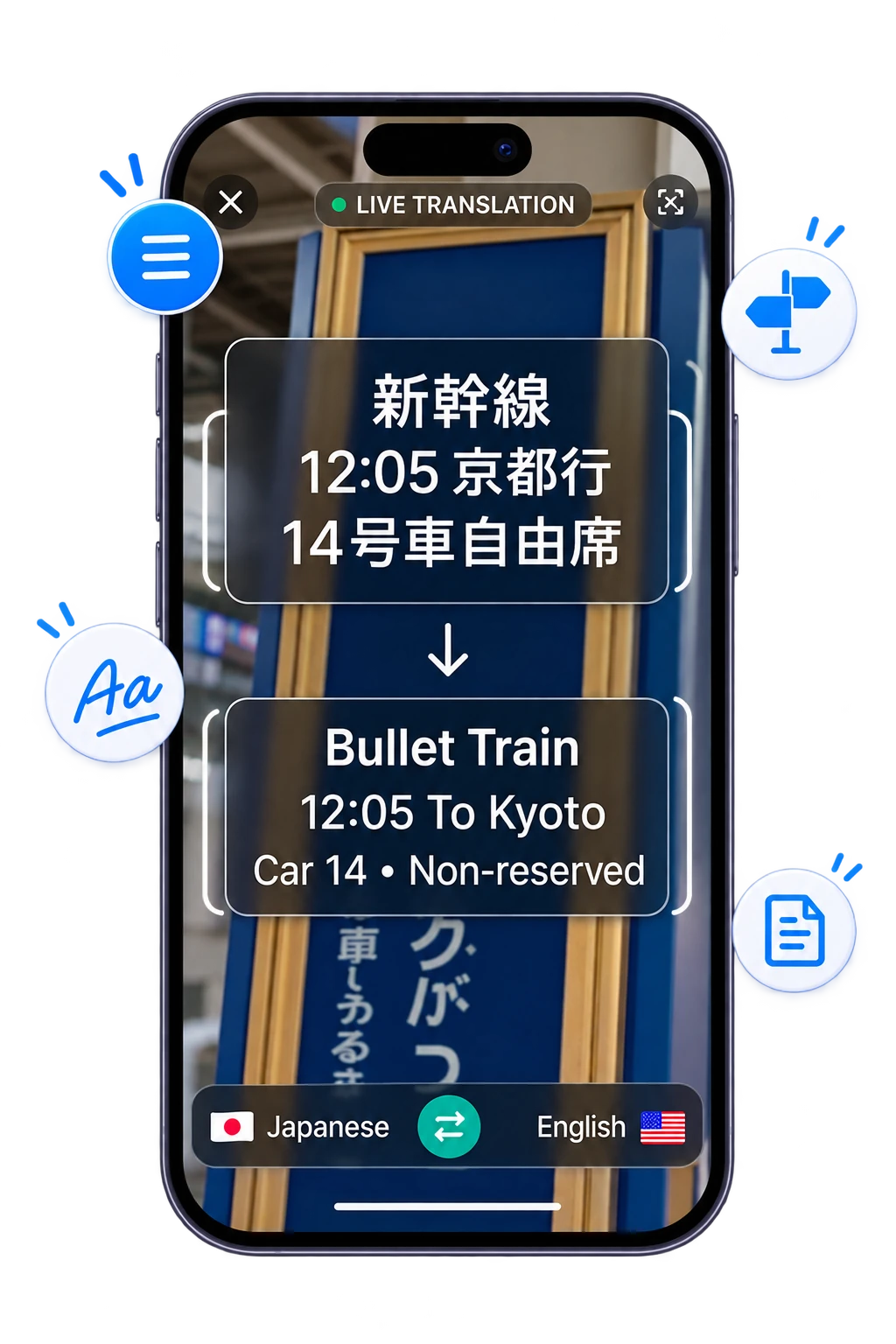
Read Any Photo in Your Language
Point your camera at any text or upload a photo. Get an instant translation without typing a word.
 01
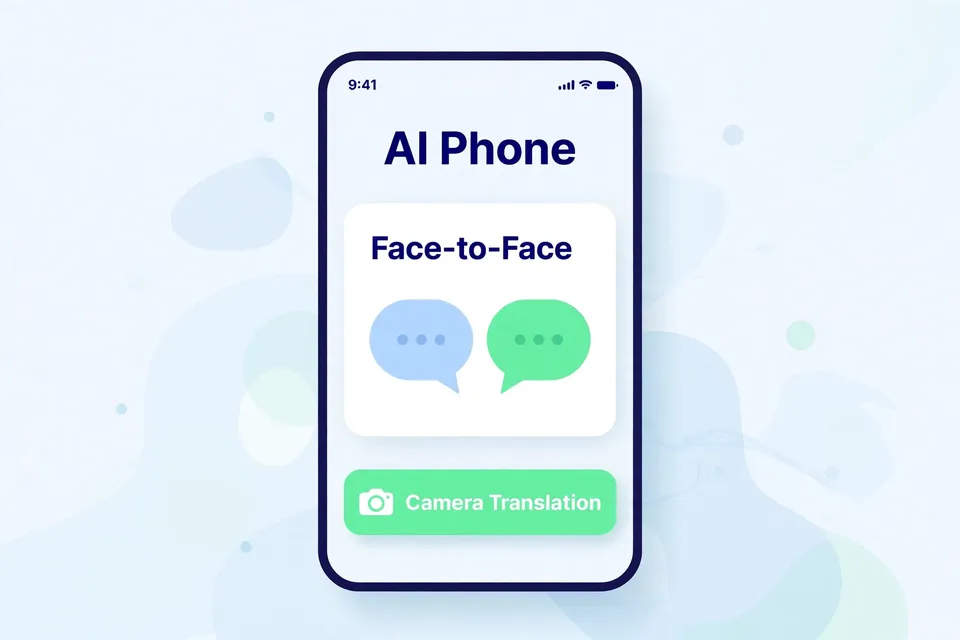
Download AI Phone
Download AI Phone and open the camera translation in Face-to-Face.
 02
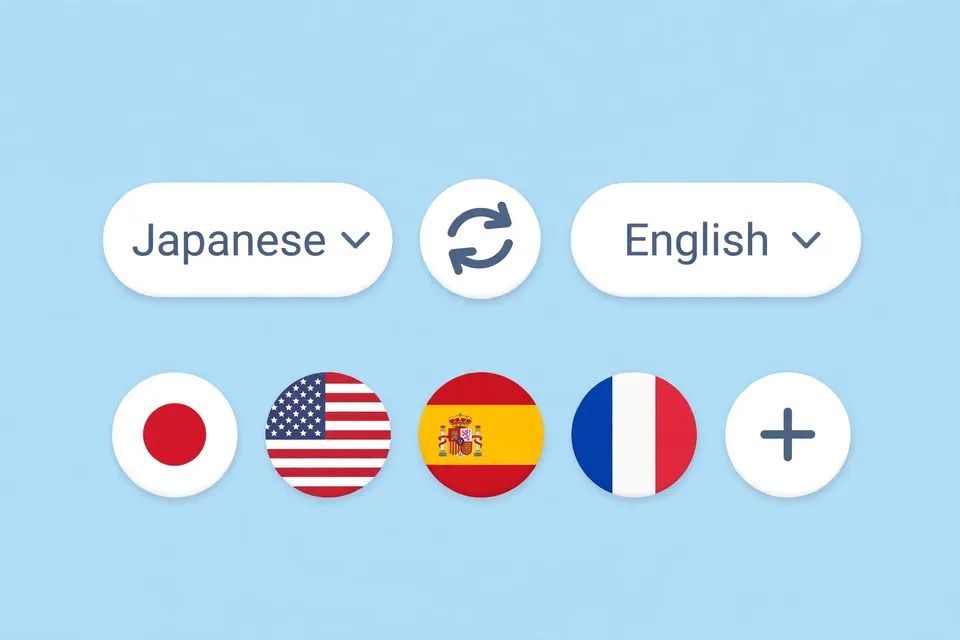
Choose Your Languages
Choose the language in the photo and the language you want to read.
 03
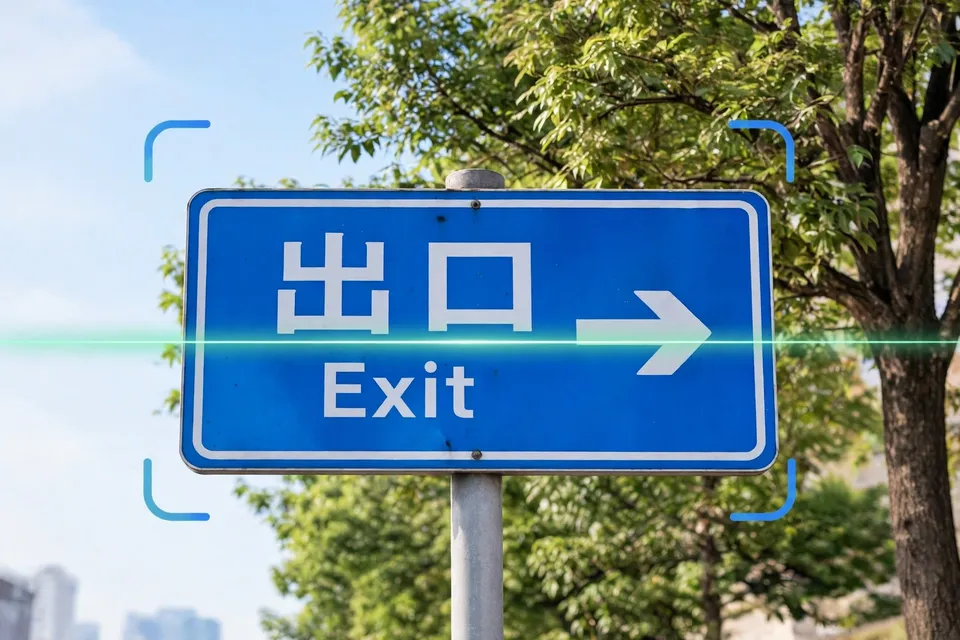
Capture or Upload a Photo
Snap a photo or upload one from your phone — AI Phone translates it on screen.
Features
Instant Camera Translation
Point your camera at foreign text and get translations instantly.
Translate Existing Photos
Upload photos or screenshots to translate text without typing.
Automatic Language Detection
Automatically detects the language in your photo, so you don't need to select it manually.
Translate Offline, Anywhere
Translate photos in supported languages, even without an internet connection.
Translate Anything You See
Translate menus, signs, and more with a quick photo. Travel, shop, and explore with confidence anywhere.
Made for Your Everyday Moments
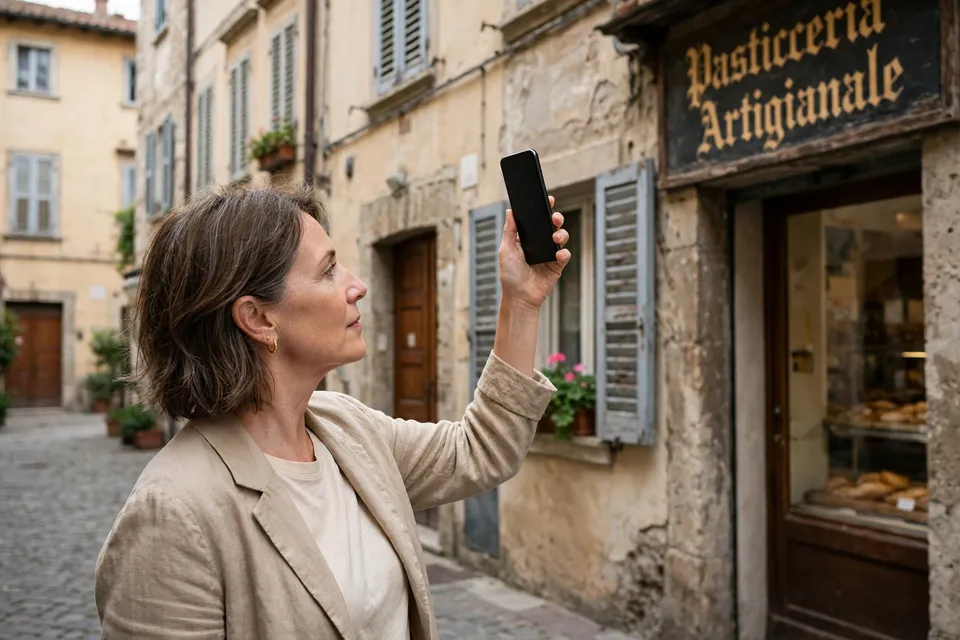
Travel Abroad
Understand menus, signs, and local information when traveling.

Shopping Abroad
Read product labels, ingredients, and instructions.

Study & Learning
Translate textbooks, notes, and learning materials.

Everyday Life
Easily read medicine labels, product instructions, and other everyday text in your language.
FAQs
Can AI Phone translate text from photos?
Yes. AI Phone can translate text from saved photos, including menus, signs, labels, screenshots, documents, and slides.
Can I translate text with my camera?
Yes. Open photo translation in AI Phone, point your camera at the text, and capture it for translation.
Does AI Phone automatically detect the language in a photo?
AI Phone supports automatic language recognition for photo translation when available, which helps when you do not know the source language.
What kinds of photos can I translate?
You can translate many kinds of photos and images, including menus, signs, product labels, packaging, screenshots, receipts, forms, documents, posters, and presentation slides.
Can photo translation work offline?
Yes. AI Phone photo translation supports offline use for supported languages.
Do I have to type the text in the photo?
No. AI Phone detects the text in the image and translates it, so you do not have to type it out word by word.
What if the text is small or hard to read?
Move closer, use better lighting, and hold your phone steady. If the photo has a lot of small text, crop it first so the important part takes up more of the frame.
Can I use photo translation for important documents?
You can use it to understand printed documents, forms, and letters. For legal, medical, or financial details, confirm them with a qualified person when needed.
Ready to Read Any Photo in Your Language?
Point your camera or upload a photo, and read menus, signs, documents, and screenshots in your own language.
For creator partnerships, business inquiries, or discounted plans: marketing@aiphone.ai