
WeChat Video Call Translator
Break language barriers on WeChat video calls with AI Phone. Enjoy real-time voice translation and bilingual subtitles. No download needed for the other person.
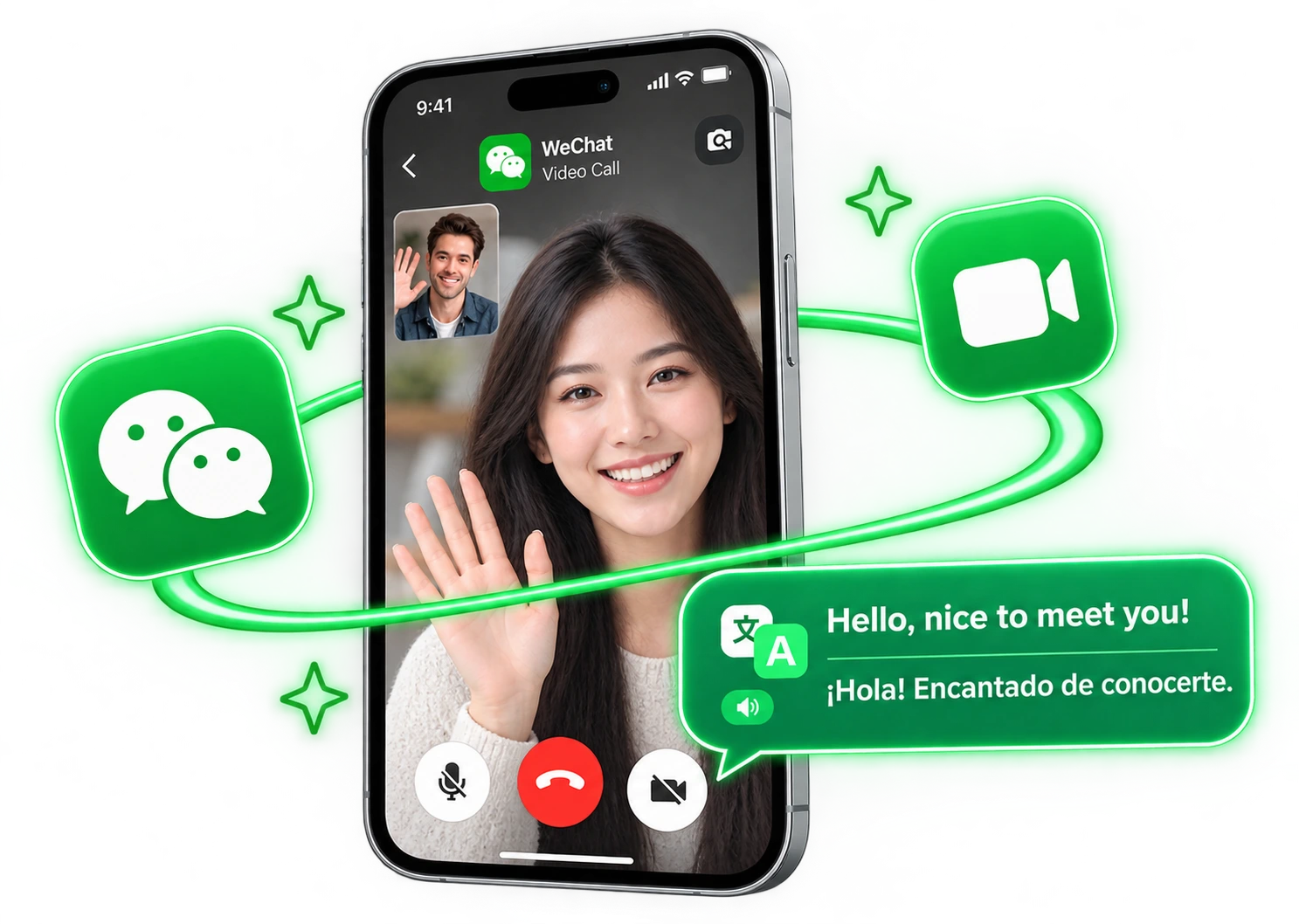
Translate a WeChat Video Call in Real Time
Want to video chat on WeChat with someone who speaks another language? AI Phone runs the call and translates it live. You just send the invite link in WeChat.
Three Steps to Your First Translated Call
 01
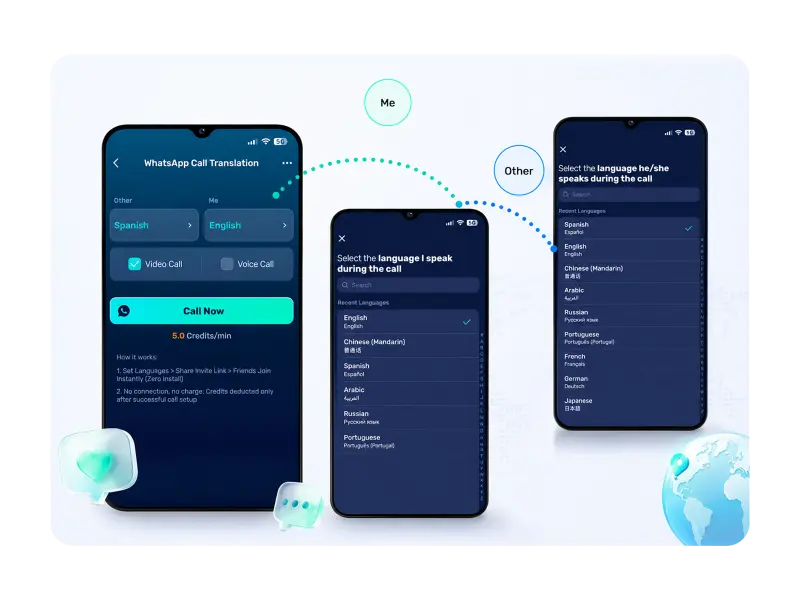
01Choose Your Languages
Download AI Phone, open WeChat Call Translation, and pick the two languages.
 02
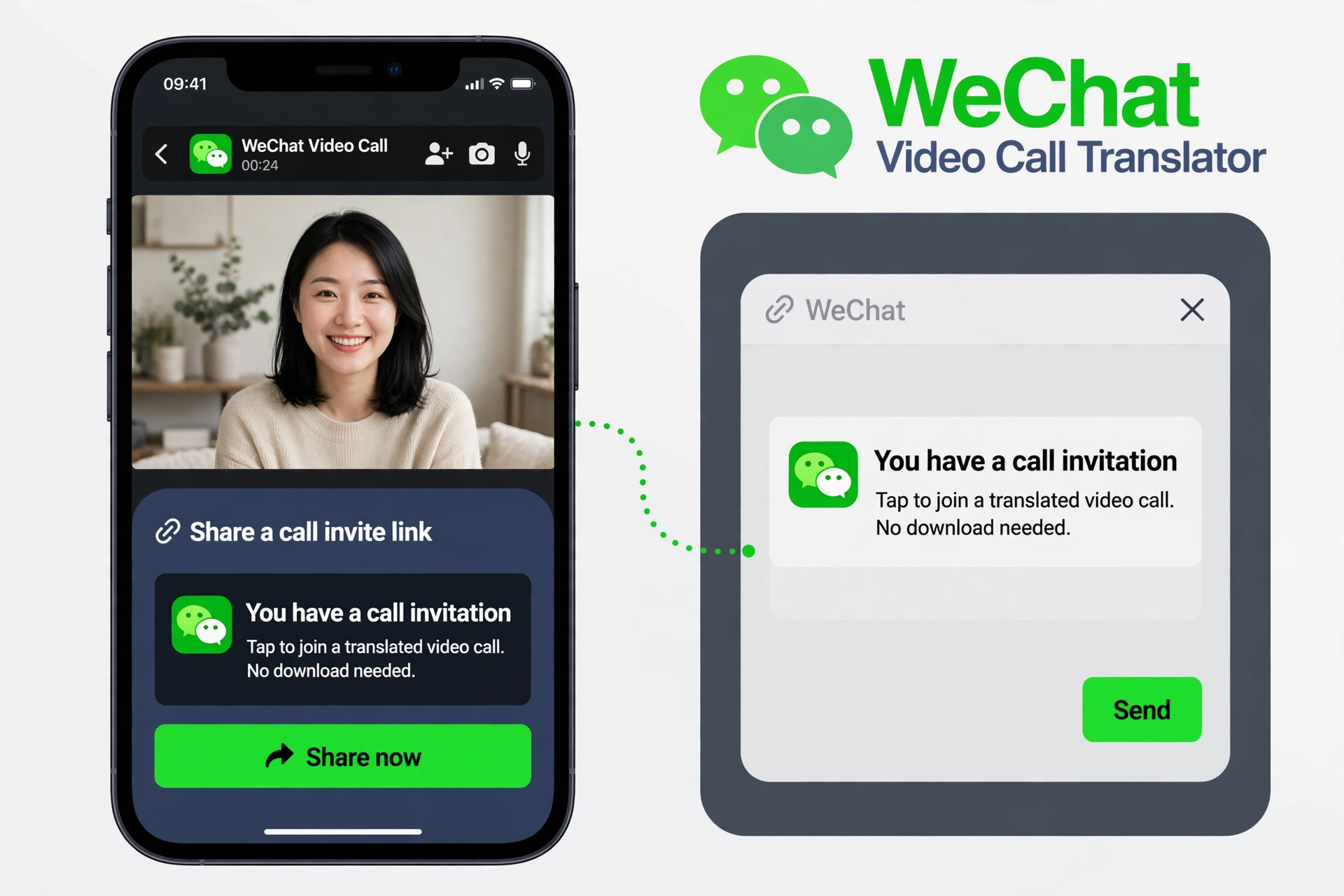
02Share an Invite Link
AI Phone creates an invite link — paste it into your WeChat chat with that person.
 03
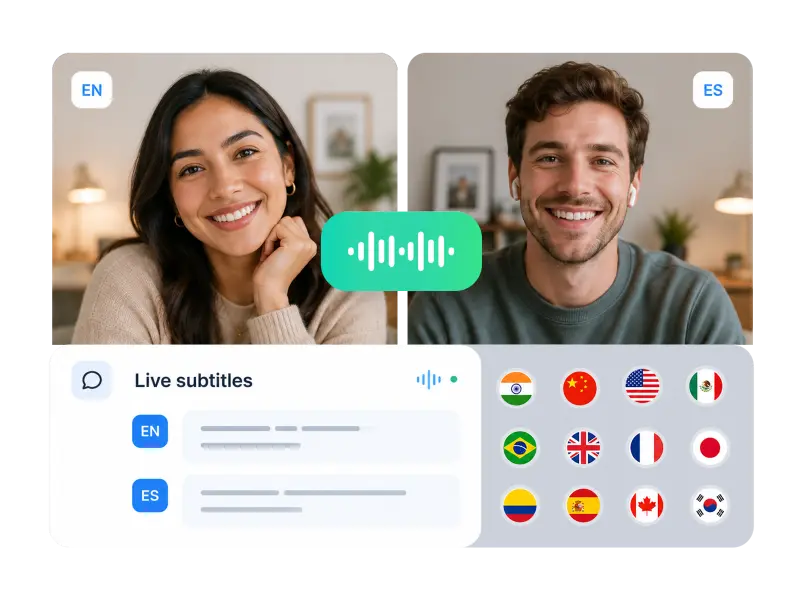
03Start Talking Naturally
They tap the link and the call starts. Just speak naturally — AI Phone translates both ways.
What AI Phone Adds to a WeChat Video Call

Two-Way Voice Translation
Speak in your own language and AI Phone translates for the other side in real time, in both directions.

No Download Needed for Others
The other person doesn’t install AI Phone. Just click the invite link to join the translated call.
Bilingual Live Subtitles
Live subtitles in both languages show on both screens, so neither side has to rely on listening alone.

Broad Language Support
AI Phone translates calls in 150+ languages and accents, so you can talk with contacts almost anywhere in the world.
Connect Beyond Language Barriers on WeChat
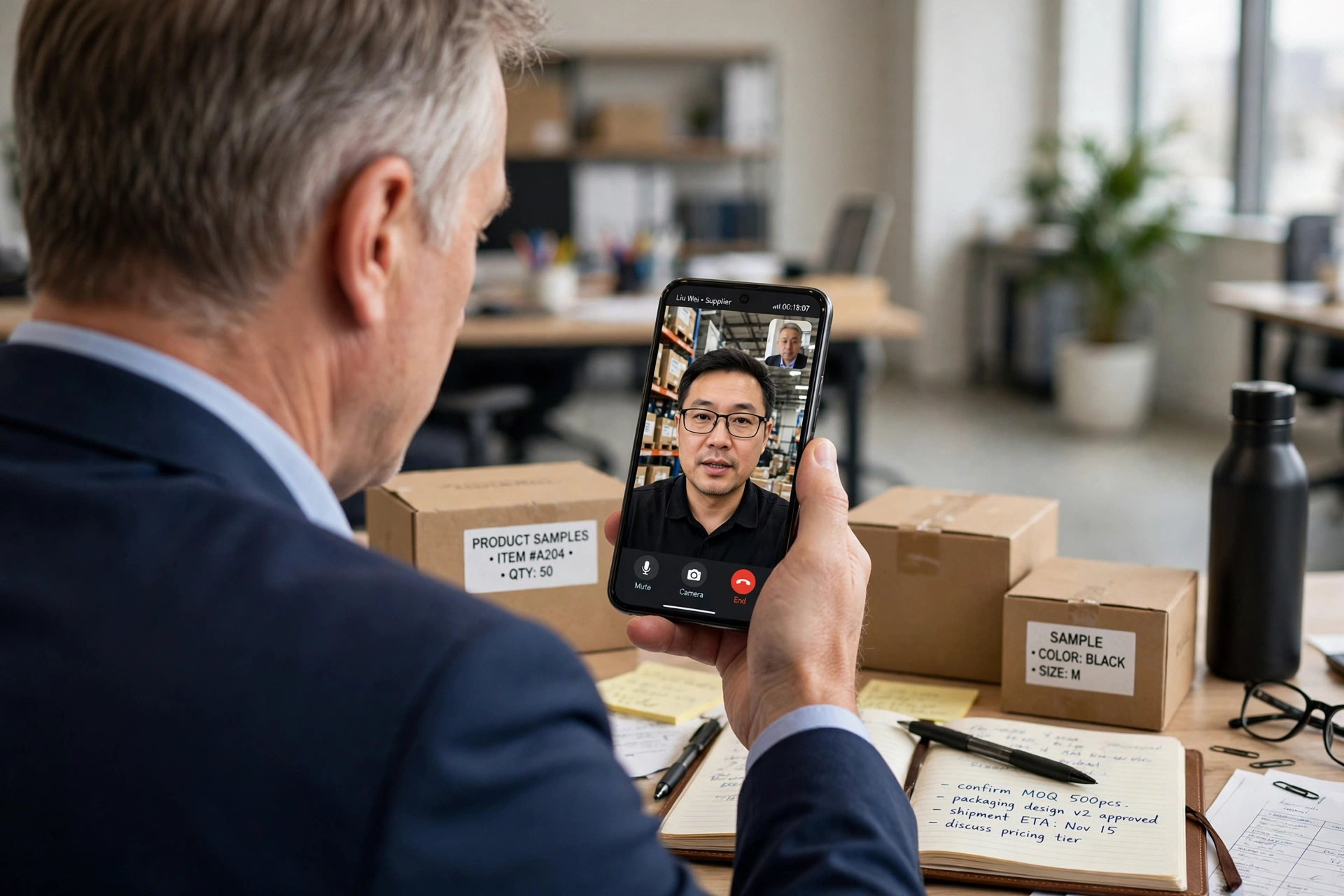
From catching up with loved ones to working with partners in China, AI Phone helps you connect through WeChat video calls, even when you speak different languages.



FAQs
How do I translate a video call with someone on WeChat?
Download AI Phone and open WeChat Call Translation. Pick the two languages, send the invite link in your WeChat chat, and they tap it to start — translated voice, bilingual subtitles.
Does WeChat translate video calls by itself?
No — WeChat can translate text messages, but its video calls have no live translation. AI Phone adds it: start the call in AI Phone, share the invite link through WeChat, and each side hears the other in their own language.
Does the person I'm calling need to install AI Phone?
No. They don't need AI Phone, an account, or any settings. Just click the invite link in your WeChat chat to join the translated call.
Can AI Phone translate a video call with the whole family at once?
No. AI Phone translates one-to-one calls, not group calls.
Can AI Phone translate WeChat voice calls as well as video calls?
Yes — start a voice call in AI Phone and share the invite link over WeChat the same way. Translation works in both directions.
Will I see subtitles during a WeChat video call?
Yes. Subtitles in both languages run on screen during the call — handy for names, dates, times, and prices.
Which languages can I use on a WeChat video call?
150+ languages and accents, including Mandarin, Cantonese, English, Japanese, and Korean. Pick the pair each time — one pair for your partner's parents in China, another for a friend elsewhere.
Can I use AI Phone while I'm in China?
Yes. AI Phone can be used in China.
Ready for a Translated WeChat Video Call?
Send the invite link in the WeChat chat you already have — AI Phone handles the languages.
For creator partnerships, business inquiries, or discounted plans: marketing@aiphone.ai