
Instant Audio & Video Translator
Understand audio and video in another language as they play — podcasts, videos, lectures, and live streams — translated into your language in real time.
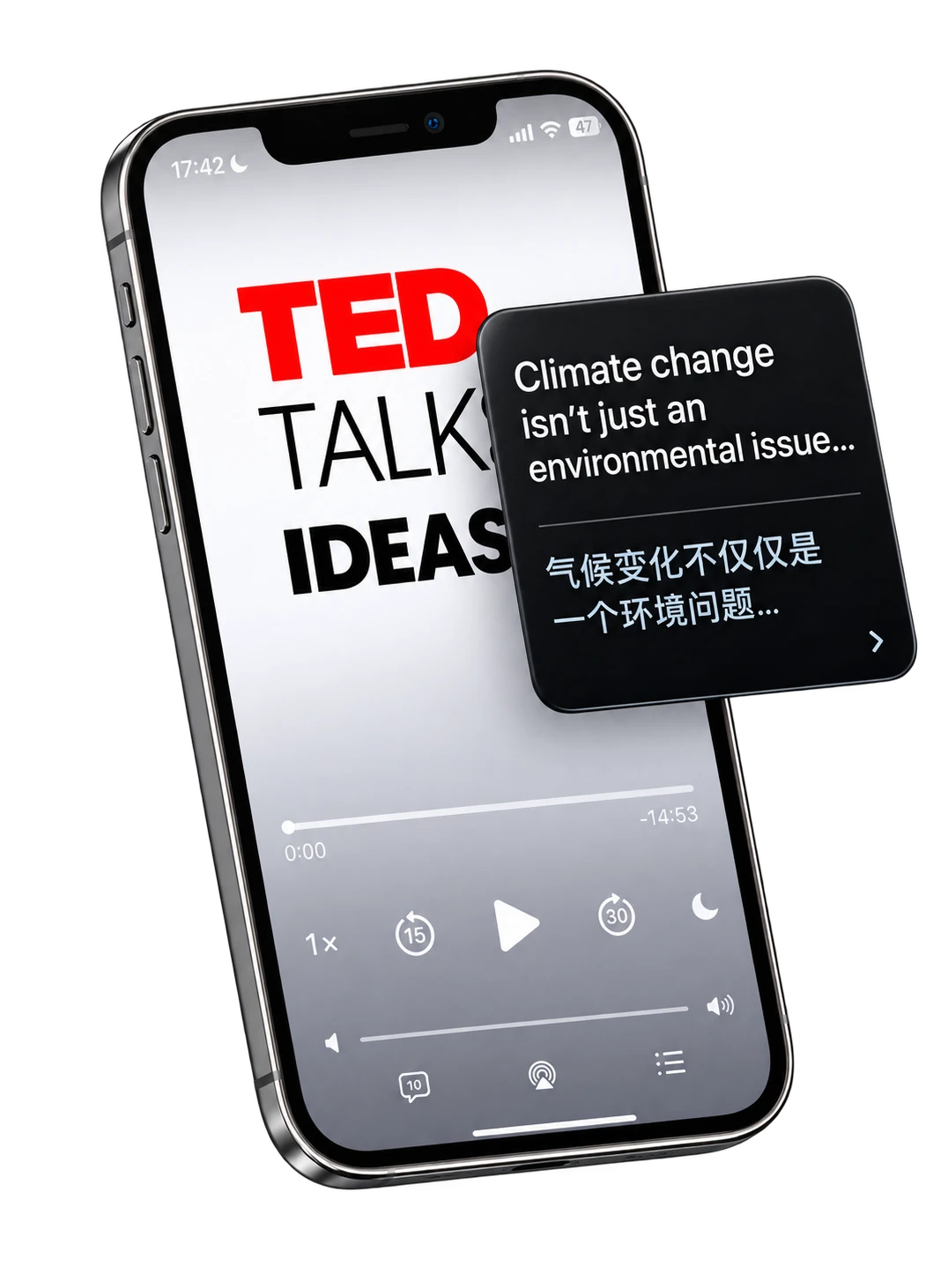
Understand Audio and Video in Your Language
Audio Translation is for audio and video playing on your phone: podcasts, videos, lectures, interviews, and live streams.
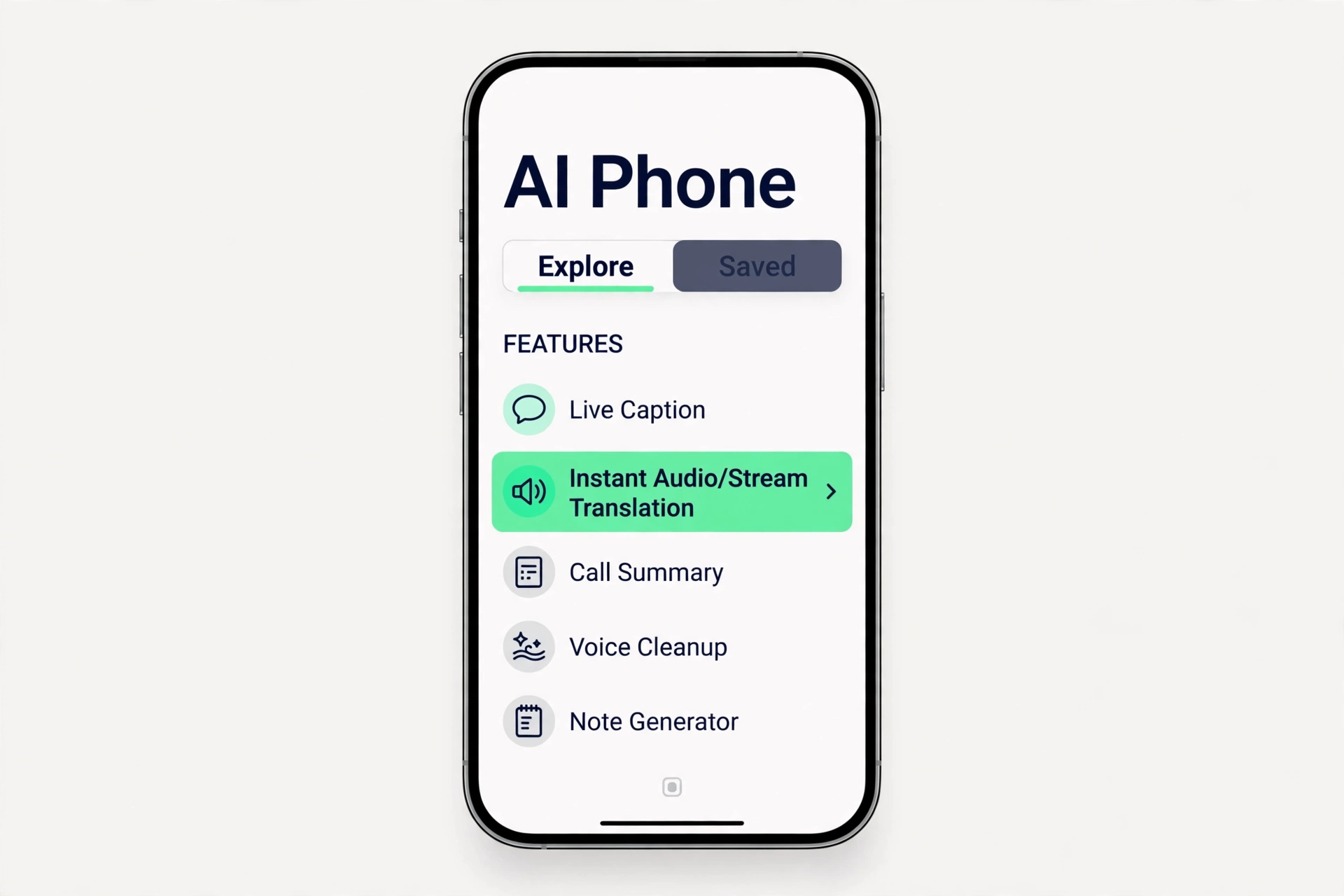 01
Open Instant Audio/Stream Translation
Open AI Phone, tap Explore, then tap Instant Audio/Stream Translation.
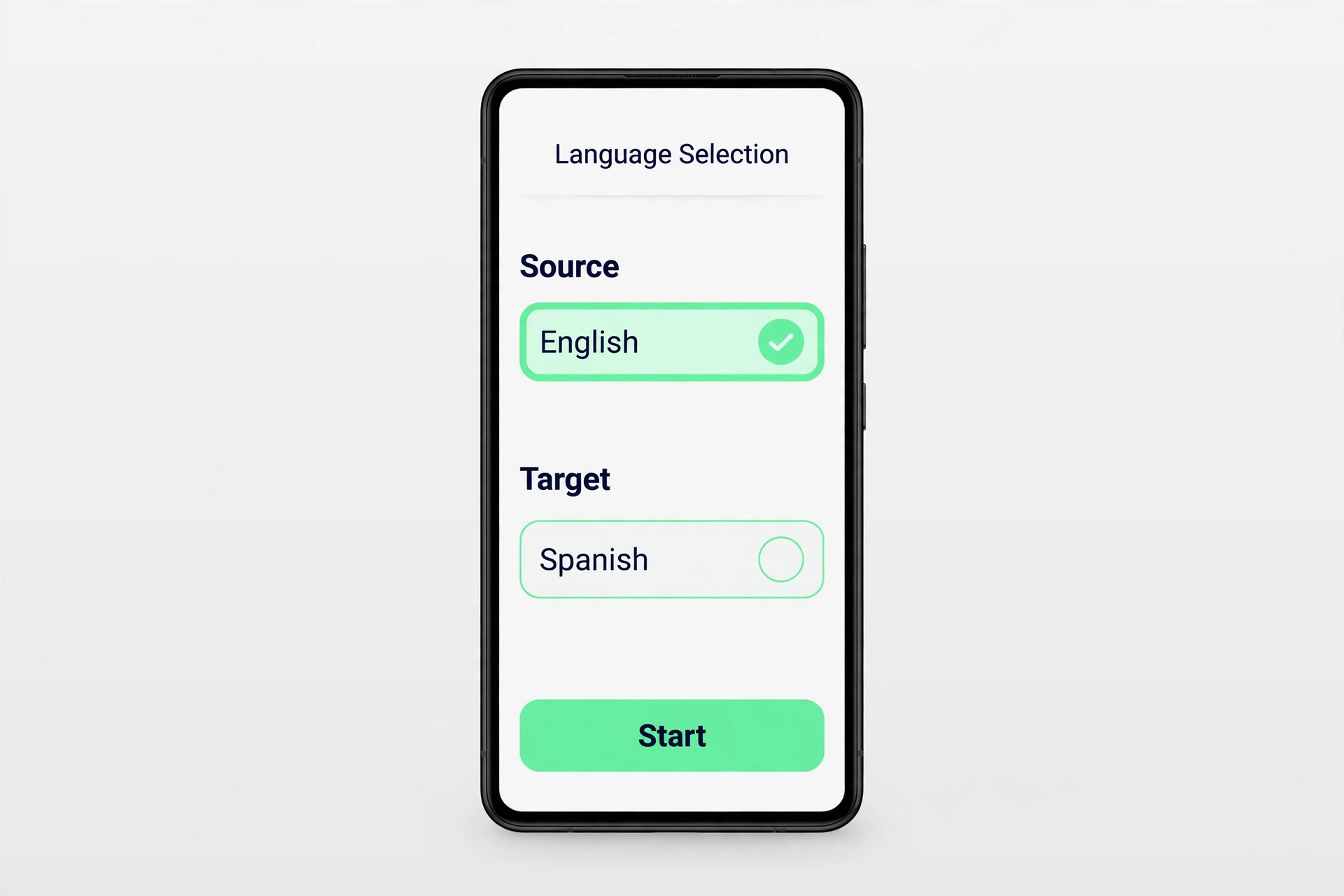 02
Pick Your Languages
Select the language of the content and the language you want to hear it in, then tap Start.
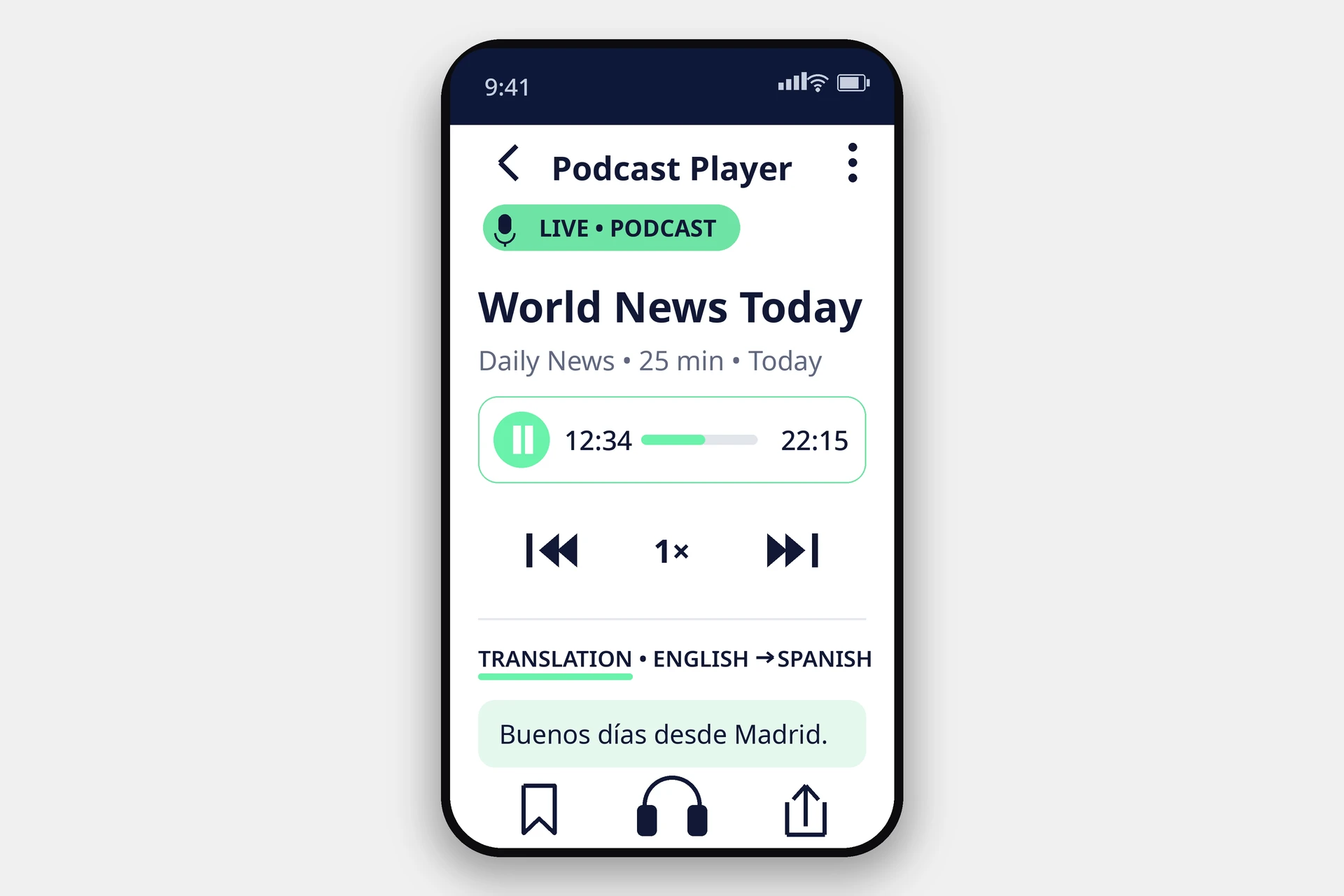 03
Play the Audio or Video
Minimize AI Phone and play the podcast, video, lecture, or live stream. AI Phone detects the audio and translates it in real time.
Features
Real-Time Audio Translation
AI Phone detects the audio playing on your phone and translates it as it plays, so you can follow along in your language.
Real-Time Video Translation
AI Phone detects the audio from videos and live streams playing on your phone and translates it as it plays, so you can follow along in your language.
Keep Listening in Any App
Minimize AI Phone and play audio or video wherever you like. Translation keeps going while you listen.
150+ Languages and Accents
Translate audio and video in 150+ languages and accents.
Languages supported, from Spanish and Mandarin to Swahili and Vietnamese.
Watch & Listen to the World in Your Language
Podcasts, videos, lectures, live streams — if it is playing on your phone, you can follow it in your language.

Podcasts & Audio Content
Listen to podcasts, audiobooks, interviews, and audio recordings in other languages with real-time translation.

Videos & Entertainment
Understand videos from around the world, from social media clips to movies and online video content.

Learning & Education
Follow foreign-language lessons, lectures, and educational content without language barriers.
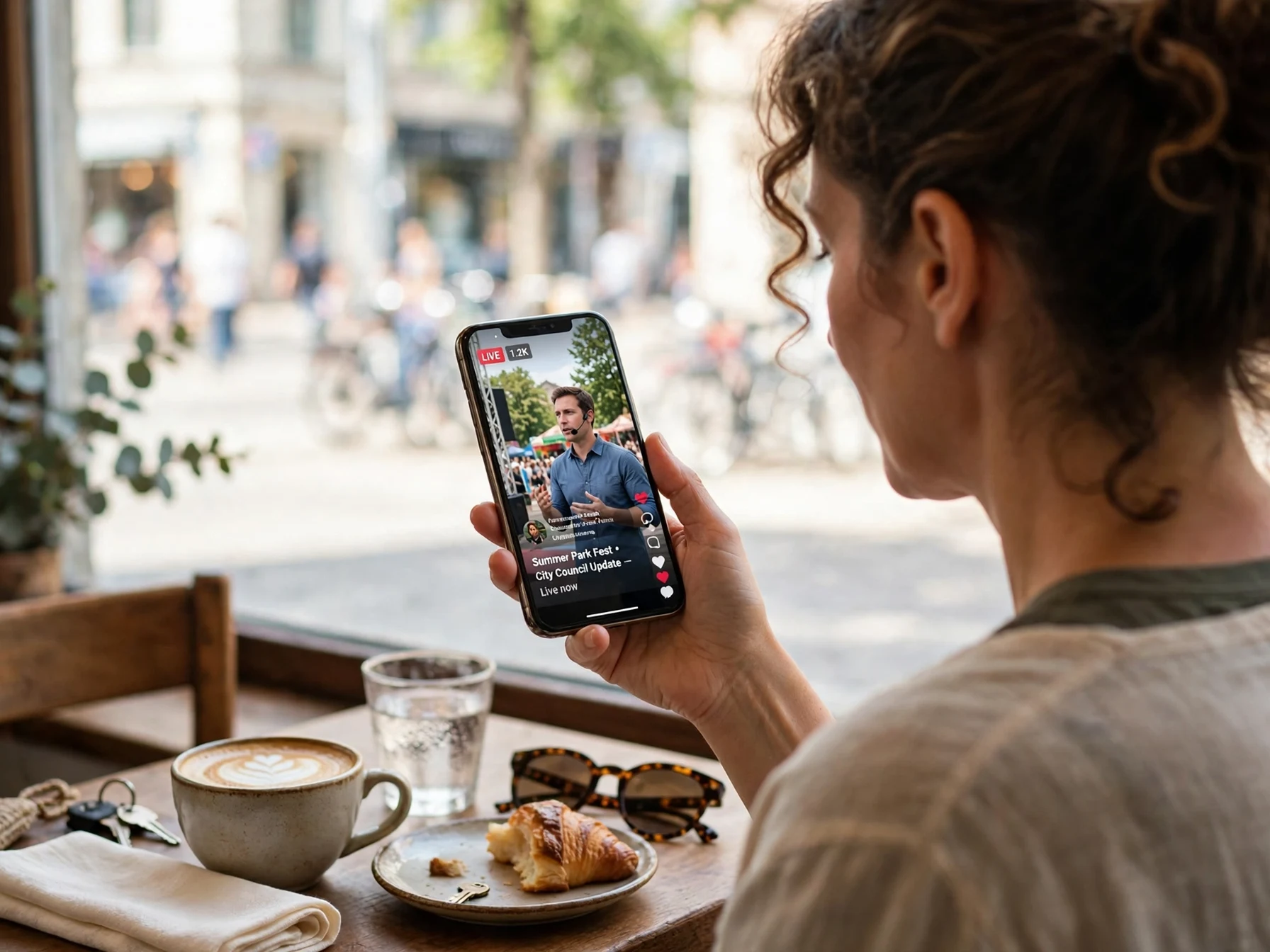
Live Streams & Events
Keep up with live streams, online events, and international broadcasts as they happen.
FAQs
What can AI Phone Audio Translation translate?
It translates audio and video playing on your phone — podcasts, videos, lectures, interviews, and live streams — into your language in real time.
How do I translate audio with AI Phone?
Open AI Phone, tap Explore, then Instant Audio/Stream Translation. Select the language of the content and your language, tap Start, then minimize the app and play the audio or video you want to translate.
Do I need to keep AI Phone open while it translates?
No. Minimize AI Phone and play the content in another app. AI Phone detects the audio and keeps translating it in real time.
Can it translate a podcast in another language?
Yes. Play the podcast on your phone and AI Phone translates the audio as it plays, so you can follow the show in your language.
Can it translate videos and live streams?
Yes. Play the video or live stream on your phone and AI Phone translates the audio in real time, so you can follow along in your language.
What is the difference between Audio Translation and Voice Translation?
Audio Translation is for audio and video playing on your phone — podcasts, videos, lectures, and live streams. Voice Translation is for a live conversation with someone in the same room, using Talk Mode or Listening Mode.
Does Audio Translation work offline?
No. Audio Translation translates in real time and needs an active internet connection.
Which languages does Audio Translation support?
Audio Translation supports 150+ languages and accents.
Ready to Understand Any Audio or Video in Your Language?
Podcasts, videos, lectures, and live streams from anywhere in the world — understood in your language, in real time. Press play, and just follow along.
For creator partnerships, business inquiries, or discounted plans: marketing@aiphone.ai