
Viber Video Call Translator
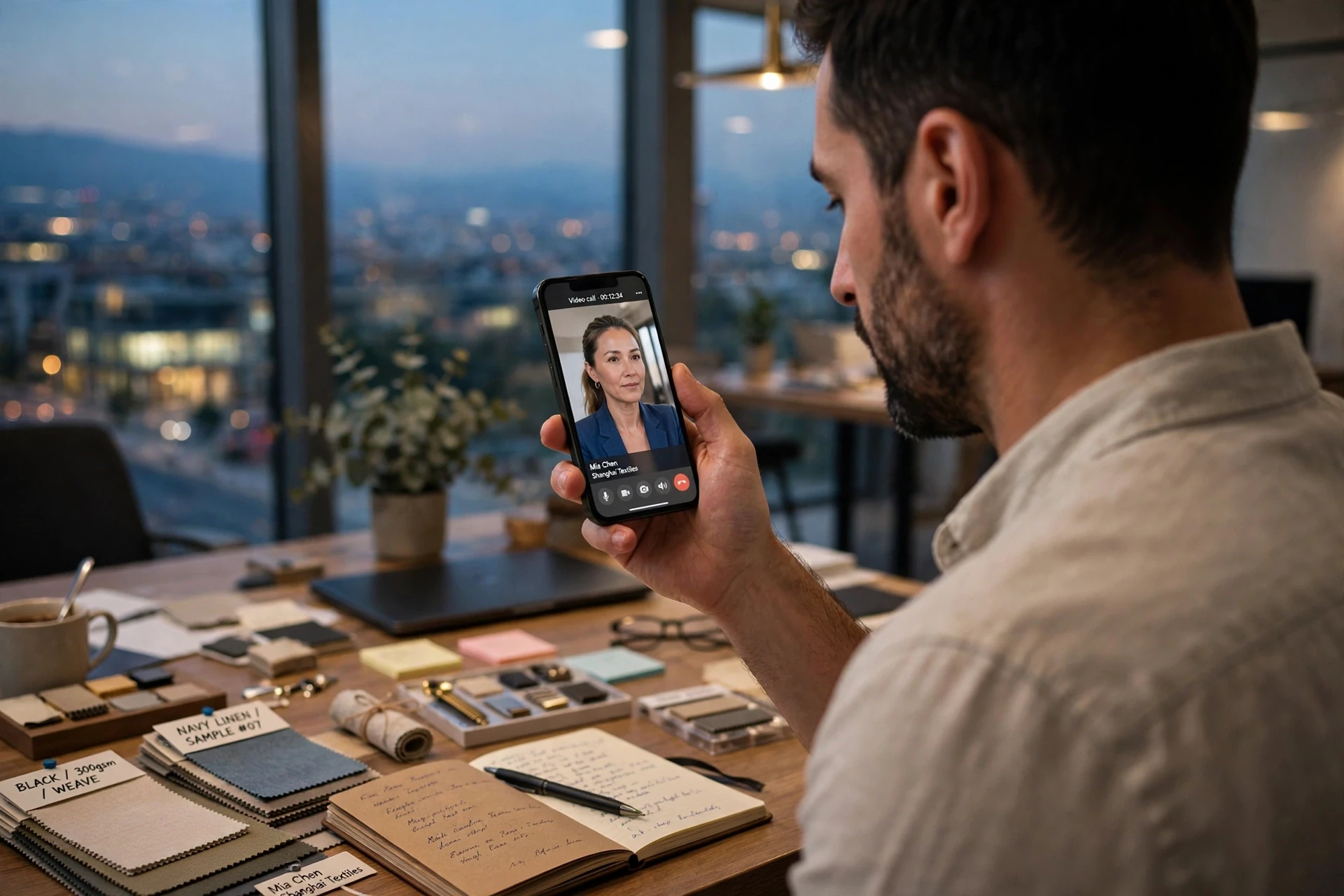
Break language barriers during Viber video calls with AI Phone. Enjoy two-way voice translation and live bilingual subtitles, so both sides can communicate naturally in their preferred languages.
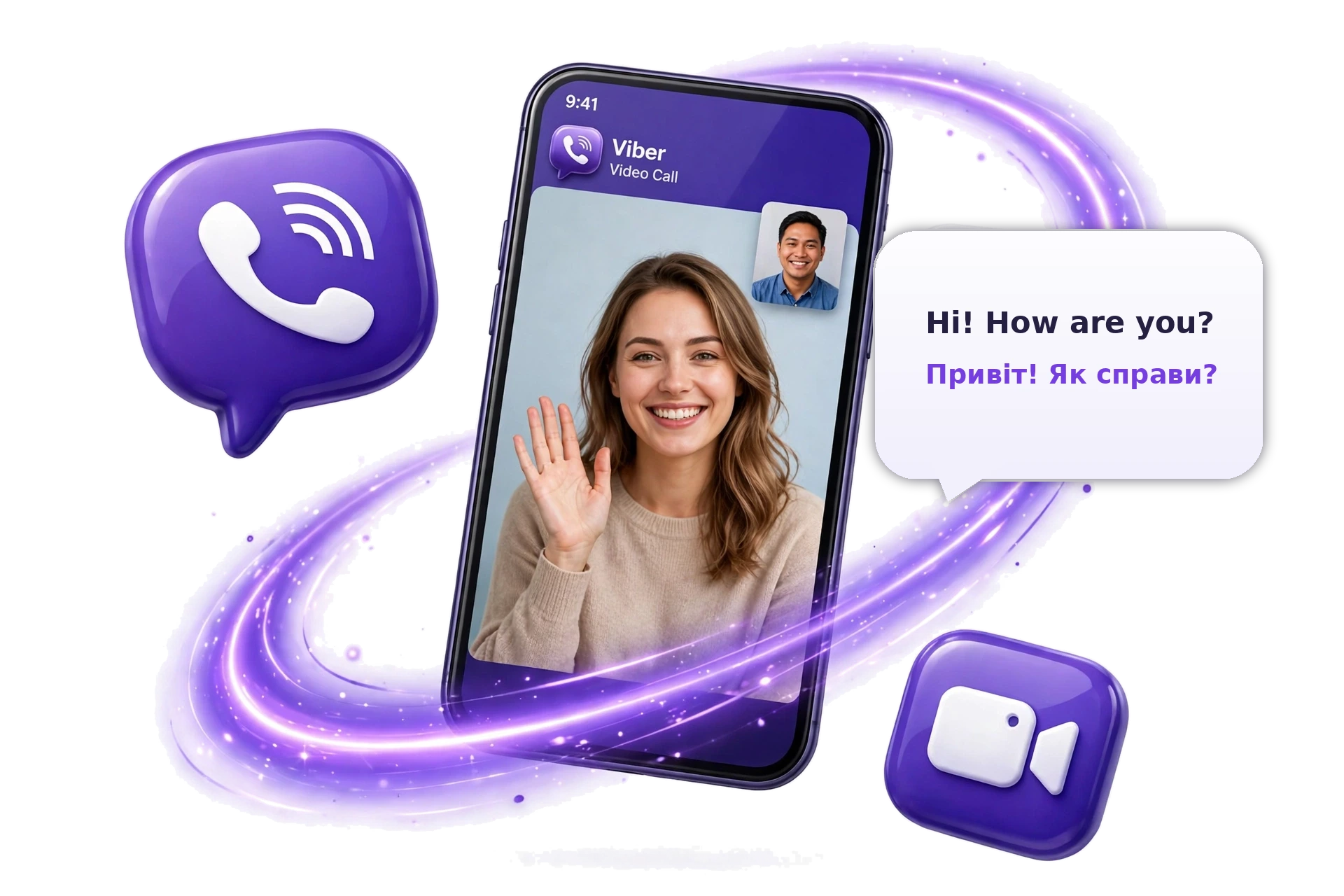
A Smarter Way to Translate Viber Video Calls
Start in a Viber chat: AI Phone opens the call and translates both sides live.
Three Steps to Your First Translated Call
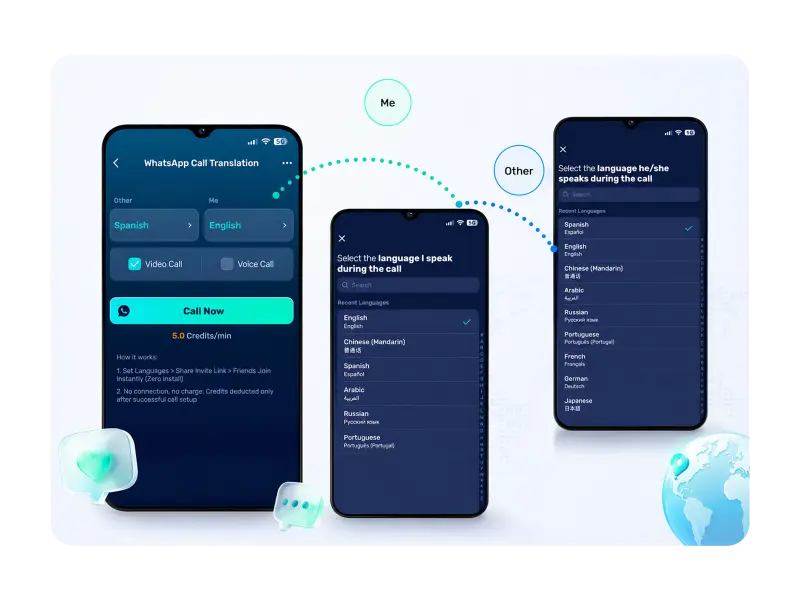 01
Choose Your Languages
Download AI Phone, open Viber Call Translation, and pick the two languages.
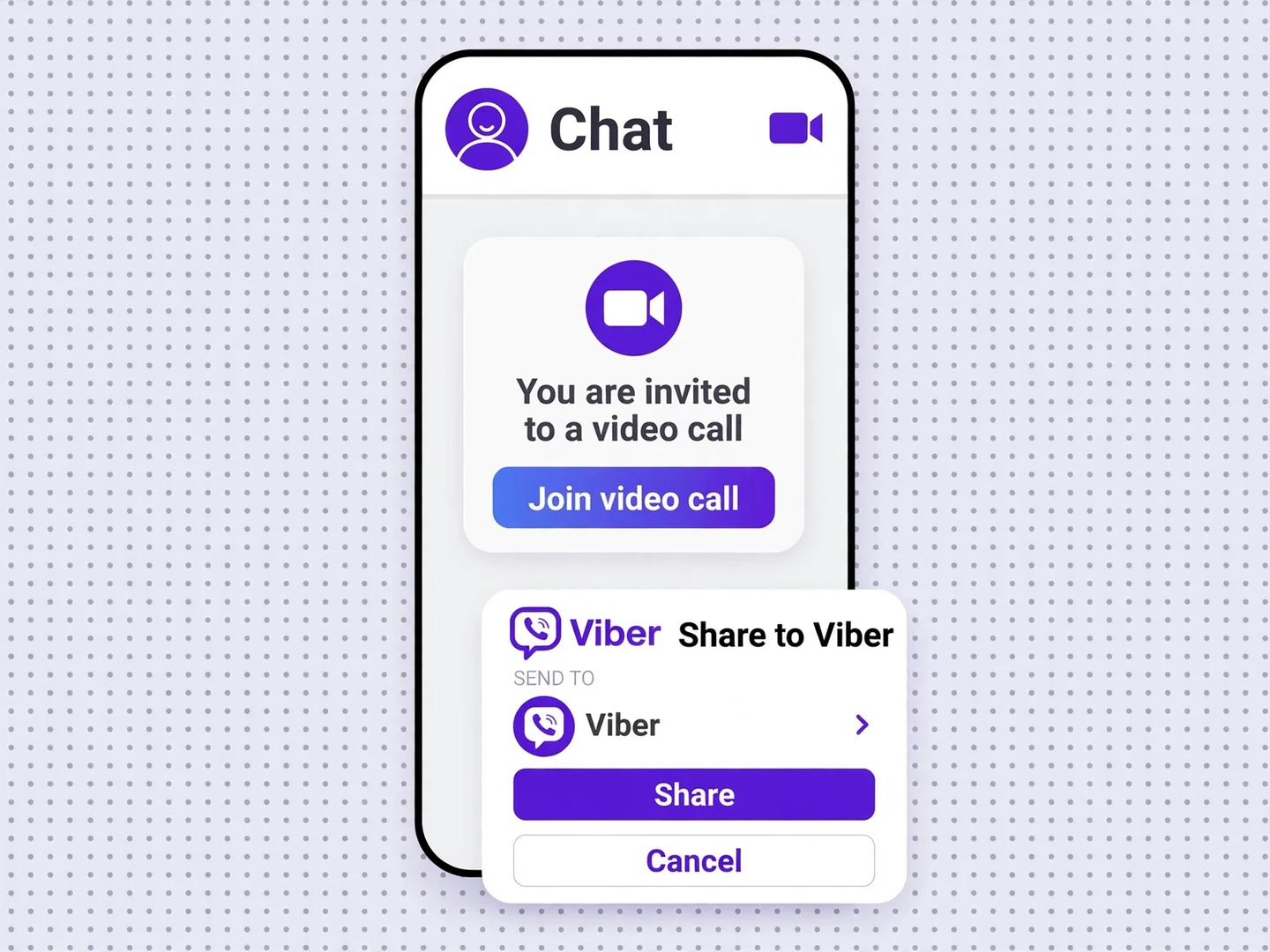 02
Create and Share the Call Link
Generate an invitation link and share it with your Viber contact through Viber.
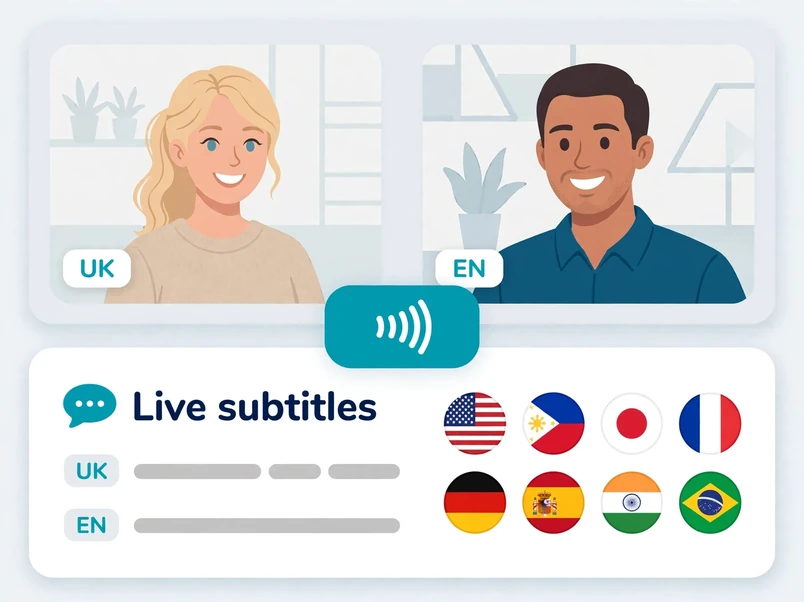 03
Start Your Conversation
Once the other person joins, communicate with two-way voice translation and live bilingual subtitles.
What AI Phone Adds to a Viber Video Call

Two-Way Voice Translation
Both participants can speak their own languages and hear translated speech.
Live Bilingual Subtitles
Follow conversations with real-time subtitles in both languages.

Easy Link Sharing
Share your AI Phone video call invitation through Viber to invite the other person.

150+ Languages and Accents
Communicate across a wide range of languages and accents.
The People You Call on Viber
On Viber, the other person is family back home, a partner abroad, or friends in another country. AI Phone translates those calls.



FAQs
How does a translated Viber video call work?
You start in AI Phone and drop the invite link into your Viber chat. The other person taps to join, and you each hear the other side translated, with bilingual subtitles.
Does Viber translate its own video calls?
No. Viber translates text messages in chats, but its voice and video calls have no built-in translation. AI Phone adds it — share the invite link through Viber and talk, each in your own language.
What does the other person need to join the call?
Nothing to install. They tap the invite link in their Viber chat and the call starts — no download, no account, no new app.
Can AI Phone translate Viber group or Community video calls?
No. Translated video calls in AI Phone are one-to-one — Viber group calls (up to 40 people) and Community calls are not supported.
Can AI Phone translate Viber voice calls too, or only video?
Both. Voice calls translate the same way — the other person joins by the same invite link, no camera needed.
Where do I start a translated call if I use Viber on phone and computer?
In the AI Phone app on your phone. Paste it into the chat from either device — the call runs in AI Phone.
Which languages can I use on a translated Viber call?
AI Phone supports 150+ languages and accents, covering the languages spoken across Eastern Europe, Southeast Asia, and the Middle East.
What if the other person isn't on Viber, or I need to call a landline?
Use AI Phone's phone call translation to dial the number: both sides hear it translated live — no Viber, no app on the other side.
Ready for a Translated Viber Video Call?
Open a Viber call in AI Phone and talk across languages, translated live.
For creator partnerships, business inquiries, or discounted plans: marketing@aiphone.ai