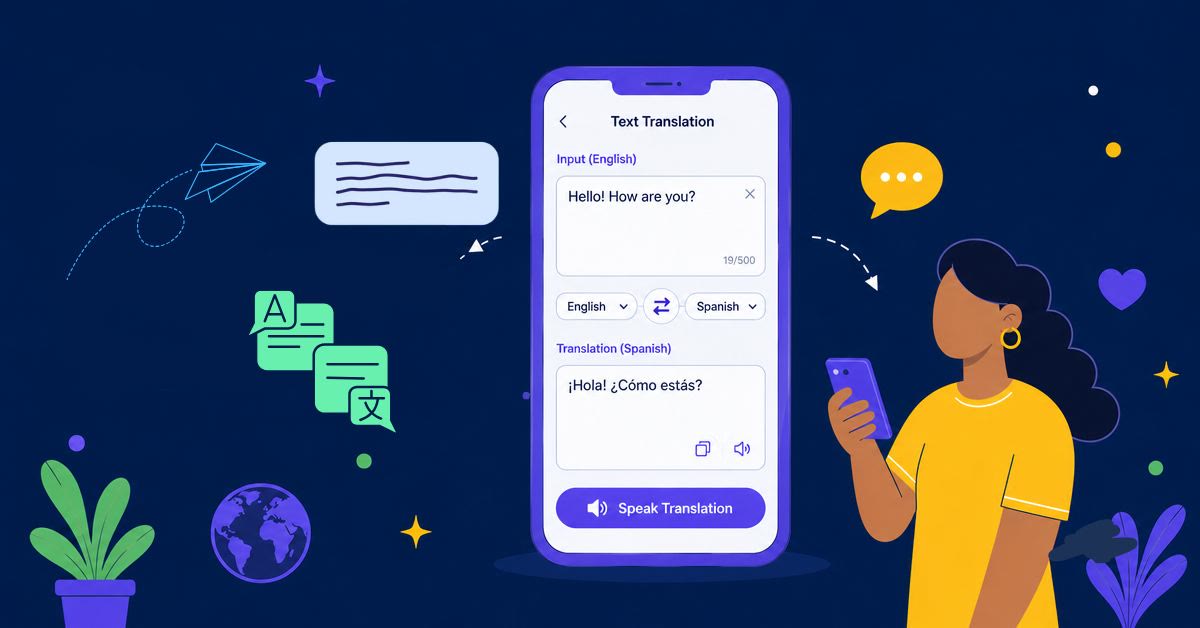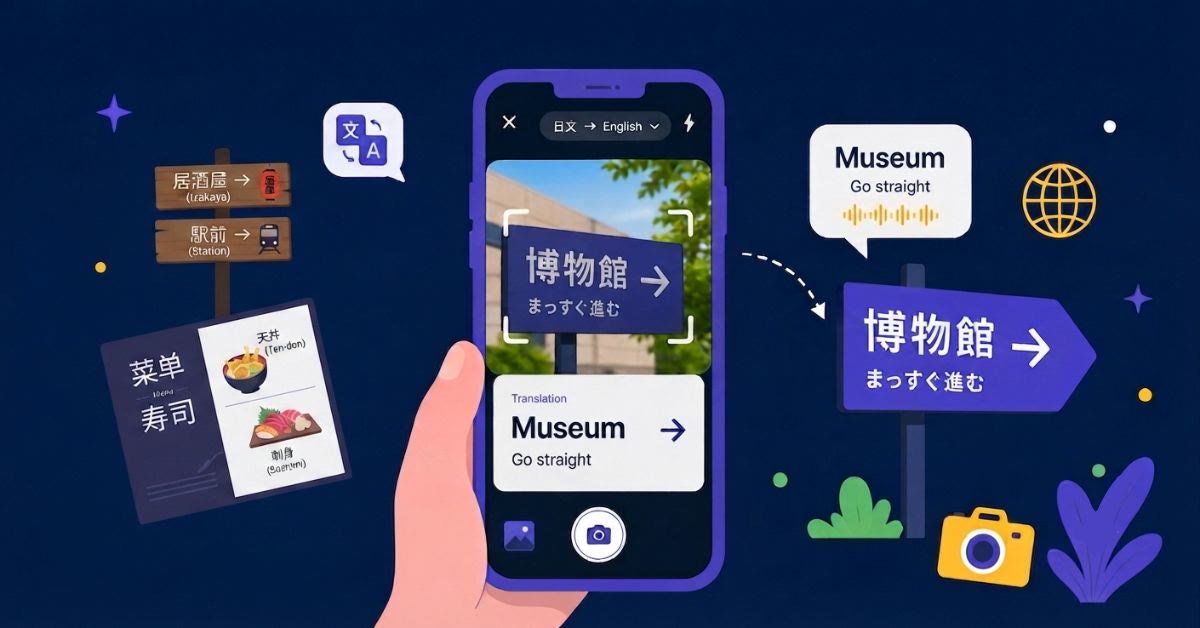
A foreign-language app, chat, game, or webpage can be difficult to understand when the text cannot be copied or selected. Screen Translation lets you translate words directly from your phone screen, so you can keep using the original app while getting the meaning you need.
This guide explains how to set up and use Screen Translation in AI Phone.
Set Up Screen Translation in AI Phone
- Open AI Phone.
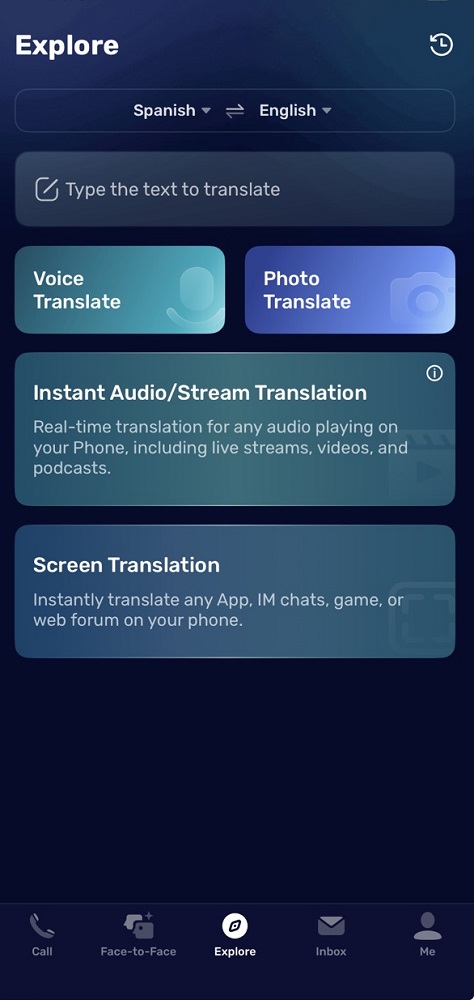
- Tap Explore at the bottom of the screen.
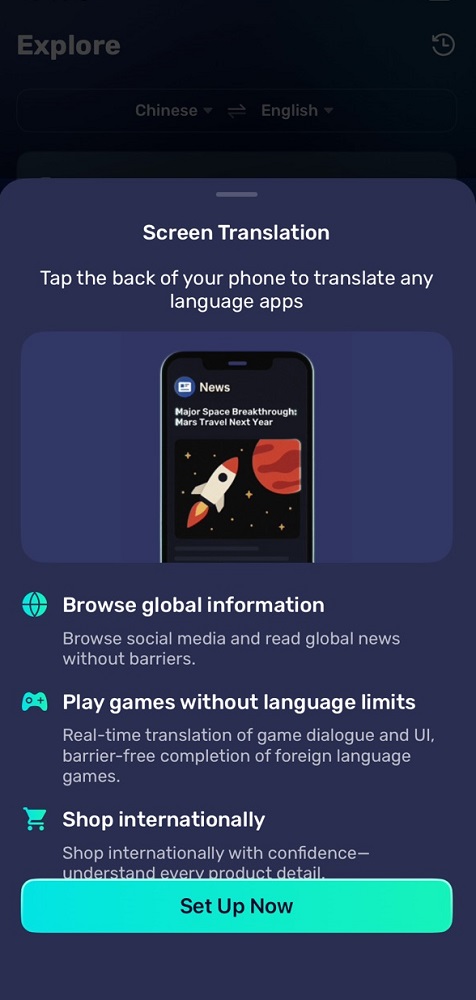
- Tap Screen Translation.
- Tap Set Up Now.
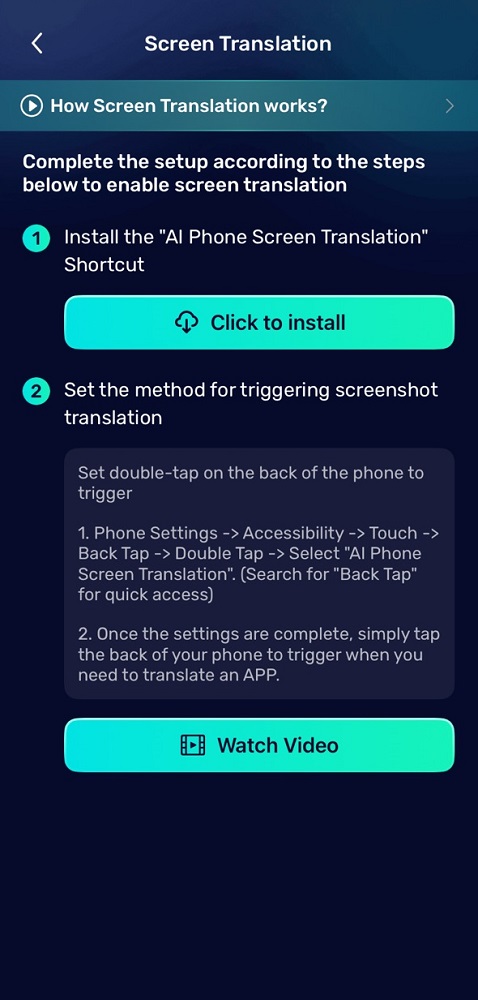
- Under Install the “AI Phone Screen Translation” Shortcut, tap Click to install.
- Follow the on-screen instructions to install the shortcut.
Set Up Back Tap to Trigger Translation
After installing the shortcut, assign it to your iPhone’s Double Tap feature.
- Open Settings on your phone.
- Tap Accessibility.
- Tap Touch.
- Tap Back Tap.
- Tap Double Tap.
- Select AI Phone Screen Translation.
Once enabled, double-tap the back of your phone whenever you want to translate the current screen.
Translate Text on Your Screen
- Open the app, website, chat, or game you want to understand.
- Navigate to the screen containing the foreign-language text.
- Double-tap the back of your iPhone.
- AI Phone captures the screen and translates the text.
Screen Translation is useful for messages, social media posts, news articles, game dialogue, shopping pages, app interfaces, digital comic books, and online forums. For text inside a saved image or screenshot, use Photo Translation instead.
Troubleshooting
- Confirm that the AI Phone Screen Translation shortcut is installed.
- Make sure Double Tap is assigned to the AI Phone shortcut.
- Tap the back of the phone firmly twice.
- Check that AI Phone has the required permissions.
- Make sure your phone has an active internet connection.
- Restart AI Phone if the shortcut does not respond.
FAQs
What can AI Phone Screen Translation translate?
It can translate text displayed inside apps, chats, games, websites, and other screen content.
How do I trigger Screen Translation?
After setup, double-tap the back of your iPhone to trigger the AI Phone Screen Translation shortcut.
Do I need to copy the text first?
No. Screen Translation is designed for on-screen text that may be difficult or impossible to select and copy.
Can I use Screen Translation in games?
Yes. It can help translate game dialogue, menus, instructions, and other in-game text.