Receiving a phone call in another language can be stressful, especially when you need to respond right away. A language barrier can make it hard to handle a customer question, confirm an appointment, or understand a call from someone overseas.
AI Phone makes it easier to understand and respond to calls in different languages. This guide explains how to translate incoming calls with AI Phone and what to prepare before using the feature.
Quick Answer: AI Phone translates incoming calls in real time, so you can understand the caller and respond in your own language. The call must come through AI Phone rather than your phone’s regular Phone app. If someone calls your personal number, you need to forward it to AI Phone before the call arrives.
Can AI Phone Translate Incoming Calls?
Yes. AI Phone supports real-time translation for incoming calls made to your second number. You can follow the translated conversation and respond in your own language.
The call needs to reach AI Phone. If someone calls your personal number and you have not forwarded it, your regular Phone app handles the call. AI Phone cannot access or translate that conversation.
How to Translate Incoming Calls with AI Phone
Step 1: Get Your Second Number
An AI Phone subscription comes with a US second number. You can give this number directly to callers or forward calls from your personal number to it. Set it up in the app before asking someone to call you.
Step 2: Make Sure the Call Is Routed to AI Phone
Calling your second number sends the call through AI Phone. Calling your personal number sends it through AI Phone only if you have forwarded that number first. Call forwarding must be set up before the call arrives, and the exact steps depend on your carrier and device.
If you need help setting up phone call translation, see the AI Phone phone call translation setup guide.
Step 3: Answer Through AI Phone
When someone calls your second number, answer through the AI Phone calling interface. If someone calls your personal number without call forwarding, your regular Phone app handles the call and AI Phone cannot translate it. Opening AI Phone or changing settings during the call will not move it into the app.
Step 4: Set the Languages
Choose your language and the caller’s language in the call translation settings. AI Phone supports more than 150 languages and accents across its translation features.
Step 5: Follow the Translated Conversation
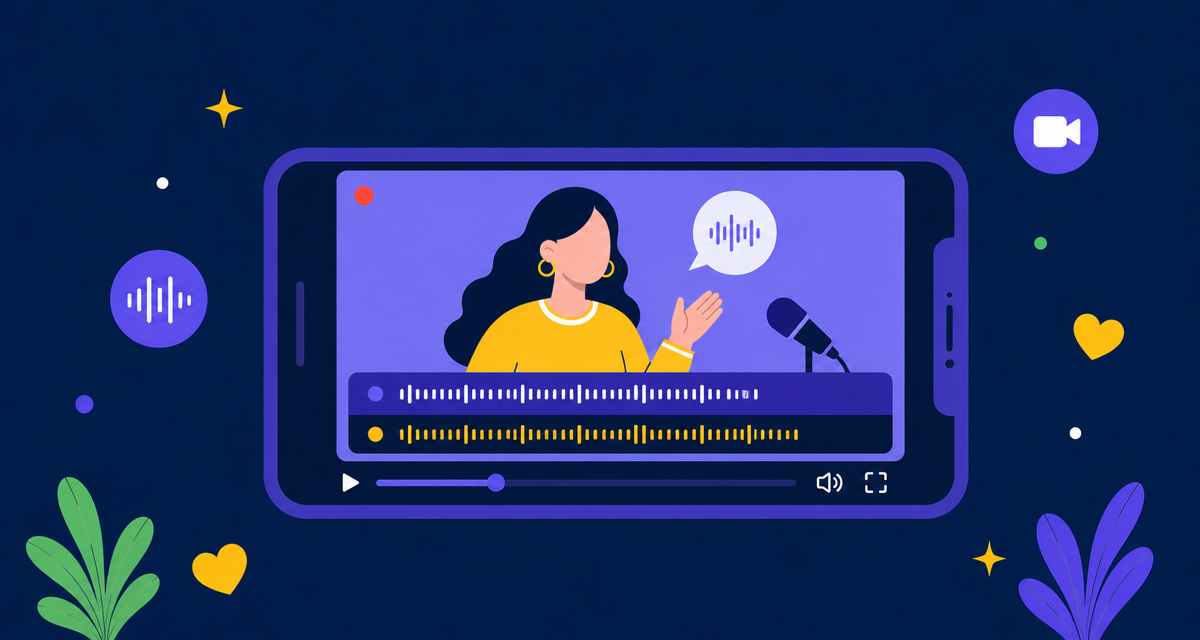
Listen to the translated speech and follow the bilingual captions available during supported calls. Captions can help you check names, dates, numbers, and other important details.
Step 6: Reply in Your Language
Speak naturally in your preferred language. AI Phone translates your response for the caller, so you can focus on the conversation instead of translating each sentence yourself.
Step 7: Type Details That Need to Be Exact
For names, phone numbers, email addresses, street addresses, and booking codes, type the information and use Type-to-Speak when available. The app translates the text and reads it aloud to the caller.
Step 8: Review the Call
After a supported call, open its record in AI Phone to review the transcript or summary. This can help you check an address, appointment time, instruction, or follow-up task.
What Is a Second Number?
A second number is separate from your personal number. Your AI Phone subscription includes one for work, travel, privacy, or international communication. Calls to this number come through AI Phone.
To translate calls made to your personal number, forward them to your second number before they arrive. Without forwarding, calls to your personal number stay in your regular Phone app and cannot be translated by AI Phone.
You can change your second number once per month for free. To manage it, open AI Phone, tap Me, choose Manage My Numbers, and select your number.
What If the Call Goes to the Regular Phone App?
If someone calls your personal number and it has not been forwarded to your second number, your regular Phone app handles the call. AI Phone cannot translate it because the call has not entered the AI Phone calling interface.
There is no setting you can change during that call to enable translation. For a future call, the caller can dial your second number directly, or you can set up call forwarding before the next call. If the caller dials your second number directly, call forwarding is not needed.
Tips for Clearer Call Translation
- Test your second number or call-forwarding setup before relying on it for an important conversation.
- Speak clearly, pause between ideas, and avoid talking over the caller.
- Choose a quiet place when possible because background noise can affect speech recognition.
- Use Type-to-Speak for names, numbers, addresses, email addresses, and codes.
- Repeat dates, times, names, and contact details before ending the call.
For complex legal, medical, financial, or technical conversations where accuracy is critical, a qualified interpreter or professional service may be more appropriate.
Frequently Asked Questions
Can AI Phone translate any incoming call?
No. The call must come through your second number. Calls to a personal number that have not been forwarded are handled by the regular Phone app and cannot be translated by AI Phone.
Does an AI Phone subscription include a second number?
Yes. An AI Phone subscription comes with a US second number.
Can I use my personal number?
Yes, if you forward calls from your personal number to your second number before they arrive. Without forwarding, calls to your personal number go to the regular Phone app.
What happens if I answer in the regular Phone app?
AI Phone cannot translate that call because it is handled by your phone’s native calling interface.
Can I give my second number directly to callers?
Yes. You can give it to customers, colleagues, family members, service providers, or anyone else who needs to call you.
Can I forward my personal number to AI Phone?
Yes. If your carrier supports call forwarding, you can forward calls from your personal number to your second number. The exact setup depends on your carrier and device.
Can I change my second number?
Yes. You can change it once per month for free. Manage it in AI Phone under Me > Manage My Numbers.
Can AI Phone show translated captions during a call?
AI Phone supports bilingual captions for supported call translation experiences.
Can I reply by typing instead of speaking?
For supported call experiences, you can type or paste precise information and use Type-to-Speak to communicate it to the caller.
Can I review the call afterward?
For supported calls, AI Phone provides call records with transcripts or summaries that you can review in the app.
How many languages does AI Phone support?
AI Phone supports more than 150 languages and accents across its translation features. Available languages may vary by feature.
Final Thoughts
To translate an incoming call with AI Phone, make sure it reaches your second number. Callers can dial it directly, or you can forward your personal number to it in advance.
If a call goes to your regular Phone app, AI Phone cannot translate it. Set up the call route before the conversation begins, then answer through AI Phone when the call arrives.