T-Mobile has built translation into its mobile network. Instead of downloading an app or buying a particular phone, a T-Mobile customer can have an ordinary phone call translated while it is happening — the network does the work. The feature is called Live Translation, and it is still in beta, which is why the details keep shifting and why not every T-Mobile customer can use it yet.
Below is what the feature is, who can join the beta, how it works on a call, what it does not cover, and what to use if you are not on T-Mobile.
Quick Answer: T-Mobile’s Live Translation is a beta feature that translates phone calls in 80+ languages, with no app to install — but only eligible T-Mobile members can join, and signing up does not guarantee a spot. If you are on another carrier, or you need translated calls now, an independent app like AI Phone works on any carrier.
What T-Mobile Live Translation Is
T-Mobile calls the feature Live Translation. It translates phone conversations in real time, inside the carrier’s network, so there is nothing to download, no sign-in, and no new account. It works on the phone you already use, and T-Mobile’s page now lists 80+ languages, up from 50+ when the beta was announced in February 2026. The idea is aimed at people who speak limited English, families and friends who speak different languages, travelers, and small business owners serving customers in another language.
The network approach is what makes it different from most call translation tools. App-based translators and phone-maker features run on your handset, so both sides of the call depend on what is installed on a device. Here, the translation happens on T-Mobile’s side of the call, which is why it can work on almost any phone connected to its network — including a basic flip phone.
Who Can Use the Beta
Live Translation is available exclusively for T-Mobile members, and the beta adds two more gates: eligible service and a limited number of spots.
- You must be a T-Mobile member. The other person on the call does not have to be — they can be on any carrier, or even on a landline. Only one phone on the call has to be on the T-Mobile network for translation to work.
- Your line must be eligible. T-Mobile’s page says eligible service is required for the trial, without publishing a plan-by-plan list. If you are unsure whether your line qualifies, the sign-up page is the place to check.
- Signing up does not guarantee access. Spots are limited. After you sign up, T-Mobile keeps you posted while you wait, and notifies you once you are in, with the details and next steps.
- Your phone needs T-Mobile 4G LTE or 5G voice coverage. No app and no software update is needed. The service works anywhere you have that coverage, including calls to 200+ countries and roaming in 85+ countries where 4G or 5G coverage is available.
- Beta testers are asked for feedback. T-Mobile invites testers to report what works and what does not through the Manage tab in the T-Life app, and warns that hiccups are part of being first.
How It Works on a Call
- Sign up and wait for your invite. Register on T-Mobile’s Live Translation page and wait for the notification that you are in.
- Make or answer a normal call. There is no separate app to open and no special number to dial first.
- Dial *87* during the call. That turns translation on. If translation does not start or the call drops, T-Mobile’s advice is to dial *87* again after the call connects and try once more.
- Speak in your own language. The network listens and translates as you talk, so each person hears the conversation in their preferred language.
That is the whole interaction. There is no link to share with the other person — the T-Mobile side of the call switches translation on for both.
What It Does Not Cover
- Emergency calls are excluded. Live Translation works on standard person-to-person calls, not 911 or 988. For an emergency, call the local emergency number directly — do not route the call through any translation service.
- Voicemail and conference calls are excluded. It does not translate messages left on voicemail, and it does not cover conference calls.
- App calls are excluded. Calls inside apps like FaceTime or WhatsApp are not covered. This is a voice-call feature on the mobile network, not a translator for every app on your phone.
- Accuracy is not guaranteed. The translations are AI-generated, and T-Mobile describes them as near real time. For a figure that must not be misheard — a dosage, an account number, a date — confirm it by another channel before acting on it, since machine translation is not perfect.
- Beta behavior can change. T-Mobile is explicit that early testers may hit quirks while the experience is still being improved.
What Happens When the Beta Ends
T-Mobile’s page says it will let testers know once Live Translation officially launches, and that they will have the option to add it to their line. That wording matters: it suggests the finished feature may arrive as something you add to a plan, rather than as a built-in part of every plan. T-Mobile has not announced what it will cost after launch, so any price you see quoted for the finished service is speculation, not a published fact.
Treat every detail in this article as a beta detail. Language counts, eligible plans, and the activation code can all change between beta and launch, and the sign-up page is the current source of truth. This article will need another pass once the feature formally launches.
If You Are Not on T-Mobile
If you are not a T-Mobile member, Live Translation is not an option today, and there is no equivalent to wait for on the other big US carriers. Neither AT&T nor Verizon has announced a network-level translation service of this kind. What exists instead falls into two groups:
- Device features. Apple’s Live Translation on recent iPhones and Samsung’s Call Assist on Galaxy phones translate calls on the device itself. They help only if you own that phone.
- Independent apps. A call translation app works on any carrier, because it does not depend on your network provider. That is the route if you need translated calls now, on the carrier you already have. The next section covers it.
How to Make Translated Calls with AI Phone
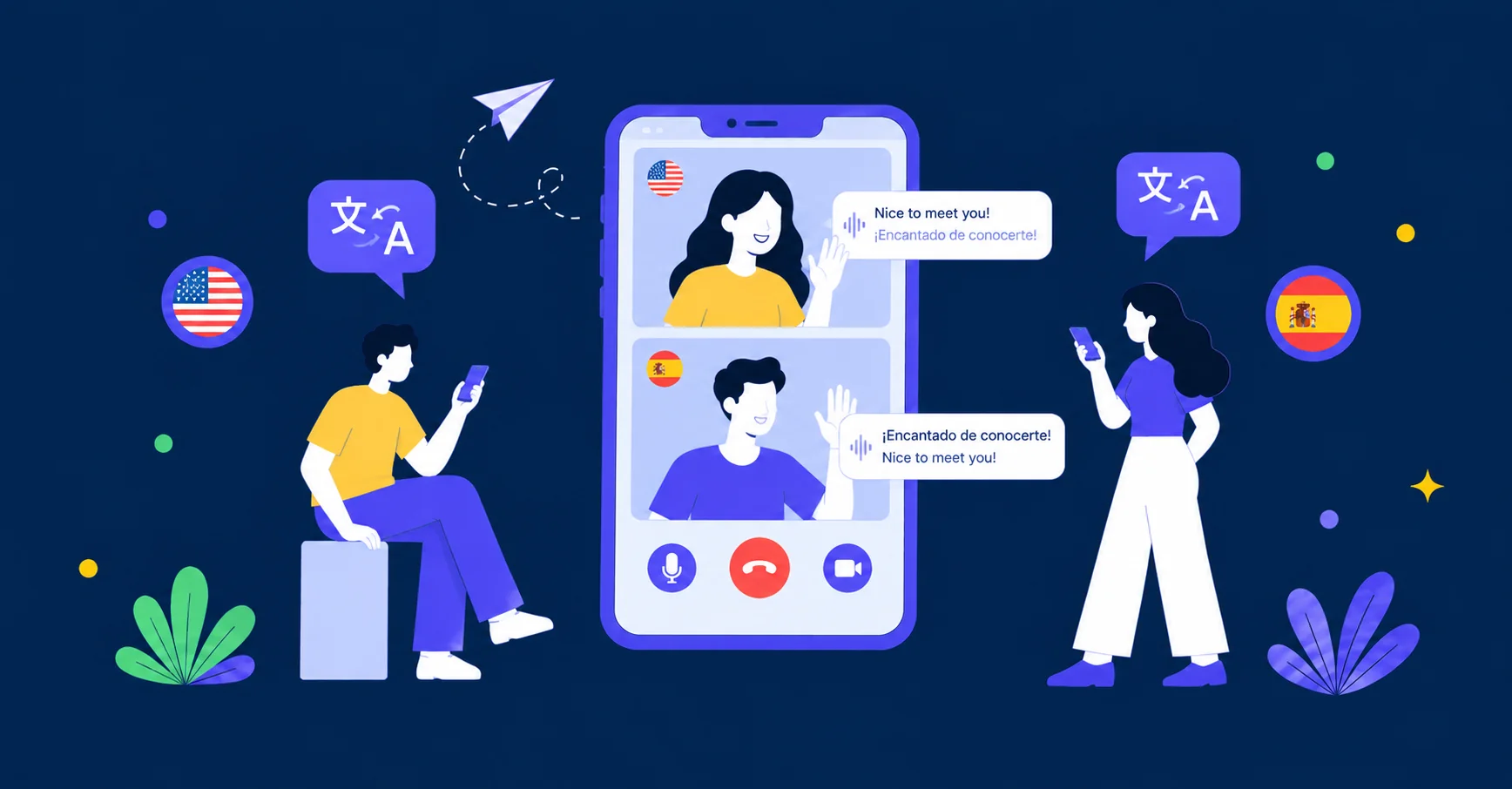
AI Phone is a translator built specifically for phone calls and video calls. On a phone call, it translates the conversation live, so you can speak your own language and hear the other person’s answers in your language, with bilingual subtitles on your screen. The other person answers a normal phone call, with nothing to install on their side. Because it is an app rather than a carrier feature, it works regardless of which network you are on. AI Phone is an extra help for following the conversation, not an official language service — for a payment amount, a medical instruction, or a legal detail, double-check the key points in writing, since machine translation is not perfect.
- Download AI Phone. Install the app and set it up before the call you need it for.
- Pick your languages. Set the language you speak and the language the other person speaks before you dial.
- Place the call through AI Phone. Dial from the app, and the translation runs during the call.
- Talk in short turns. Say one thought, then pause, and let the answer come back before you move on.
- Confirm the important details before you hang up. Repeat the amount, the date, or the confirmation number back, and ask the other person to confirm it. Type to Speak, which lets you type an exact number or name instead of saying it and have it spoken to the other person, can help when a figure must not be misheard.
Final Thoughts
T-Mobile’s beta is worth watching because it removes the usual friction: no app, no new phone, no link to share. But beta means gated — eligible members only, limited spots, and no announced price for the finished service. If you are on T-Mobile, sign up and wait for the invite. If you are not, or you need a translated call this week, the carrier-independent route is already available.
Need a translated call on any carrier?
AI Phone translates phone calls live — no carrier switch, nothing for the other person to install.